
Rule meshing
Connect relevant sightings to the same rule map. Combine time limits, grace periods, re-park conditions and exemptions so fixed cameras and patrol teams work from shared operational context.
COREconnect / ANPR camera
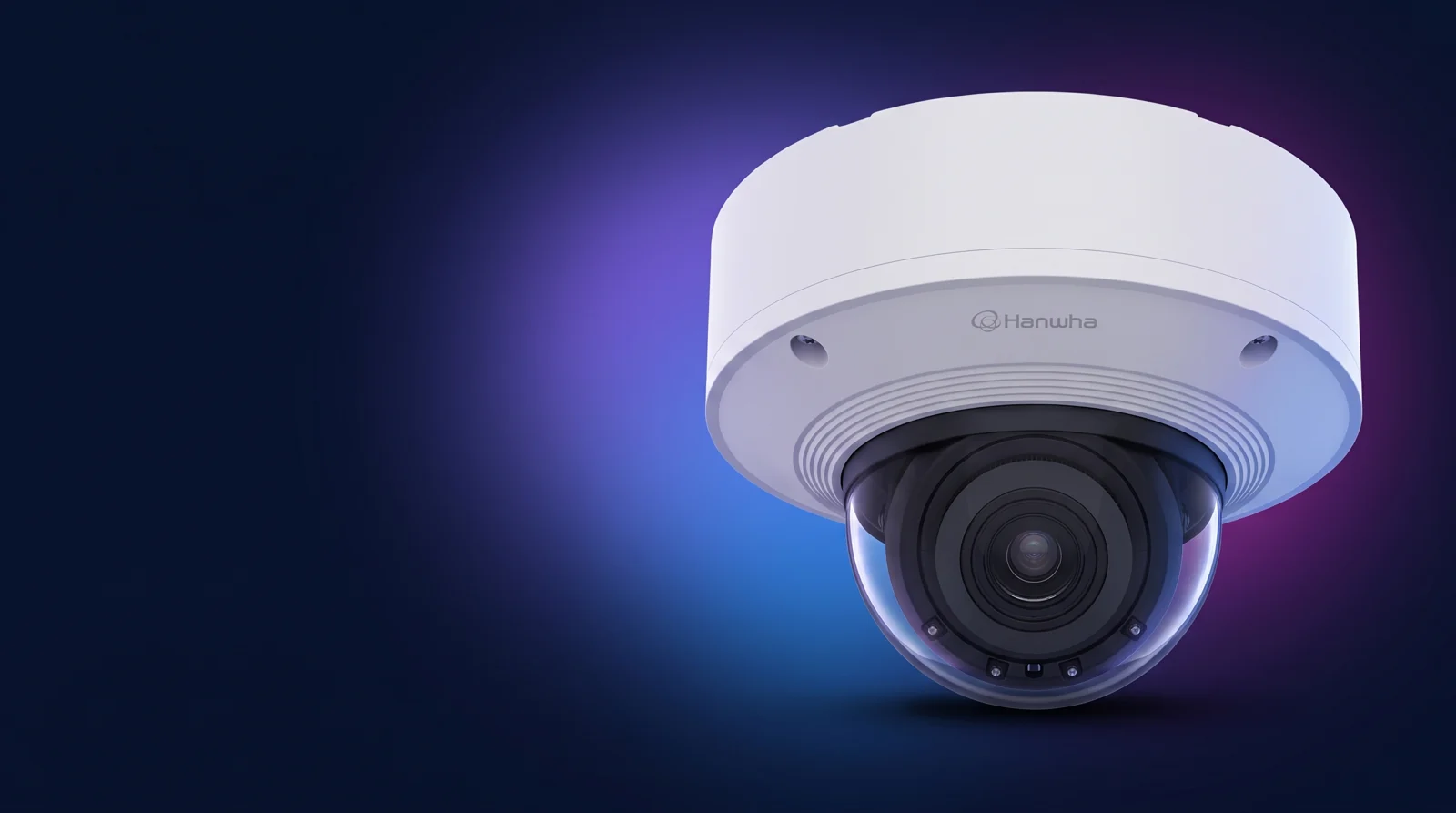
A Road AI dome camera for licence plate and vehicle recognition. It provides a different mounting format from the corresponding bullet, while the recognition application and its configuration remain central to the output.
Why connect this camera to CORE
Hanwha Vision PNV-A9081RLP supplies the capture. CORE connects the observation to rules, zones, permits, parking sessions and the people who manage the outcome.
Connect relevant sightings to the same rule map. Combine time limits, grace periods, re-park conditions and exemptions so fixed cameras and patrol teams work from shared operational context.

Map each camera to its CORE operating zone. Attach location and zone context to observations so the right restrictions, permissions and review workflow follow the vehicle sighting.

Apply configured parking hours, day-specific restrictions and scheduled zone rules. Keep observations connected to the rules in force at the time of capture.

Check vehicle observations against configured permits and entitlements. Bring permit status, permitted zones and validity periods into the same review path as the camera evidence.

Connect observations with parking-session data from EasyPark, Flowbird, ADR and other configured providers. Give reviewers the camera evidence and the relevant payment-session context together.
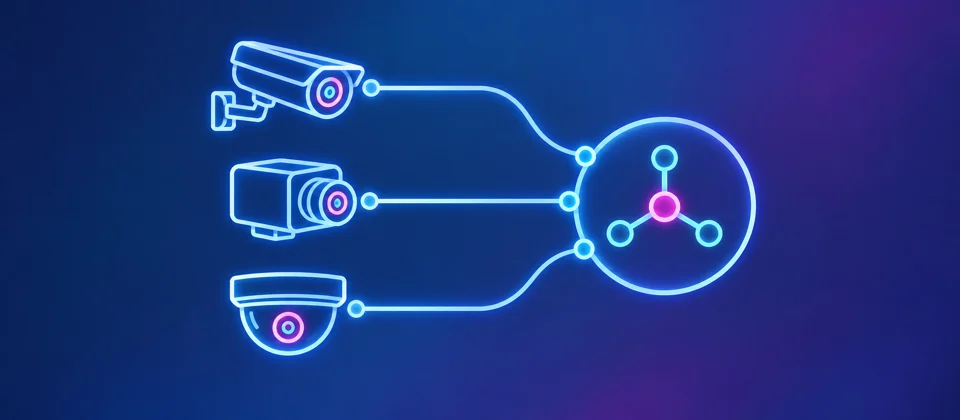
Bring supported cameras from different manufacturers into a shared observation network. Normalise source, time, imagery and vehicle details in CORE so teams can review activity across the whole camera estate.

Use vehicle snapshots as input to a configured ANPR / ALPR recognition service. Image-only cameras can contribute plate observations alongside cameras with onboard recognition, with image quality and recognition scope assessed for the deployment.

Move relevant observations into a CORE case with connected evidence and a chronological history. Manage assignment, review, follow-up and closure so the sighting remains connected to the full operational lifecycle.
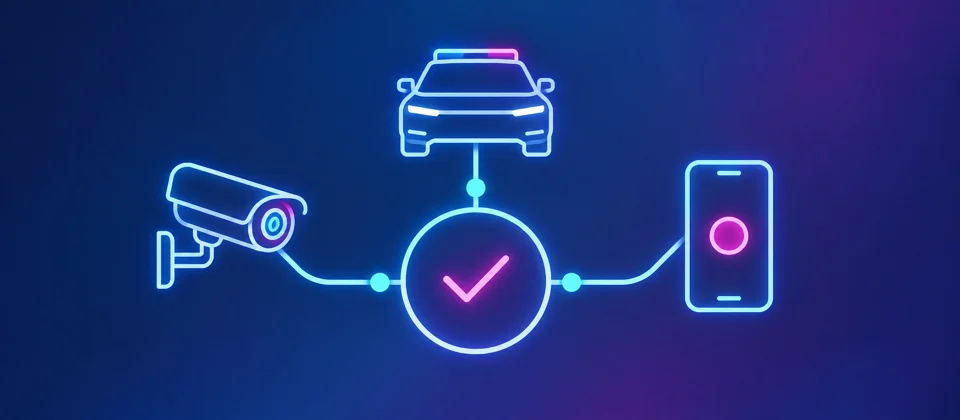
Connect COREconnect fixed-camera observations with CarLink vehicle capture and PatrolLink field activity. Officers and office teams share the sighting history, zone context and case record as work moves between them.
Camera interfaces, recognition services and parking-provider data flows are configured for the agreed deployment.
The connection
Scope the Wisenet Road AI application interface separately from camera management and video streaming. Use the manufacturer’s Road AI guide and installed application version to confirm plate events, vehicle attributes and image access.
COREconnect scopes the camera connection around the data your team needs: source identity, observation time, permitted imagery and, where available, a recognised plate. The camera remains one part of the wider capture and review process.
Manufacturer integration referenceDeployment planning
Check the dome mounting position, illumination reflections and Road AI configuration. Validate the plate crop and overview image from the same observation.
Use an event captured by the installed camera application, ideally from the intended site. It will show which data and images are available, how COREconnect can retrieve them and what can be stored in the CORE observation.
From sighting to review
Ingest the supported event or snapshot from the agreed camera or recognition interface.
Map source, time, image and available vehicle details into a consistent observation.
Apply configured zone context and relate relevant sightings across the deployed network.
Present the record in CORE for authorised review and the configured operational workflow.
Inclusion in this catalogue is an integration guide, not a claim that every model or firmware is already connected to CORE. The final scope is confirmed for the selected deployment.
Manufacturer information
Use the manufacturer’s current documents for specifications, regional variants and availability. The camera image is styled for this catalogue; use the manufacturer’s photography and drawings to confirm physical details.
Camera choice. Connected workflow.
Bring your camera configuration, operating zones and a sample event. We’ll scope the connection to Aero Ranger CORE with your team.
