



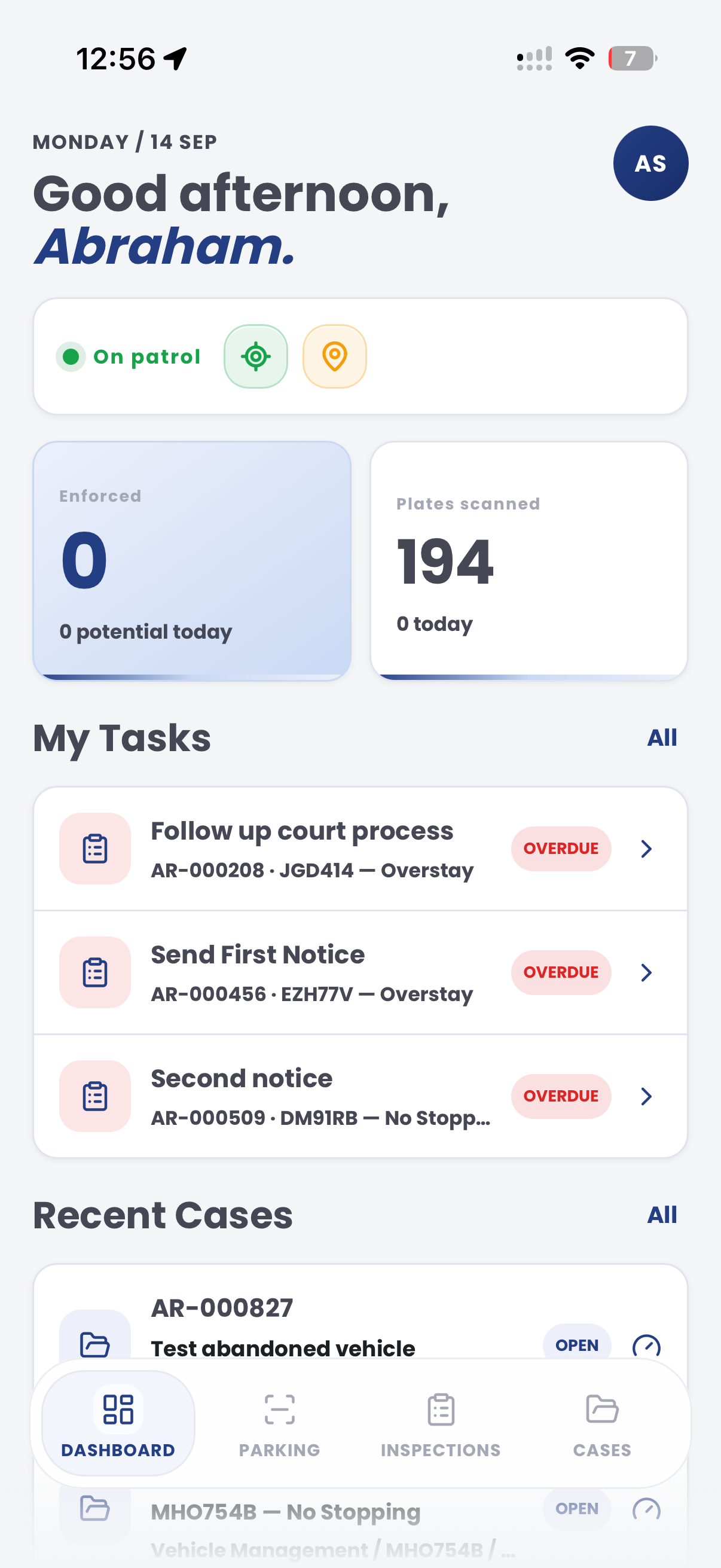
The handoff starts with incomplete information
A roadside report can arrive before the responsible team has the vehicle, location, request and evidence context together.
Aero Ranger helps authorised roadside-assistance teams record vehicle observations, supporting evidence, assigned work and review outcomes in one operational workflow.
An authorised field observation, assistance request or inspection can begin the record. The decision still needs to be reviewed by the right team with the organisation’s approved operating and privacy controls.
A roadside report can arrive before the responsible team has the vehicle, location, request and evidence context together.
Roadside, fleet, member-service and back-office teams can otherwise rebuild the history from calls, notes and messages.
Vehicle and member records need defined purpose, controlled access, proportionate retention and reviewable decisions.
The useful question is not which feature exists. It is whether the team can see the place, rule, evidence, exception, next action and review history before making a decision.
Use approved field, fixed or aerial sources within the organisation’s defined purpose and operating controls.
Capture-source records, zones, timestamps and review queues.Keep relevant photos, notes and inspection details connected to the vehicle record.
Inspections, evidence attachments, case notes and audit history.Assign a practical next action to the appropriate roadside, fleet or back-office team.
Cases, tasks, due dates, statuses and notifications.Apply the organisation’s purpose, eligibility, access and retention settings to the workflow.
Roles, access controls, retention settings and audit logs.A connected record keeps the original observation and the follow-up decision together.
Keep the vehicle identifier, recent observation and operating-area context together.
Record the relevant request, inspection notes and supporting evidence for authorised review.
Assign the next review or task to the responsible team and retain the outcome.
A contextual CORE view keeps the case, rule, evidence, workflow status and next action together.
Vehicle observation and assistance context recorded for review
Authorised operating area
Review evidence, owner and operating context
Aero Ranger keeps the issue photos, place context, rule context and follow-up state together so the case can be checked later without rebuilding the record.
The issue photo stays on VEH-10001 with the case note and current case status.
Site, street, reserve, bay, kerbside or zone context stays attached so reviewers can see where the issue occurred.
The relevant signage, permit condition, local-law category or operating rule is recorded beside the issue evidence.
Later photos, reinspection notes, notice evidence and closure decisions remain in the same case trail.
In CORE, a roadside-assistance workflow works best as a reviewable operational record that connects vehicle context, evidence, ownership and outcome.
Vehicle identifier, observation time, operating area and capture source.
Relevant inspection notes, evidence and supporting context.
Owner, task, due date and recorded outcome.
Teams can start with a targeted pilot, tune thresholds and then extend the same model across related compliance areas.
Record the authorised observation, assistance request or inspection with vehicle and location context.
Review the relevant vehicle history, supporting information and operating rules.
Give the responsible team the evidence and context needed to decide the next action.
Assign and complete the required task, escalation, referral or follow-up.
Review operational patterns, workload and resolved outcomes through authorised reporting.
Once capture, evidence and case flows are working, related compliance categories can use the same platform pattern.
Use location history and exceptions to support branch and depot review.
Review recent observations and linked records across operating locations.
Bring a common breakdown or member-service workflow and we will map capture, review, ownership and reporting.
Technology procurement guide
Use your organisation or government email address. Your guide will be ready to open as soon as the form is submitted.