


Challenge / Vehicle-hire yard stocktakes

Vehicle-hire fleet tracking and yard audits without manual reconciliation.

Aero Ranger helps vehicle-hire and roadside-assistance teams manage their own fleet, use ANPR from authorised service vehicles, fixed locations or drones to audit eligible member or customer vehicles with controlled purpose, access and retention, and send exceptions into review.

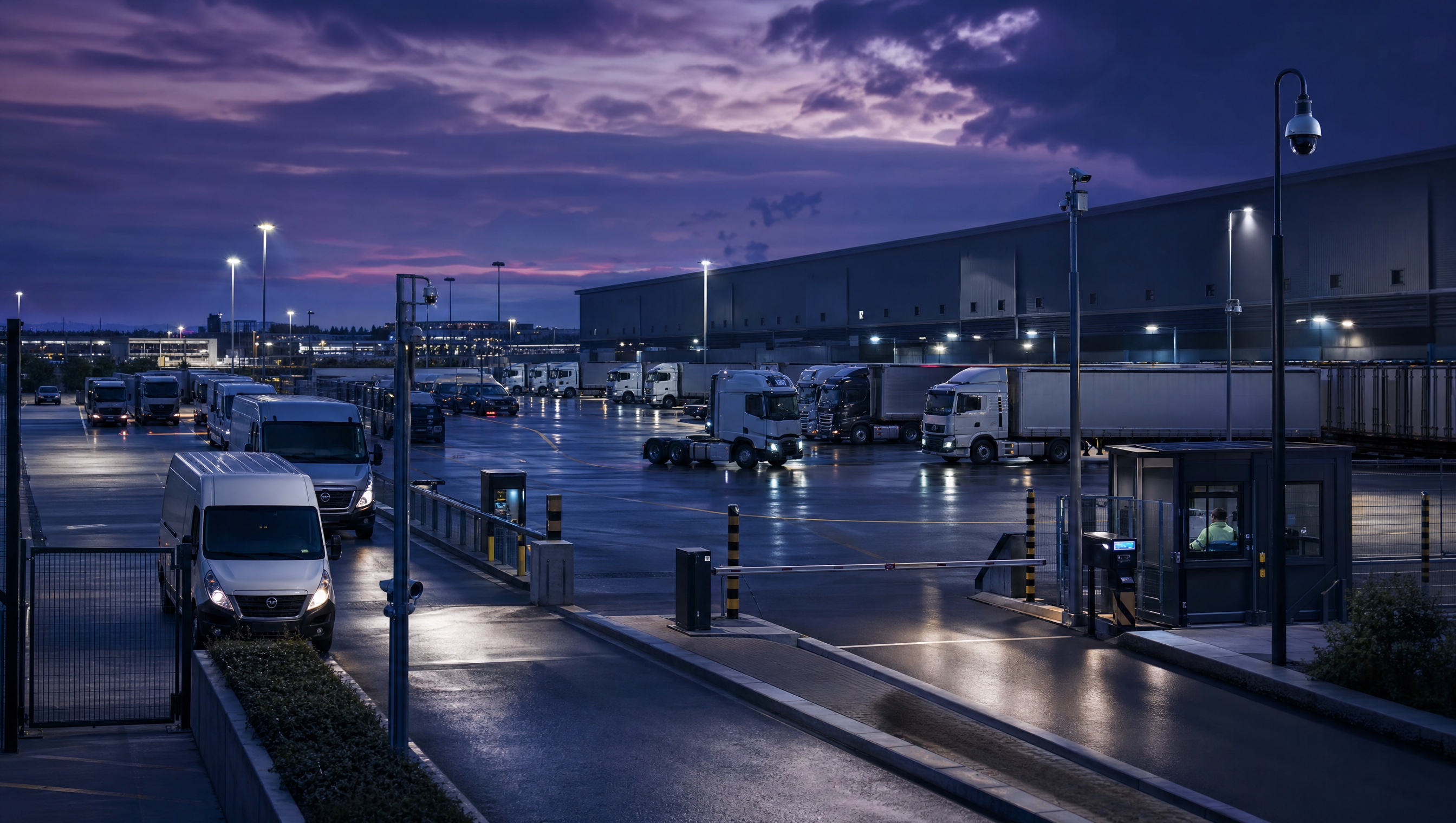
Operational vehicle yard with organised fleet parking
Manage the fleet and audit eligible member vehicles with privacy controls. Support fleet tracking and authorised vehicle, fixed or drone ANPR capture with defined purpose, eligibility, access, retention and reviewable exceptions.
FleetManaged fleet location, movement, status and operating history
ReadsAuthorised ANPR observations with time, source and zone context
YardsBranch, return, ready-line and overflow locations
ReviewExceptions, owners, actions and audit history

The issue is not just counting vehicles. It is managing the fleet while resolving the difference between an authorised member-vehicle observation and the operating record.

A useful workflow distinguishes managed-fleet activity from ANPR observations made by authorised roadside-service vehicles against eligible member or customer vehicle lists, then keeps the source, zone, time and exception action together.

Fleet and audit records need separation

Managed-fleet status and ANPR observations of other vehicles serve different operating purposes and need clear handling.

Privacy needs to be designed in

Member-vehicle audits need a defined purpose, limited access, proportionate retention, transparency and a reviewable decision path.

Unmatched vehicles need action

The useful outcome is a clear exception record, not another list to email around.

What the workflow needs to keep together.

The useful question is not which feature exists. It is whether the team can see the place, rule, evidence, exception, next action and review history before making a decision.

Managed fleet tracking

Track the operator’s fleet across defined branches, yards and operating areas.

Fleet activity, vehicle history, zones and reporting.

Privacy-led member-vehicle audits

Use ANPR from approved roadside-assistance vehicles, fixed sources or drones to audit eligible member or customer vehicles only for the operator’s defined and authorised purpose.

Eligibility lists, roles, access controls, retention settings, audit logs and review queues.

Drone ANPR with operational controls

Use drone capture only where the operator has the required aviation authority, site controls and privacy safeguards for the intended operation.

Approved flight operations, defined capture area, source record, review queue and audit history.

Exception cases

Assign and close exceptions with notes, evidence and clear ownership.

Cases, tasks, statuses and audit trail.

See the service area, then search the vehicle record.

Teams need a practical way to review fleet activity, authorised member-vehicle audit observations and exceptions requiring follow-up.

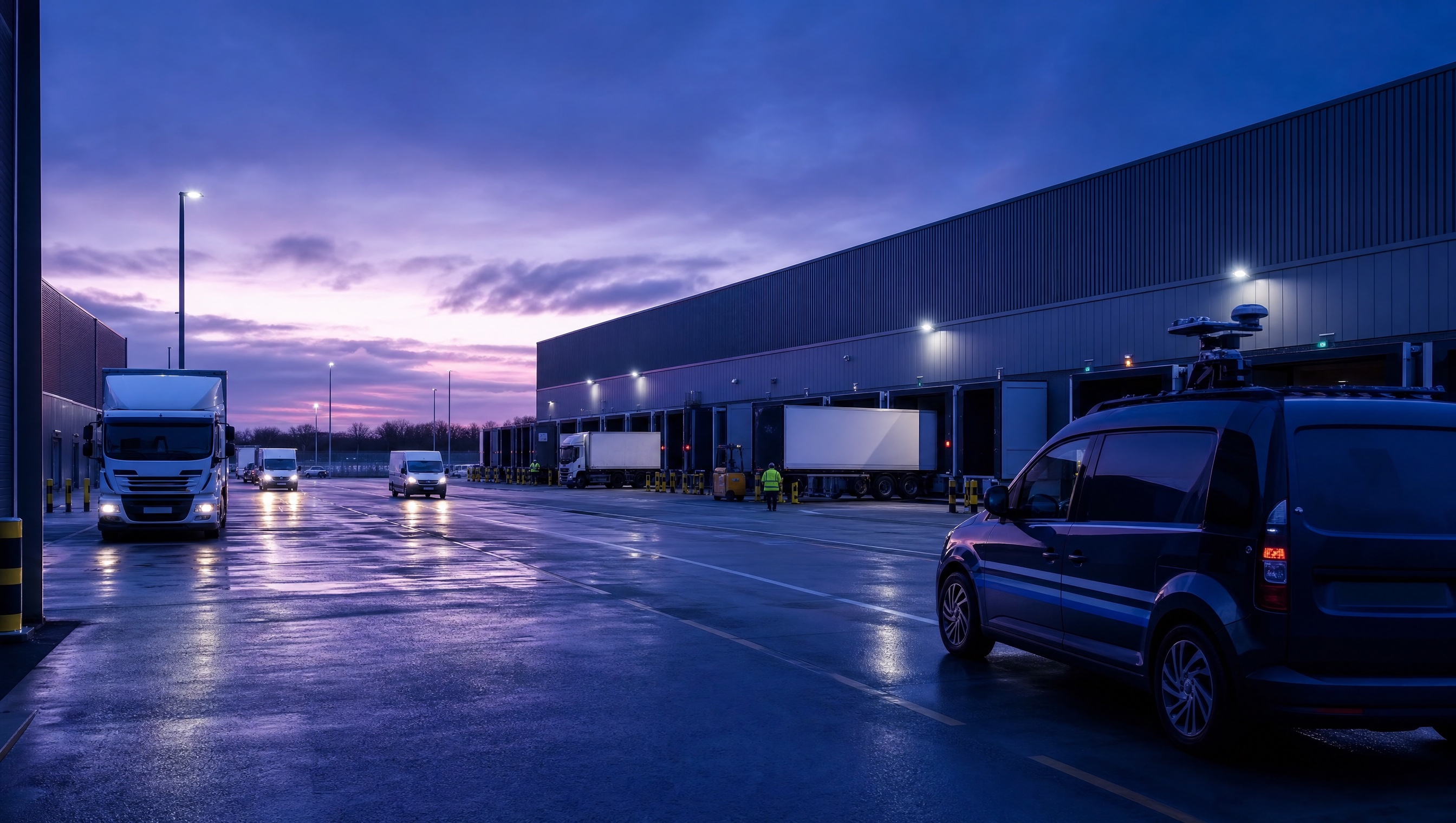
Depot yard with vehicle movement lanes

Yard context

Record the branch, yard, return lane, ready line or overflow zone where the vehicle was observed.

Time context

Keep the observation time and capture source available for later reconciliation.

Review context

Assign unmatched, unexpected or missing vehicle records to the appropriate team.

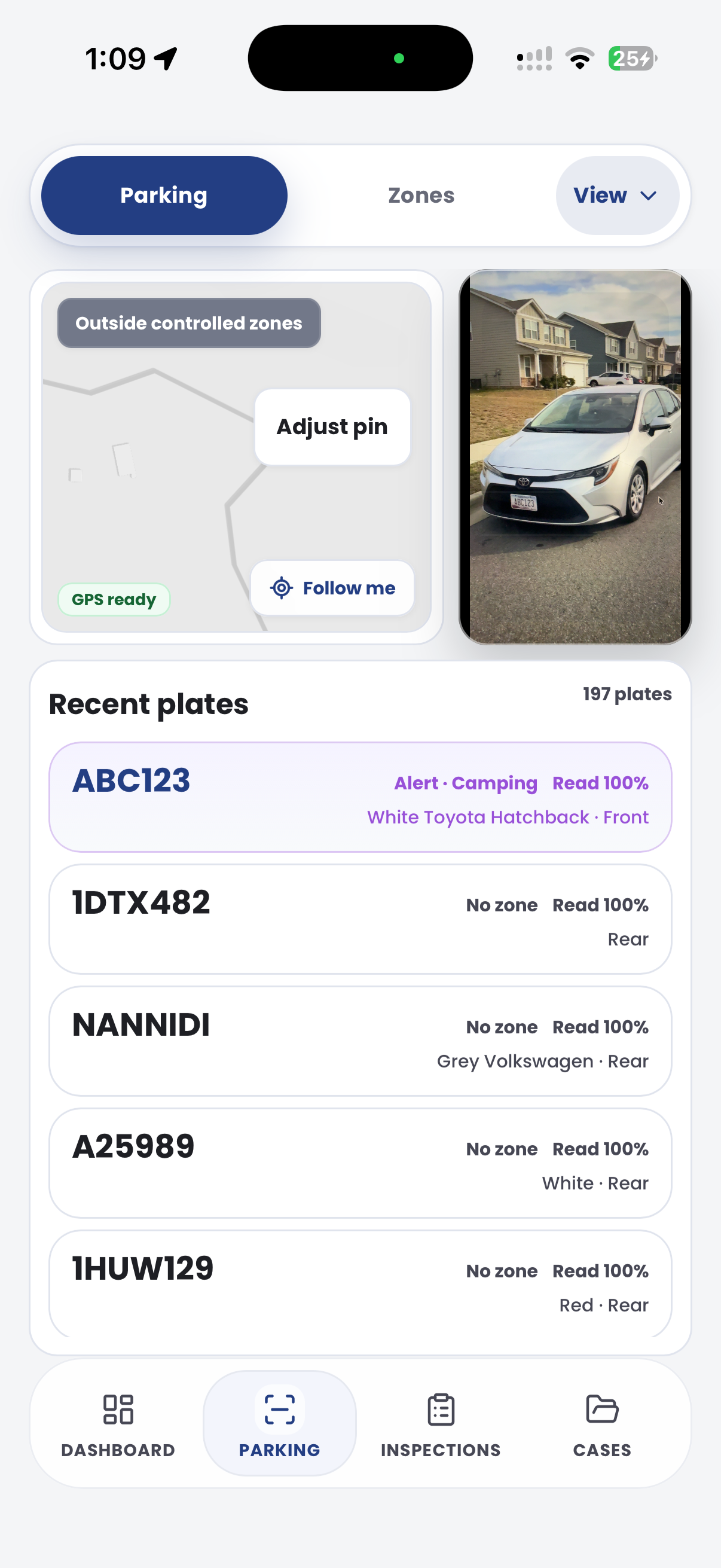
Example CORE screen for a vehicle-hire stocktake exception

A contextual CORE view keeps the case, rule, evidence, workflow status and next action together.

City of Utopia Cases VEH-10001 Review
  1. Open
  2. Review
  3. Action
  4. Closed
Yard observation
Vehicle fleet yard used as the visual context for a stocktake record Vehicle observation recorded during yard stocktake Vehicle-hire depot zone
Vehicle-hire stocktake exception
Review
Operating review

Yard reconciliation required

Confirm recent observation and assign outcome

Status Open
EvidenceAttached
Next actionReview
DecisionPending
Next actions
  • Review evidence
  • Confirm rule
  • Record outcome
Chain of evidence collection

Aero Ranger keeps the issue photos, place context, rule context and follow-up state together so the case can be checked later without rebuilding the record.

Vehicle fleet yard used as the visual context for a stocktake record
Vehicle observation recorded during yard stocktake · Vehicle-hire depot zone
Issue photo Vehicle observation recorded during yard stocktake

The issue photo stays on VEH-10001 with the case note and current case status.

Place context Mapped field location

Site, street, reserve, bay, kerbside or zone context stays attached so reviewers can see where the issue occurred.

Rule context Yard reconciliation required

The relevant signage, permit condition, local-law category or operating rule is recorded beside the issue evidence.

Follow-up state Vehicle-hire depot zone

Later photos, reinspection notes, notice evidence and closure decisions remain in the same case trail.

A typical operational workflow in Aero Ranger CORE.

In CORE, a yard stocktake works best as an operational review record that connects vehicle observations, yard context, reconciliation notes, ownership and final outcome.

Workflow path

  1. Yard observation
  2. Vehicle search
  3. Reconcile
  4. Assign exception
  5. Resolve
  6. Report

The vehicle-hire stocktake exception record would hold:

Vehicle and yard

Vehicle identifier, observed depot, zone, time and capture source.

Review

Expected record, observation history and reconciliation notes.

Action

Owner, next task, due date and resolution.

One operating loop from first sighting to management reporting.

Teams can start with a targeted pilot, tune thresholds and then extend the same model across related compliance areas.

Define fleet, service zones and eligibility

Set up managed fleet, service areas and authorised member or customer vehicle lists.

Approve capture sources

Confirm the permitted vehicle, fixed or drone ANPR sources, capture area and privacy controls.

Track and audit

Track fleet activity and run approved ANPR audits from roadside-service vehicles, fixed sources or drones.

Review differences

Search the vehicle history and identify records needing attention.

Assign and report

Record the next action, then review fleet activity and audit outcomes by operating area.

The same model extends across compliance work.

Once capture, evidence and case flows are working, related compliance categories can use the same platform pattern.

Cross-depot vehicle search

Find recent vehicle observations across operating locations.

Fleet turnaround visibility

Review vehicles moving through return, maintenance and ready states.

Make yard stocktakes easier to review.

Bring a branch-yard process and we will map capture, zones, reconciliation and exception follow-up.