

Bring parking, permits, inspections, evidence and reporting into one practical council workflow.
Vehicle classification
Detected vehicle type should be reviewed with confidence settings and evidence.
Aero Ranger helps teams review heavy and commercial vehicle parking restrictions by combining vehicle-type context, restricted zones, schedules, evidence, inspections, cases and reporting.
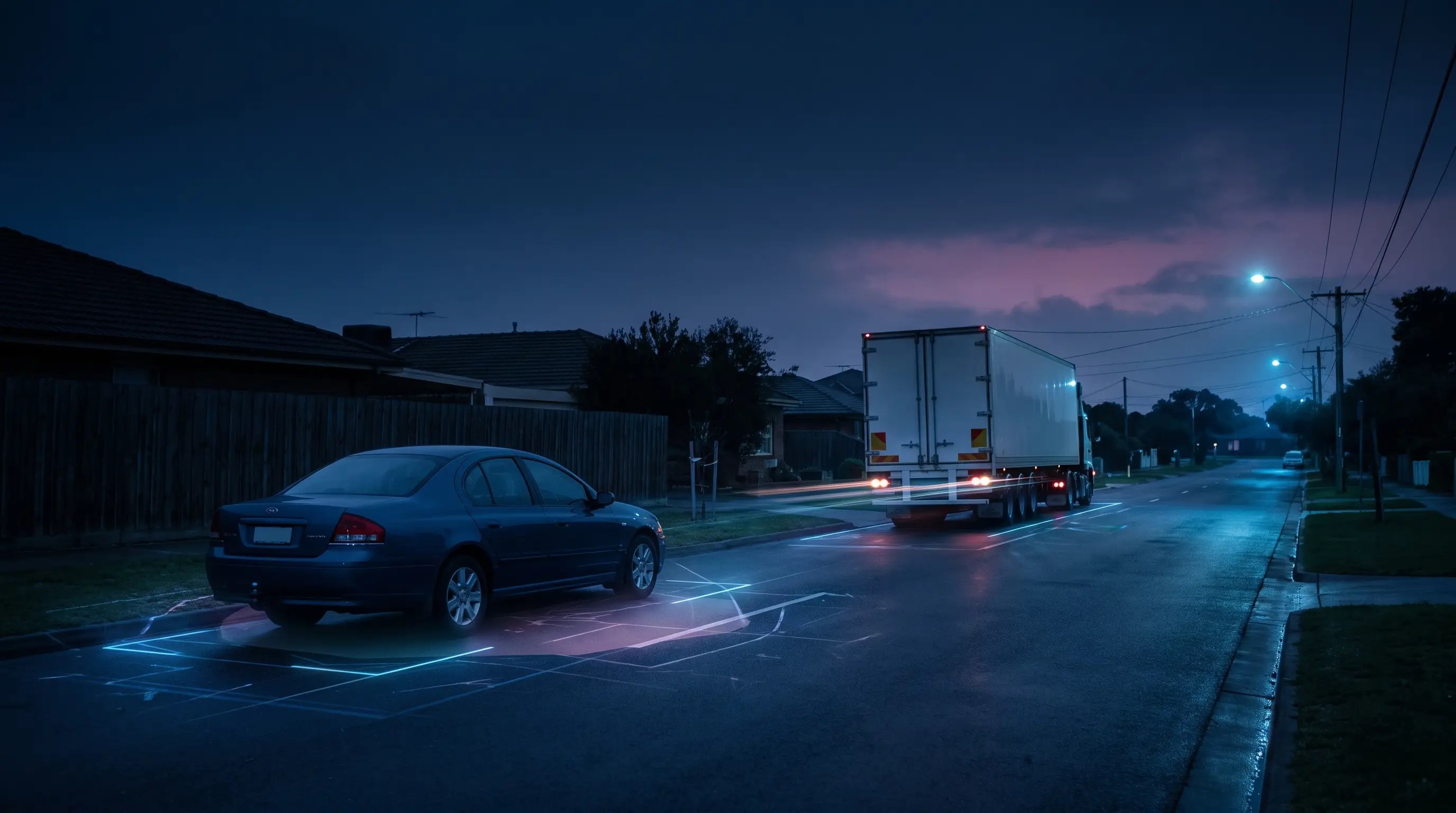
Aero Ranger helps teams review heavy and commercial vehicle parking restrictions by combining vehicle-type context, restricted zones, schedules, evidence, inspections, cases and reporting.
Heavy and commercial vehicle restrictions need the right local context.
Vehicle classification. Works access. Permit exceptions. Repeat complaints across different streets.
AeroRanger connects the workflow. Map restricted areas. Configure vehicle rules. Capture observations. Check exceptions. Record the reviewed outcome.
Keep photos, location and officer notes together. Use confidence settings and field confirmation to support review of the vehicle category and relevant authorisation.
Back in CORE, see repeat locations, active matters and the cases that need another check.
Keep the restriction, supporting evidence, notice and follow-up in the same vehicle record, ready for later review.
Bring a vehicle-restriction scenario. We'll walk through it with your team. AeroRanger. Book your local-road compliance demo.
Commercial and heavy vehicle restrictions can depend on road type, vehicle class, time windows, permits and exemptions. Evidence needs to show the configured rule and the observed vehicle.
Detected vehicle type should be reviewed with confidence settings and evidence.
Service vehicles, deliveries, works access and permits may alter the decision.
Residents may report recurring vehicles on specific streets or at specific times.
Restrictions need to follow the right street segments, areas and operating periods.
The field app / iPhone and Android
Capture the vehicle, location and relevant site context. Keep field observations available to the team reviewing access restrictions and exceptions.
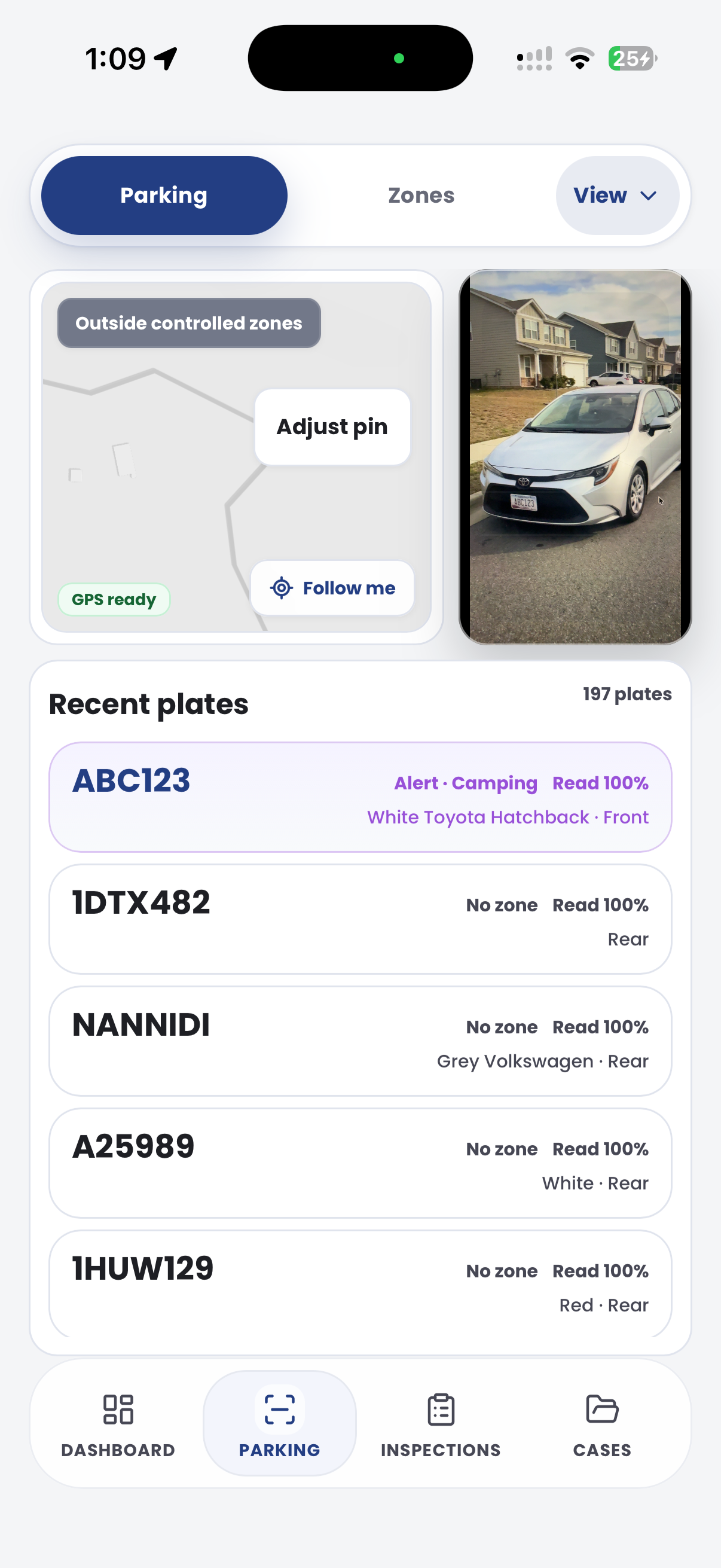

The useful question is not which feature exists. It is whether the team can see the place, rule, evidence, exception, next action and review history before making a decision.
Configure vehicle-type restrictions inside zone profiles.
Configuration zones, profiles and restricted vehicle types.Set confidence thresholds so vehicle type checks fit council tolerance.
Zone settings and detection confidence.Recognise authorised access, works vehicles or approved commercial records.
Permits, categories, active hours and account records.Attach photos, location, notes and officer confirmation to each matter.
Inspections, cases and evidence records.Map restriction decisions to configured outcomes and notices.
Parking offence mapping, local laws and document builder.Report repeat streets, vehicle types, time windows and outcomes.
Intel reports, exports and vehicle replay.A restriction review needs vehicle type, zone, time window, evidence, permit or exemption context and follow-up status connected.

Review truck, commercial, trailer or unknown vehicle type with confidence and officer confirmation.
Map residential streets, local roads, holding areas and restricted corridors.
Check contractors, works permits, service vehicles or authorised access before escalation.
A heavy vehicle review keeps vehicle class, local road rule, permit exception, operator contact and repeat-route reporting together.
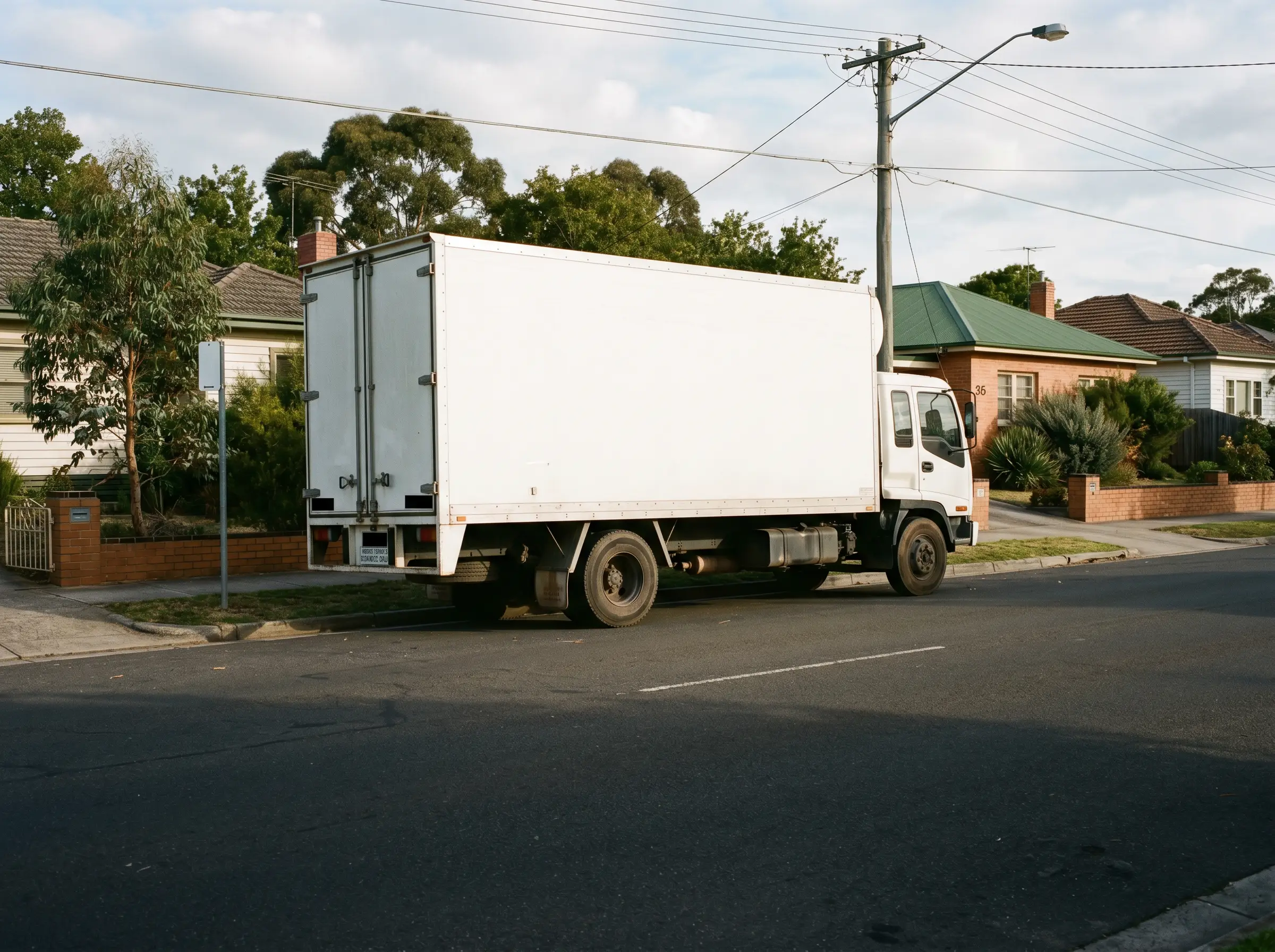
Heavy or long vehicle parked in a built-up area beyond one hour
Aero Ranger keeps the issue photos, place context, rule context and follow-up state together so the case can be checked later without rebuilding the record.
The issue photo stays on HV-90426 with the case note and current case status.
Site, street, reserve, bay, kerbside or zone context stays attached so reviewers can see where the issue occurred.
The relevant signage, permit condition, local-law category or operating rule is recorded beside the issue evidence.
Later photos, reinspection notes, notice evidence and closure decisions remain in the same case trail.
Heavy vehicle restriction work is about route, weight, time and local access context. Council needs to separate legitimate access from recurring residential street or infrastructure pressure.
Record the street, bridge, residential area, school area, time window, weight or vehicle class rule and any permit or delivery allowance.
Attach plate, photos, vehicle type, direction, repeat sightings, operator context and officer notes about loading, works or access.
Warn, contact operator, issue, refer, close as authorised, and report repeat routes where engineering or signage review may be needed.
Rego, vehicle class, trailer configuration, commercial indicators, company markings and repeat sighting history.
Residential street, bridge, weight limit, night restriction, school area, permit zone and active time window.
ANPR read, photos, GPS location, officer notes, schedule match and any permit lookup result.
Delivery, works permit, emergency access, authorised route, local business access or manual review note.
Review, contact operator, issue warning, issue notice, refer, close and report repeat routes or times.
Teams can begin with complaint streets or known truck routes, tune vehicle-type confidence and use cases for repeat review.
Define the streets, roads or precincts where heavy or commercial vehicle rules apply.
Configure restricted vehicle types, detection confidence and active windows.
Use patrol evidence and field observations to confirm the vehicle and location.
Review permits, works access, service reasons or authorised records.
Use cases and Intel to report unresolved vehicles and hotspot corridors.
Once zones, vehicle sightings, evidence and case flows are configured, related compliance categories can use the same platform pattern.
Use vehicle type and kerbside timing to manage commercial access pressure.
Check authorised contractor or service vehicle access before action.
Control heavy vehicle access around temporary event routes and precincts.
Track repeat complaints, inspections, notices and closure outcomes.
Share the short brochure with stakeholders, then use the procurement guide to frame requirements, governance, rollout and evaluation.
Bring a complaint street or truck restriction area and we will map detection, evidence, permits and case follow-up.
Technology procurement guide
Use your organisation or government email address. Your guide will be ready to open as soon as the form is submitted.

