CORE permit workflow

Road reserve permits in Aero Ranger CORE.

Road reserve permits connect proposed works, contractor details, traffic controls, council conditions, field evidence and reinstatement checks throughout the permit lifecycle.

AccountHolder, property, organisation and subject details stay linked.
ConditionsZones, dates, documents and operating rules remain visible.
HistorySubmissions, approvals, edits and field checks stay in sequence.
Council road reserve works area with traffic controls and field evidence context
Work zone, verge access and traffic-control context

Example CORE permit record.

This mock City of Utopia record follows the same operating idea as the case examples: the permit, evidence, documents, status, history and next action are visible before staff decide what happens next.

City of Utopia Permits All Permits Trial - 20 days
Permits / View Permit

Road Reserve Works Active

AccountJordan Williams
WorksUtility connection
Property62 Station Road, Utopia
OrganisationCivic Utilities Group
CategoryRoad Reserve Permit
JurisdictionCity of Utopia
ZonesRoad shoulder, verge, footpath and traffic-control area
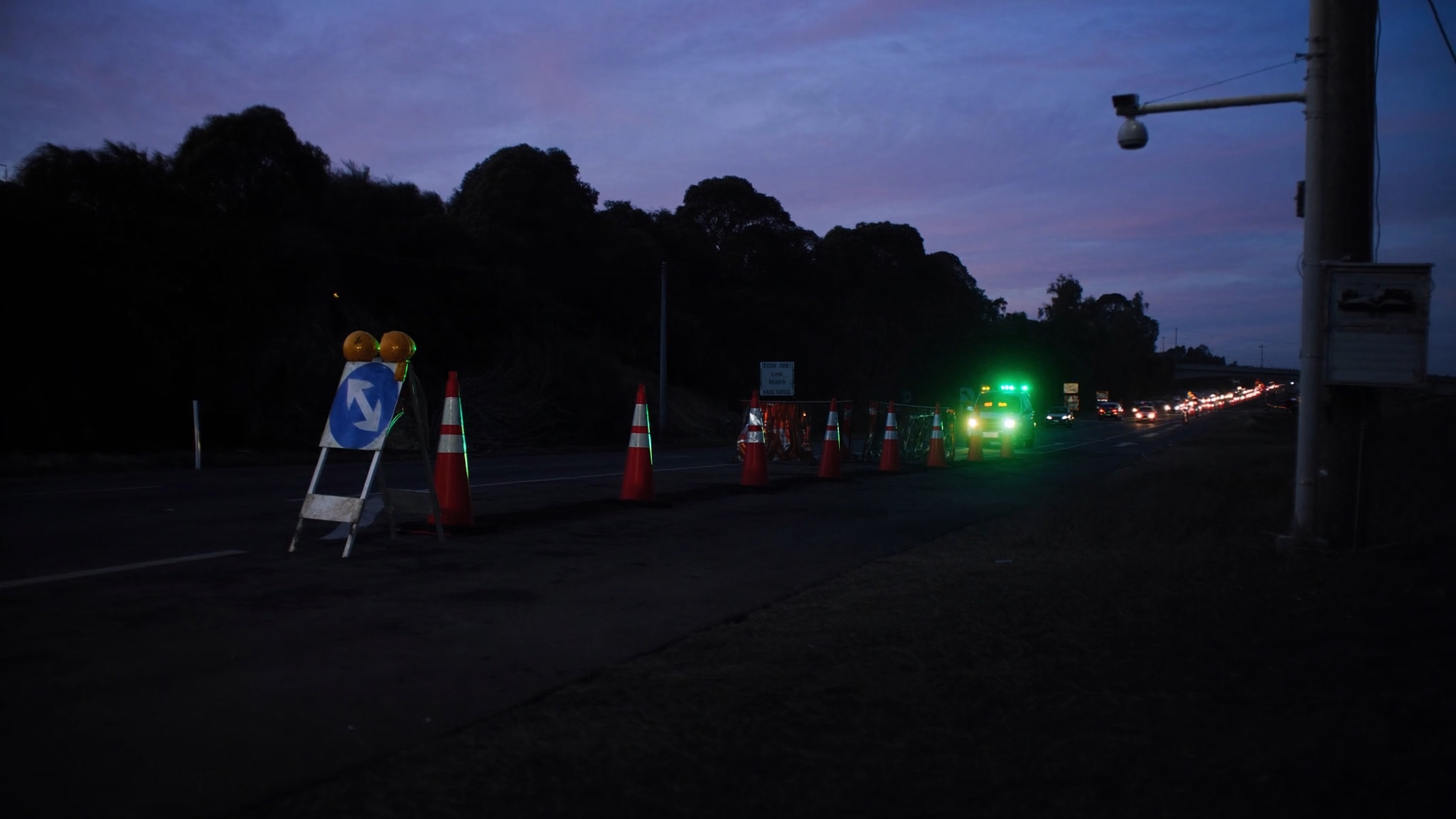
Council road reserve works area with traffic controls and field evidence context
Work zone, verge access and traffic-control context
Approval06 July 2026
Activation13 July 2026
Expiry03 August 2026
Duration3 weeks
Supporting documents
  • Traffic management planAttached
  • Services planAttached
  • Reinstatement conditionAttached
  • DH
    Reinstatement condition addedCity of Utopia - 10 July 2026, 11:08
    Out
  • JT
    Traffic plan reviewedCity of Utopia - 10 July 2026, 12:08
    Out
  • DH
    Permit approvedCity of Utopia - 10 July 2026, 13:08
    Out
  • JT
    Application submittedCity of Utopia - 10 July 2026, 14:08
    Out
Next actions
  • View traffic plan
  • Record works inspection
  • Complete reinstatement check

A practical permit workflow.

Road Reserve Permits should be managed as an operational record, not just a PDF approval. CORE keeps the intake, checks, evidence, conditions and review history together so administration and field teams can work from the same information.

  1. Application
  2. Services review
  3. Traffic review
  4. Condition approval
  5. Works inspection
  6. Reinstatement check
  7. Closure
  • The work footprint, contractor and approved dates stay connected to the permit.
  • Traffic controls and council conditions remain available during field checks.
  • Reinstatement evidence can be reviewed before the permit is closed.

Other permit workflows.

Each permit category can have different fields, dates, documents and review steps while keeping the same account, evidence and history model.