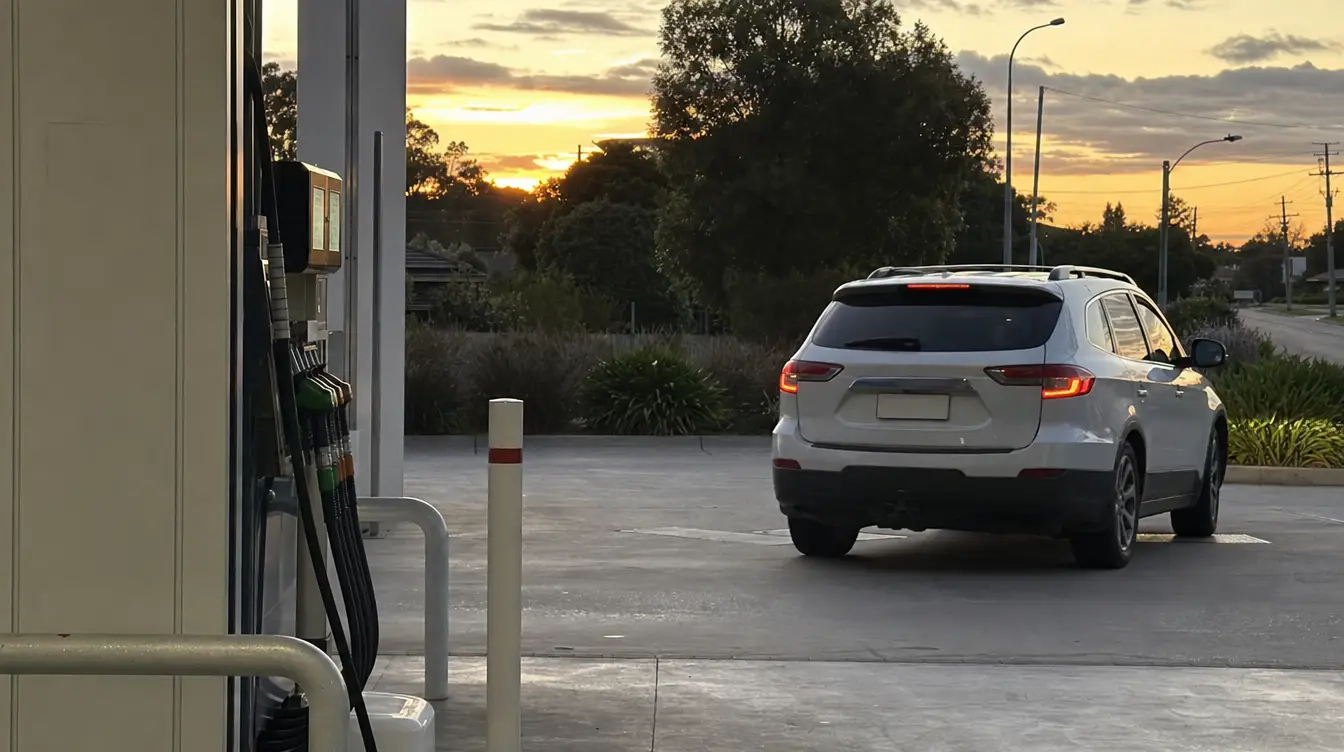



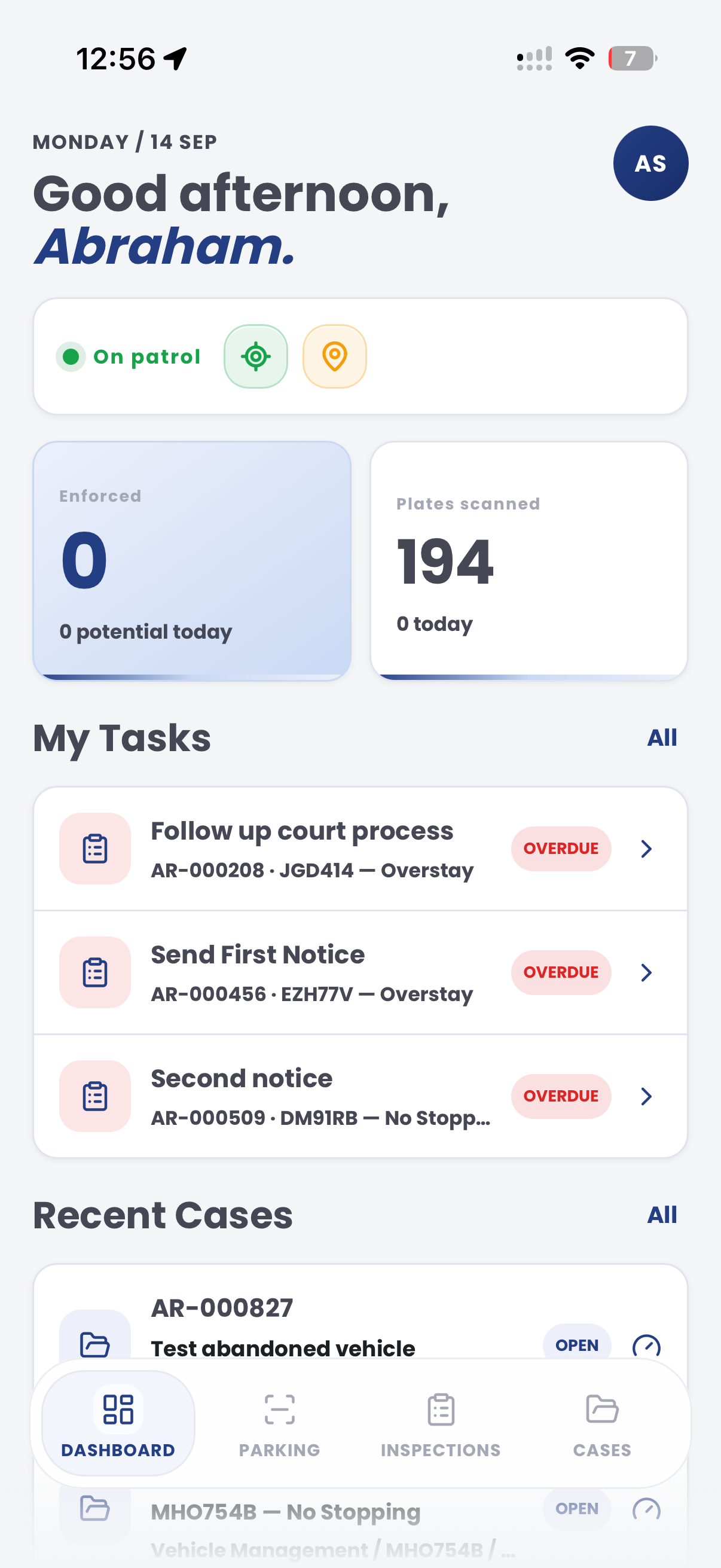
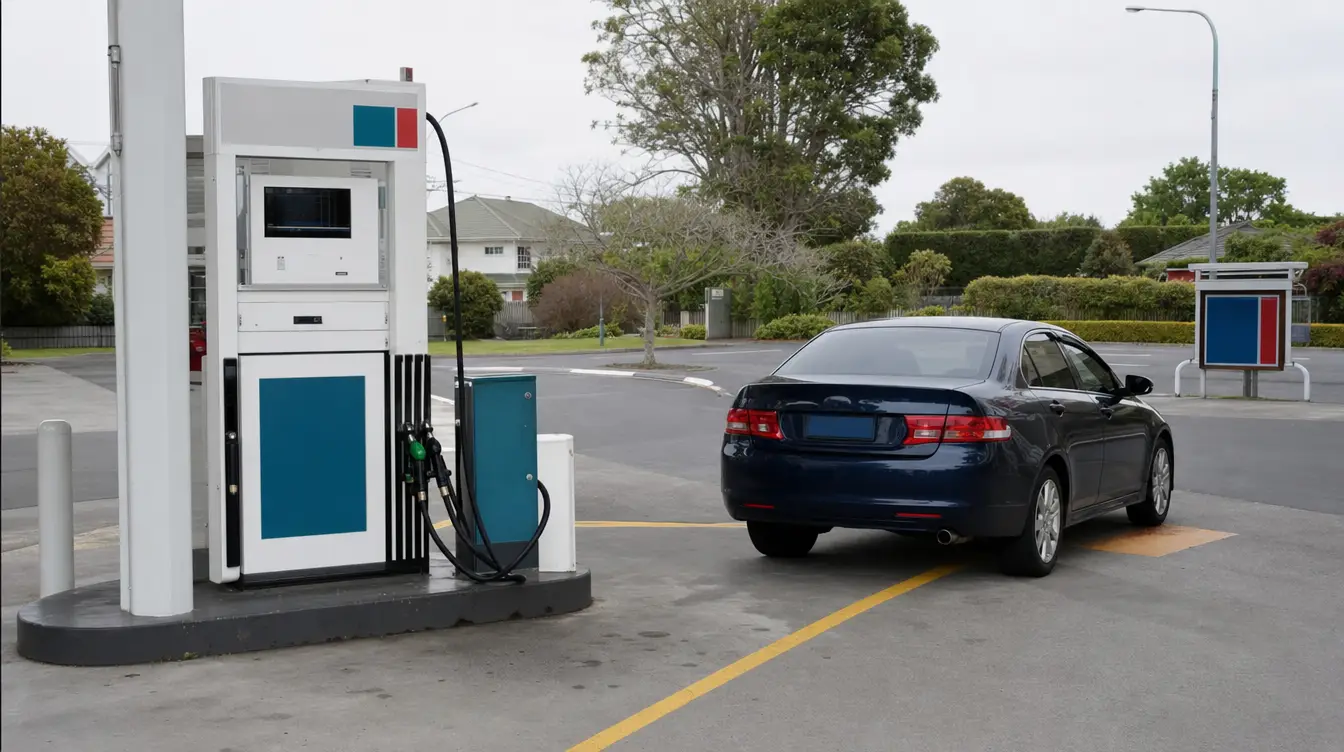

Evidence is easy to scatter
A forecourt image, payment note, pump record and staff description can end up in different systems unless the matter is opened as one case.
Aero Ranger helps service station operators and authorised review teams manage reported fuel drive-offs by linking vehicle evidence, forecourt context, payment status, contact attempts, recovery steps and referral outcomes in one case workflow.
Fuel drive-offs can move quickly from a forecourt observation to customer contact, recovery steps or referral. The workflow needs a clear record before anyone treats the matter as intentional non-payment.
A forecourt image, payment note, pump record and staff description can end up in different systems unless the matter is opened as one case.
The workflow should leave room for disputed payments, payment-system issues, customer mistakes and genuine recovery before escalation.
Teams need to know whether the same vehicle, site, time window or account has appeared in earlier reported incidents.
Where a matter is referred externally, the vehicle image, station report, amount, contact attempts and outcome notes should travel together.
The useful question is not which feature exists. It is whether the team can see the place, rule, evidence, exception, next action and review history before making a decision.
Open a reported fuel drive-off as a case with station, pump, amount, vehicle, payment and evidence fields.
Cases, custom fields, inspection templates, notes and evidence attachments.Attach vehicle images, plate reads where available and sighting history to help reviewers understand repeat activity.
ANPR records, vehicle history, image evidence and case timeline.Record payment status, disputed payment notes, customer contact attempts and recovery steps before escalation.
Case statuses, tasks, notes, document templates and reminders.Prepare a structured referral pack where the matter needs police, partner agency or recovery action.
External actions, evidence packages, documents and audit history.Keep original evidence attached to the case while preparing only the copies needed for review, recovery or referral.
Evidence packages, access controls, exports and audit trail.Review repeat vehicles, station locations, time windows, unresolved matters and recovery outcomes.
Intel reporting, exports, case queues and saved views.Review teams need the vehicle, pump, time, amount, payment context, contact history and outcome decision visible together.
Keep the vehicle image, plate read where available, pump lane, first report and any repeat activity in one record.
Record pump number, amount, payment status, receipt notes, customer account checks and disputed payment details.
Track contact attempts, recovery steps, police or partner referrals where required, closure reasons and final outcome.
A fuel drive-off case keeps the forecourt report, vehicle evidence, amount, contact review and referral status together.
Vehicle departed before payment was confirmed
18:42 · Bowser 4
Reported vehicle departure before payment confirmation
Aero Ranger keeps the issue photos, place context, rule context and follow-up state together so the case can be checked later without rebuilding the record.
The issue photo stays on FD-41862 with the case note and current case status.
Site, street, reserve, bay, kerbside or zone context stays attached so reviewers can see where the issue occurred.
The relevant signage, permit condition, local-law category or operating rule is recorded beside the issue evidence.
Later photos, reinspection notes, notice evidence and closure decisions remain in the same case trail.
In CORE, reported fuel drive-offs work best as a vehicle incident case type that connects the station report, forecourt evidence, payment context, contact attempts, recovery steps, referrals and reporting.
Station, pump, time, fuel amount, product type if known, staff note, receipt status and report source.
Vehicle image, plate read where available, forecourt lane, pump number, site and any repeat-vehicle history.
Payment missing, disputed, delayed, reversed, account-linked, recovered, unresolved or referred.
Contact attempt, reminder, recovery task, referral review, response due date, closure reason and outcome owner.
Who reviewed the evidence, what decision was made, what documents were sent and what outcome followed.
Start with the forecourt report, keep evidence and contact attempts together, then close, recover or refer the matter with a clear history.
Capture the station, pump, time, amount, staff note and vehicle evidence as one reported incident.
Record whether payment is missing, disputed, delayed, reversed or linked to a known customer or account.
Check plate reads, repeat incidents, previous contact attempts and any relevant authorised-list context.
Assign contact tasks, document outcomes, attach receipts or correspondence and record any payment resolution.
Prepare a referral pack where required, or close with a reason such as paid, disputed, insufficient evidence or no further action.
Once vehicle evidence, case review and referral pathways are configured, related incident categories can use the same operating model.
Use governed lists and alert delivery when repeat vehicle activity needs authorised review.
Reuse reminder, evidence pack, external action and closure patterns for aged matters.
Compare vehicle activity against approved records, locations and referral pathways.
Use vehicle history and site context to understand repeat operational activity.
Use these CORE guides when setting up the zones, cases, permits, evidence templates, notices and reports that support this operating model.
Manage evidence, subjects, statuses, tasks, contact notes and audit history across each matter.
Open guide ->Create structured forms for station, pump, amount, payment and evidence fields.
Open guide ->Model report, evidence review, contact, recovery, referral and closure stages.
Open guide ->Track police, partner, recovery or other actions outside Aero CORE.
Open guide ->Prepare letters, evidence packs and referral documents from case data.
Open guide ->Review vehicle sightings, history and reporting where plate capture is available.
Open guide ->Share the short brochure with stakeholders, then use the procurement guide to frame requirements, governance, rollout and evaluation.
A client-ready summary of the operating problem, the workflow, and how Aero Ranger helps council teams manage it.
Open brochure - PDFA practical buying guide for requirements, evidence, local-law setup, integrations, governance and pilot planning.
Open guide - PDFBring a real forecourt scenario and we will map the vehicle evidence, payment review, contact attempts, referral pathway and reporting.