

Bring parking, permits, inspections, evidence and reporting into one practical council workflow.
Lost follow-up
Unpaid matters can fall between finance, parking, customer service and enforcement teams.
Aero Ranger helps teams manage unpaid infringement follow-up by connecting case records, notice status, documents, tasks, external actions, review history and management reporting.
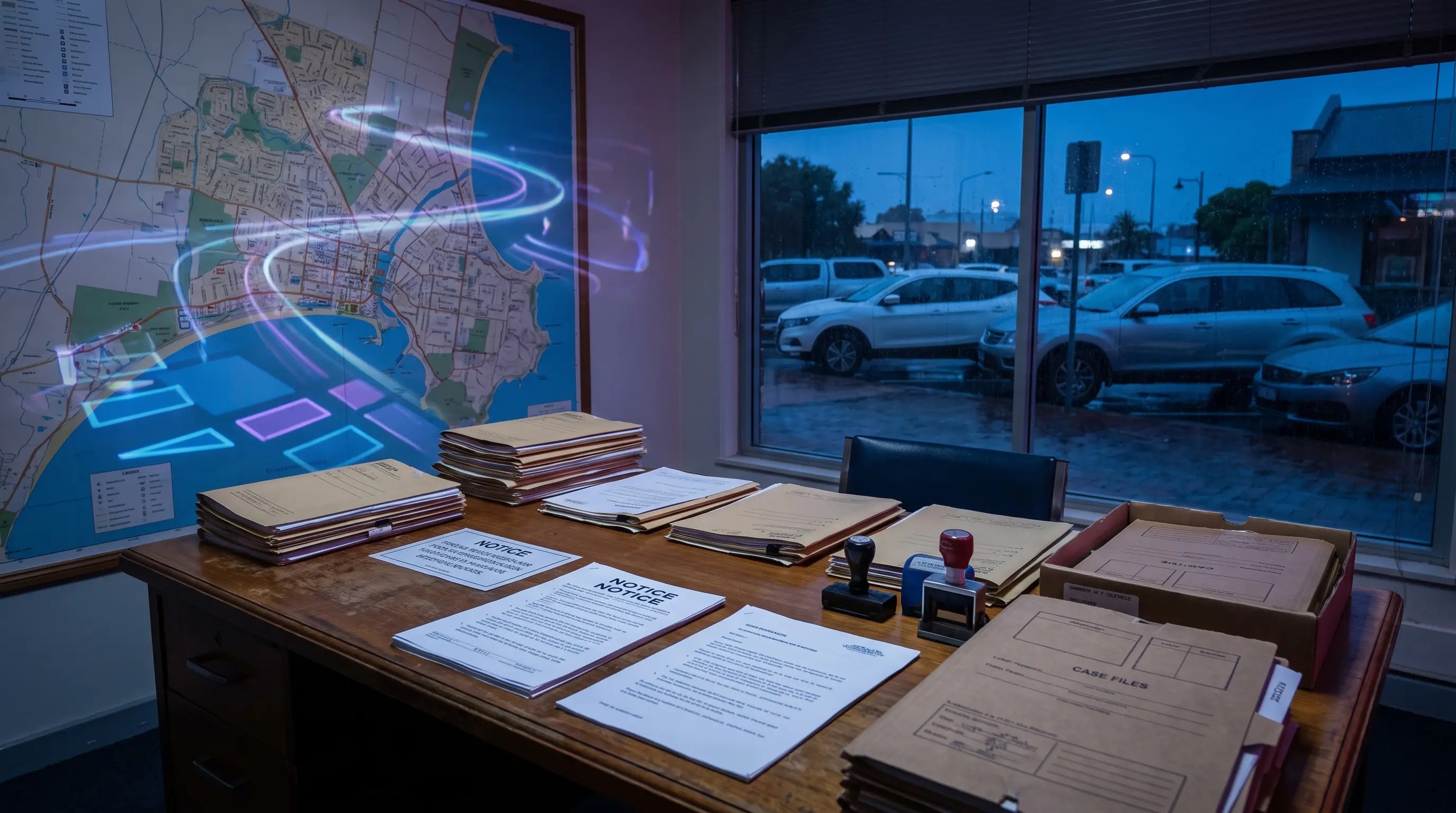
Aero Ranger helps teams manage unpaid infringement follow-up by connecting case records, notice status, documents, tasks, external actions, review history and management reporting.
A sent notice is not the end of the operating workflow.
Reminders. Review requests. External referrals. Documents and deadlines spread across different places.
AeroRanger connects infringement follow-up. Create the queue. Apply the case flow. Prepare documents. Assign the next action. Track the outcome.
Keep notices, evidence, contact notes and review history with the same matter. Record external actions without losing the context held by your team.
Back in CORE, see ageing cases, owner workload and the work that still needs attention.
Keep decisions and supporting documents traceable as the matter moves through review, referral or closure.
Bring an infringement follow-up process. We'll show your team the workflow. AeroRanger. Book your case management demo.
Unpaid infringement follow-up can involve reviews, reminders, escalations, referrals, document packs and audit requests. Teams need one record of the matter and its next action.
Unpaid matters can fall between finance, parking, customer service and enforcement teams.
Letters, evidence packs and review notes become hard to find when they are stored separately.
Teams need consistent timing for reminders, referrals and external actions.
Reviews and disputes require a clear record of notices, evidence, decisions and status changes.
The field app / iPhone and Android
Take the case record into the field when a matter needs another visit. Add current evidence and keep assigned tasks visible alongside the wider document workflow.

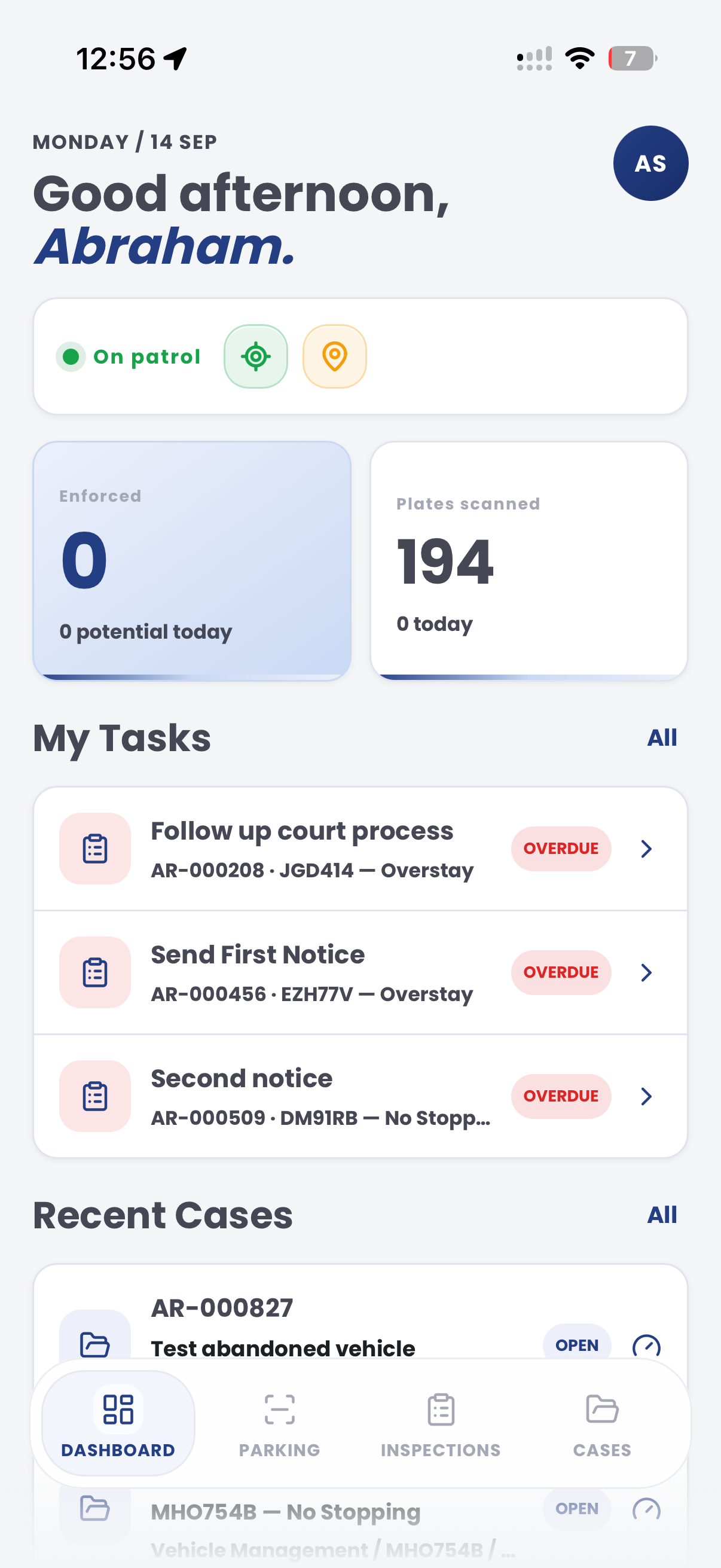
The useful question is not which feature exists. It is whether the team can see the place, rule, evidence, exception, next action and review history before making a decision.
Create queues by status, owner, offence type, age or next action.
Cases reports, case loads and statuses.Model reminder, review, referral, debt recovery, court-pack or closure pathways.
Case flows, external actions and task templates.Render reminders, evidence packs, review letters and escalation documents from case data.
Document builder, ticket builder and local-law fields.Record referrals or actions that happen outside Aero CORE without losing audit context.
External actions, case timeline and task due dates.Keep notes, status changes, documents and evidence attached to the same matter.
Case timeline, evidence records and audit log.Report unpaid volume, ageing, owner workload, outcomes and repeat categories.
Intel reports, case exports and reports.A follow-up workflow needs notice state, case owner, review history, documents, external action status and audit trail visible together.

Keep offence, issue date, payment status, print status and review history tied to the case.
Use statuses, tasks and external actions to show the next required step.
Preserve documents, notes, owner changes and decisions for internal review.
An unpaid queue keeps notice status, reminders, holds, approvals, external action and final outcome together.
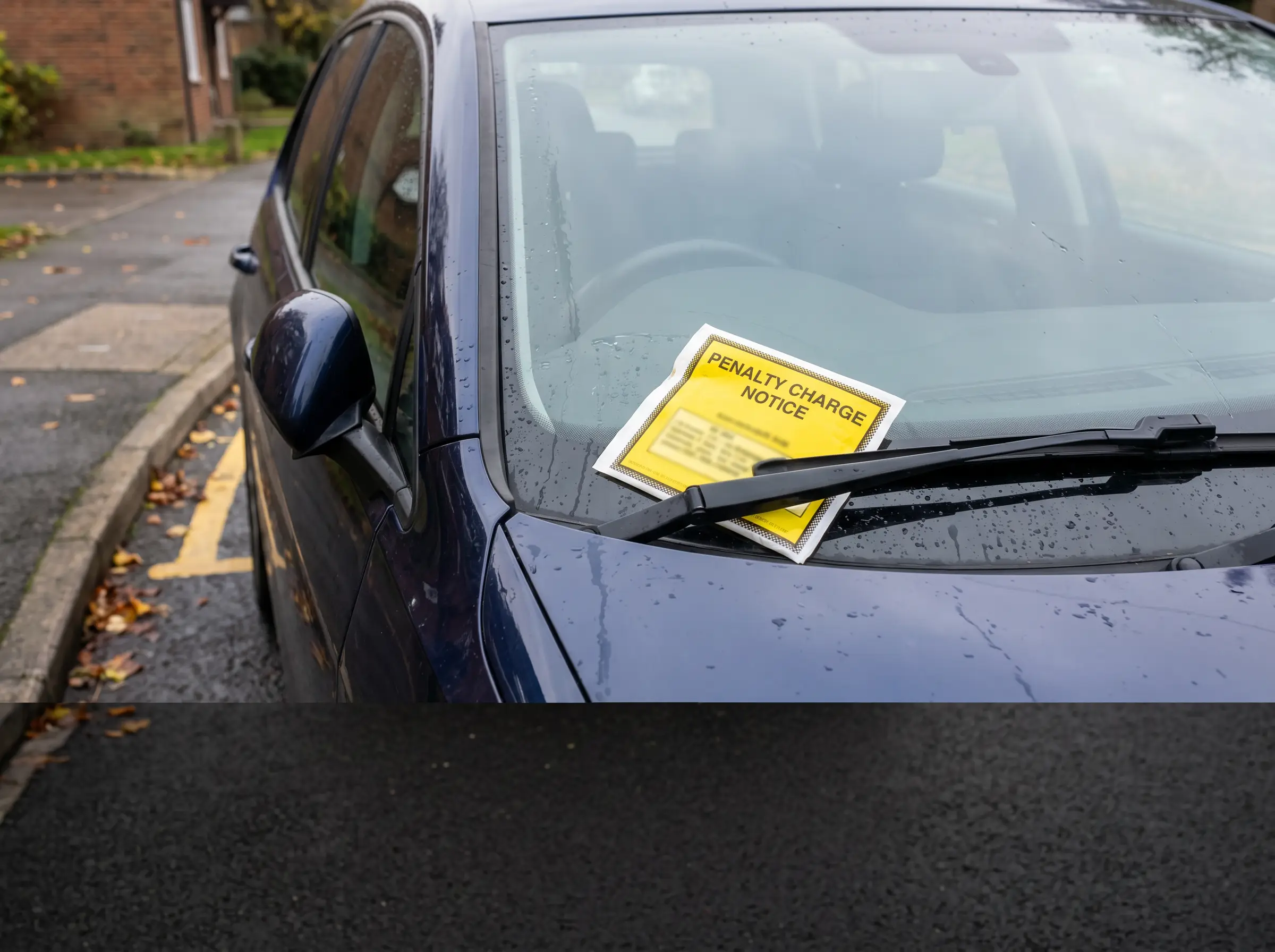
Reminder, final demand and review pathway for unpaid notices
Aero Ranger keeps the issue photos, place context, rule context and follow-up state together so the case can be checked later without rebuilding the record.
The issue photo stays on INF-000165 with the case note and current case status.
Site, street, reserve, bay, kerbside or zone context stays attached so reviewers can see where the issue occurred.
The relevant signage, permit condition, local-law category or operating rule is recorded beside the issue evidence.
Later photos, reinspection notes, notice evidence and closure decisions remain in the same case trail.
Unpaid infringement follow-up is an administrative compliance workflow. Council needs to know the notice status, review rights, payment history, hold periods, escalation eligibility and external action pathway.
Group unpaid matters by age, status, review hold, payment arrangement, nomination, withdrawal or external referral eligibility.
Attach evidence, reminder documents, review notes, correspondence, approvals and any hardship or payment-plan context.
Record payment, withdrawal, escalation, referral, court election or closure, then report aged debt and workload trends.
Infringement reference, vehicle, owner context where available, amount, issue date, due date and payment status.
Reminder sent, review requested, payment plan, escalation eligible, external referral, withdrawn or resolved.
Reminder letters, evidence packs, review notes, approval records and external referral documents.
Payment due date, review deadline, escalation date, external action timing and closure reason.
Outstanding volume, aged matters, recovery status, team workload, escalation outcomes and exception trends.
Teams can start with unpaid review queues, then add reminders, referral steps, document packs and reporting for management oversight.
Group matters by age, status, owner, category or next action.
Use tasks and statuses for reminder, review, referral or closure steps.
Create letters, packs and internal review documents from case data.
Record referrals, debt recovery or court-pack steps where required.
Monitor ageing matters, outcomes and team workload.
Once zones, vehicle sightings, evidence and case flows are configured, related compliance categories can use the same platform pattern.
Carry overstay matters through notice, review and follow-up.
Manage no-payment detections after the initial decision.
Use configured legal references and timing across follow-up documents.
Report unpaid workload, ageing cases and outcomes for leadership.
Share the short brochure with stakeholders, then use the procurement guide to frame requirements, governance, rollout and evaluation.
Bring a real unpaid workflow and we will map queues, documents, external actions, audit history and reporting.
Technology procurement guide
Use your organisation or government email address. Your guide will be ready to open as soon as the form is submitted.

