

Bring parking, permits, inspections, evidence and reporting into one practical council workflow.
Stale lists create misses
Old, duplicated or unclear vehicle-list entries can create noise or leave real priority vehicles unrecognised.
Aero Ranger helps authorised enforcement teams reduce missed vehicles of interest by connecting governed vehicle-of-interest lists, ANPR capture, officer alerts, human review, evidence, cases, reporting and audit history.

Aero Ranger helps authorised enforcement teams reduce missed vehicles of interest by connecting governed vehicle-of-interest lists, ANPR capture, officer alerts, human review, evidence, cases, reporting and audit history.
A vehicle-of-interest alert is useful when the right context arrives with it.
Outdated lists. Bare matches. Unclear instructions. Follow-up that disappears between teams.
AeroRanger connects authorised workflows. Approve the list. Capture sightings. Match and alert. Review the response. Record and report the outcome.
Keep source, confidence, category and action guidance with the observation. Let the responsible team verify the match and decide the appropriate next step.
Back in CORE, see confirmed matches, assigned responses and the matters needing further review.
Keep access, evidence and case history governed as the alert moves through follow-up or closure.
Bring an authorised alert workflow. We'll walk through it with your team. AeroRanger. Book your vehicle alert demo.
Priority vehicle workflows can fail when lists are stale, alert delivery is unclear, officers get a bare plate match, or nobody records what happened next.
Old, duplicated or unclear vehicle-list entries can create noise or leave real priority vehicles unrecognised.
A plate match without priority, authorised action, location, previous sightings or escalation notes leaves officers guessing.
If an alert is confirmed, ignored, referred or closed, the decision needs to be captured while the context is still fresh.
Vehicle-of-interest lists and movement records need access control, retention settings, export discipline and review history.
The field app / iPhone and Android
Take relevant case context into the field and add current observations. Keep evidence and tasks connected to the team's governed review process.

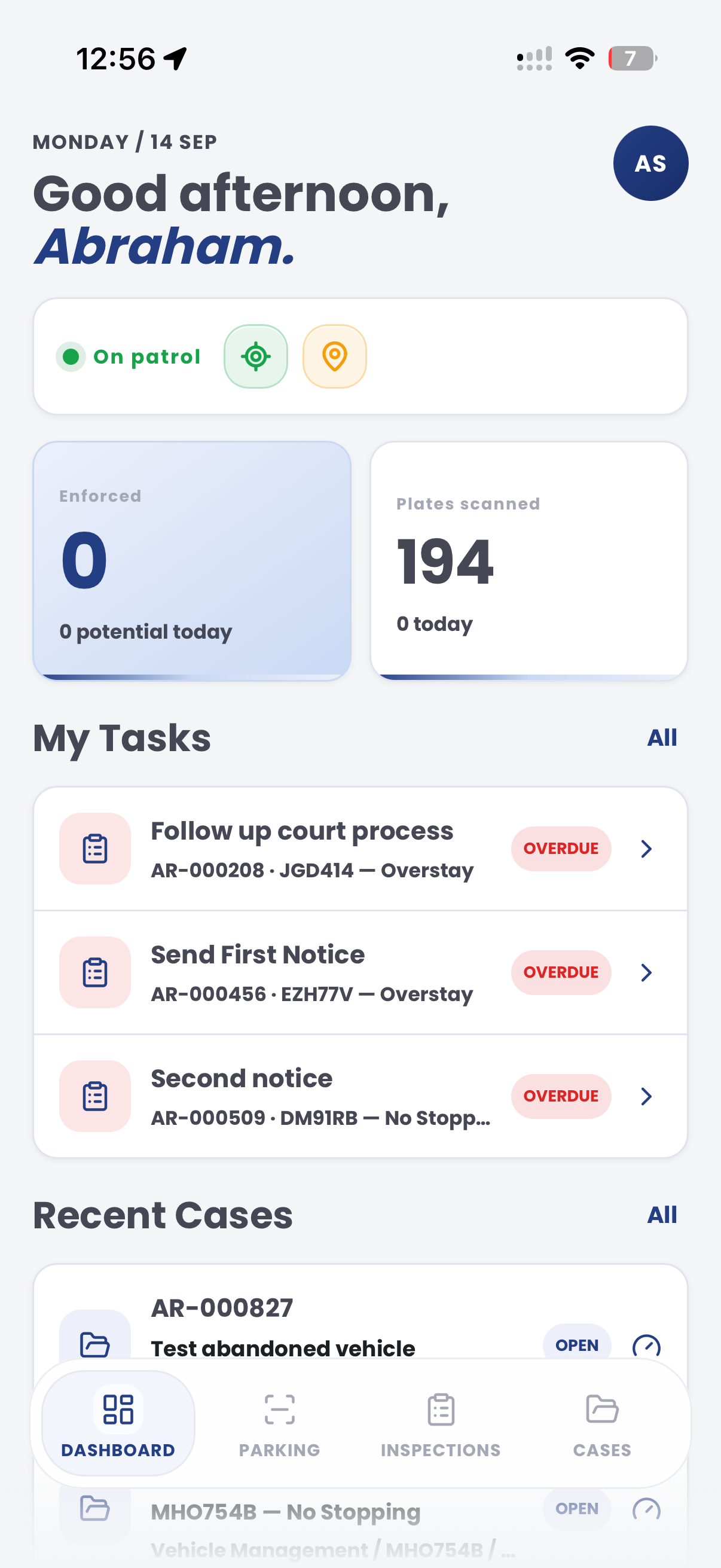
The useful question is not which feature exists. It is whether the team can see the place, rule, evidence, exception, next action and review history before making a decision.
Create governed list categories with owners, expiry dates, priority, notes and action guidance.
Alert categories, imports, role-based access and review queues.Match authorised lists against mobile, fixed or integrated plate capture with confidence and source context.
Plate reads, source devices, confidence, location and timestamp records.Deliver actionable alerts into the field with category, priority, response notes and escalation instructions.
In-vehicle delivery, alert queues, notes and action statuses.Promote alerts into cases when review, follow-up, investigation, referral or closure needs a record.
Cases, evidence packages, tasks, documents and timeline events.Separate who can create lists, see alerts, export data and close matters so sensitive workflows stay controlled.
Roles, audit logs, exports, retention settings and status history.Report alert volumes, confirmed matches, response times, locations, repeat vehicles and outcomes.
Intel dashboards, vehicle replay, saved reports and exports.A vehicle-of-interest workflow needs the plate, list category, location, priority, owner, response and case outcome visible together.

Know who owns the list, why the vehicle is included, when the entry expires and what action is authorised.
Deliver the alert with useful detail rather than a bare plate match, so field teams know what to do next.
Keep alert delivery, response, evidence, status changes and exports reviewable from the same record.
A governed alert record keeps list ownership, sighting, officer response and audit review in one place.
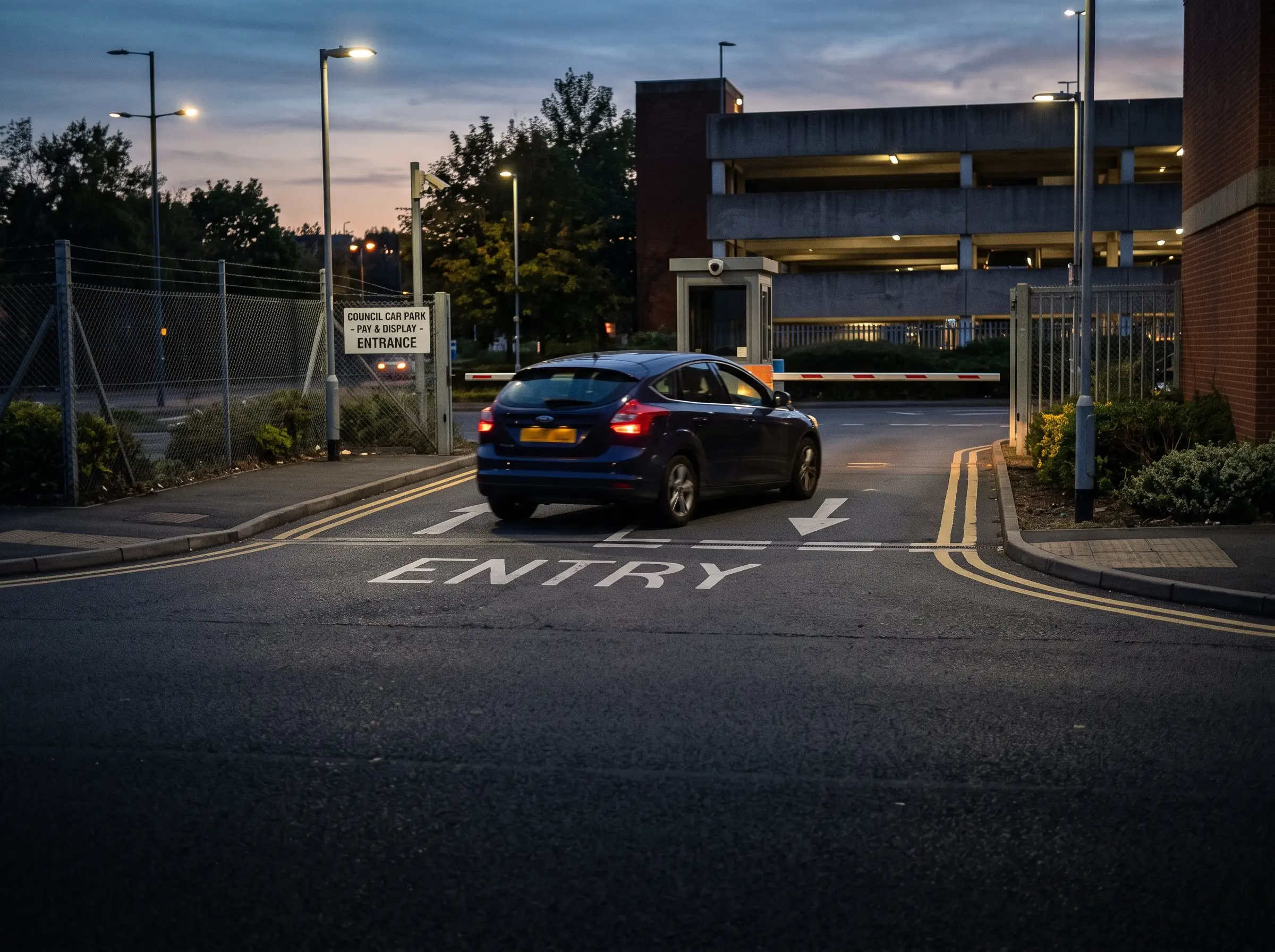
Authorised vehicle list use must be approved, current and auditable
Aero Ranger keeps the issue photos, place context, rule context and follow-up state together so the case can be checked later without rebuilding the record.
The issue photo stays on VOI-54103 with the case note and current case status.
Site, street, reserve, bay, kerbside or zone context stays attached so reviewers can see where the issue occurred.
The relevant signage, permit condition, local-law category or operating rule is recorded beside the issue evidence.
Later photos, reinspection notes, notice evidence and closure decisions remain in the same case trail.
Vehicles-of-interest work needs governance as much as detection. The council or partner team has to control why a vehicle is listed, who can see it, when the entry expires and what response should follow an alert.
Confirm list owner, reason, authority, expiry, sensitivity, officer visibility and the required response for each category.
Record the sighting, alert delivery, officer acknowledgement, attendance, non-attendance, case creation or referral.
Review whether missed events came from list quality, device coverage, alert routing, officer availability or process gaps.
List category, owner, expiry, authorised users, reason for inclusion and review or removal date.
Rego, sighting time, location, alert type, officer notified, delivery channel and response status.
Plate read, image, GPS point, timestamp, officer notes and any attached case or referral record.
Acknowledged, attended, not attended, referred, closed, false match, expired list entry or no action required.
Who maintained the list, who received alerts, what response followed and where missed events occurred.
Start with one authorised list and clear escalation route, then extend into categories, expiry rules and reporting.
Define ownership, category, priority, expiry, notes and authorised action for each list.
Collect vehicle sightings from approved mobile, fixed or integrated sources.
Compare sightings against active lists and deliver alerts with field context.
Record confirmation, action taken, referral, closure or case creation.
Review access, list quality, alert outcomes, exports and retention history.
Once list governance, alerting, evidence and cases are configured, related vehicle-of-interest workflows can use the same operating model.
Use governed authorised lists and pickup-zone rules for rideshare, taxi and passenger transport work.
Flag repeat or priority vehicles when long dwell or removal workflows need faster attention.
Review public-land sightings against registration and follow-up categories.
Compare registration status and vehicle history before a review decision is made.
Share the short brochure with stakeholders, then use the procurement guide to frame requirements, governance, rollout and evaluation.
Bring a real list, alert category or escalation pathway and we will map list ownership, capture sources, field delivery, cases and audit reporting.
Technology procurement guide
Use your organisation or government email address. Your guide will be ready to open as soon as the form is submitted.

