Bring parking, permits, inspections, evidence and reporting into one practical council workflow.
Moving parts need precise context
A generic site note may not identify which station, joint or contact point was observed.
Aero Ranger supports condition checks for public exercise stations with mobile templates, photos, notes, assigned actions and inspection history.
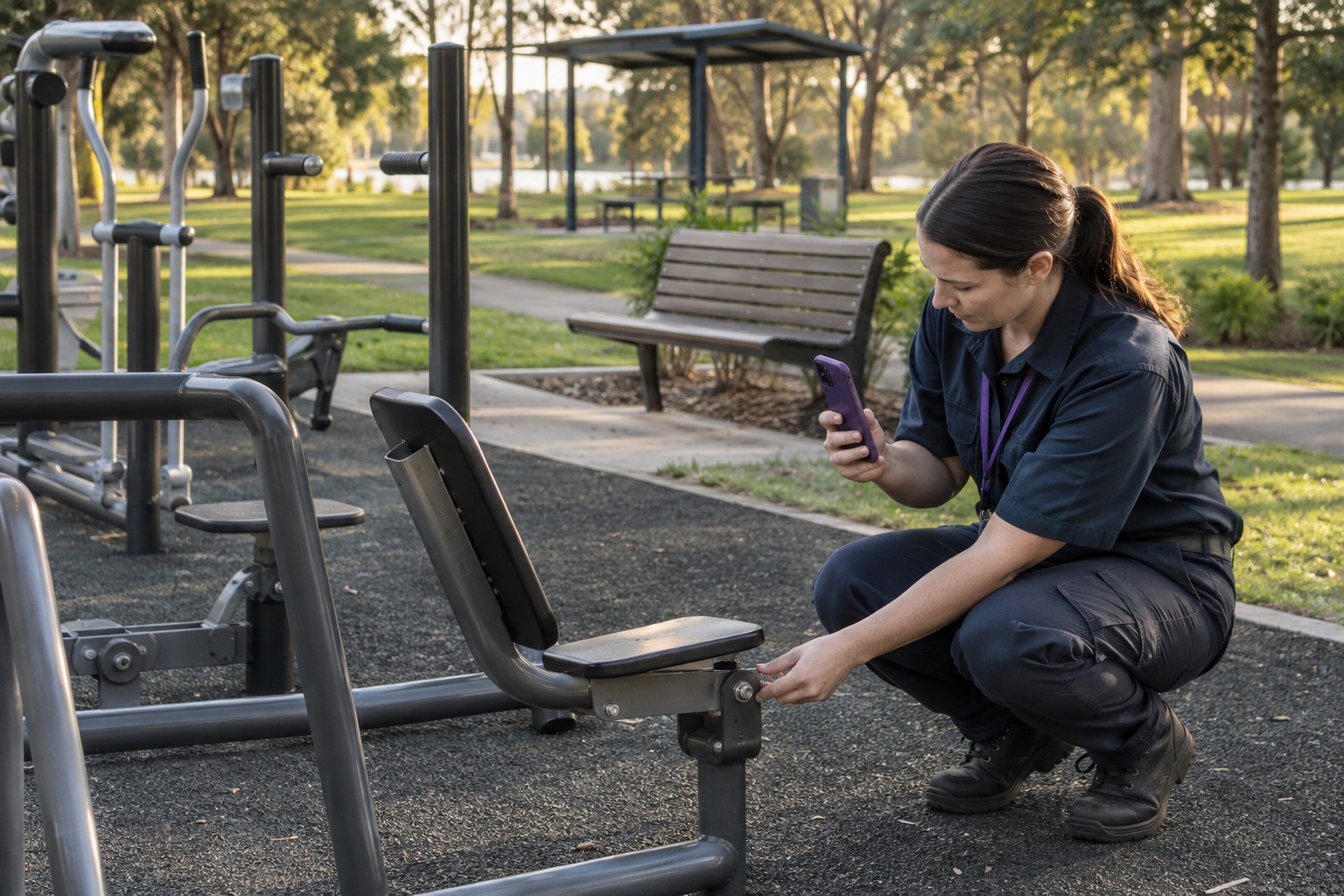
Inspection records are easier to review when each observation identifies the station and component instead of describing the whole site in one note.
A generic site note may not identify which station, joint or contact point was observed.
The inspection may include the equipment, surface, access path, bench and nearby shelter.
A recorded observation still needs a defined review path and responsible next action.
The field app / iPhone and Android
Bring parking patrols, inspections, photos, GPS, tasks and cases into a connected mobile workflow. Capture the field record in PatrolLink and carry it into CORE for review.
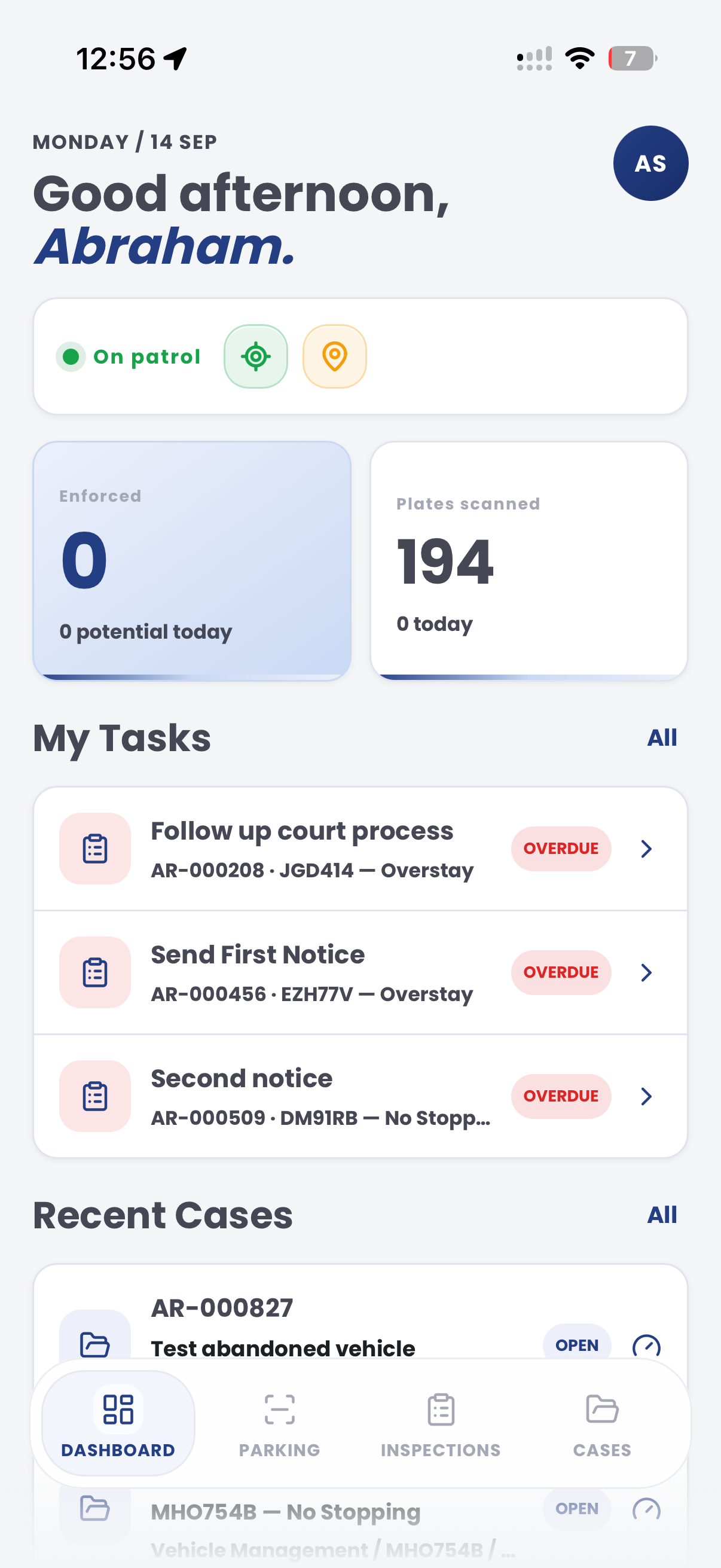
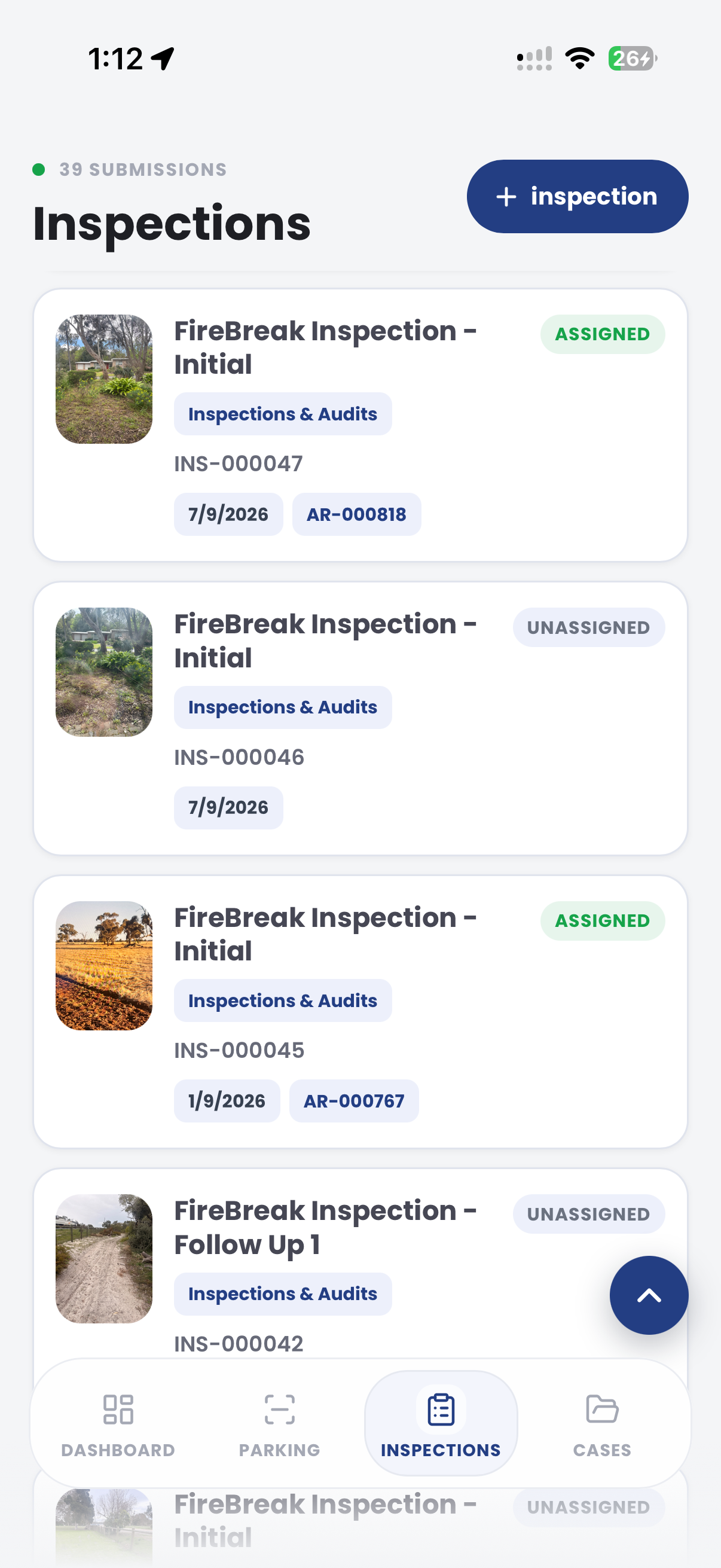
The useful question is not which feature exists. It is whether the team can see the place, rule, evidence, exception, next action and review history before making a decision.
Configure prompt sets for equipment types and surrounding assets.
Inspection editor, required questions and reusable templates.Capture notes and photos at the relevant station or component.
PatrolLink inspections, attachments and timestamps.Assign the appropriate internal review, maintenance task or reinspection.
Cases, tasks, statuses and due dates.Review inspection coverage and open follow-up across sites.
Dashboards, filters, maps and exports.The reviewing team can see what the inspector recorded and route the appropriate internal action from the same record.
Identify the exercise station, component and surrounding surface.
Record movement, connection, wear or access observations using approved prompts.
Assign review or maintenance follow-up with supporting evidence.
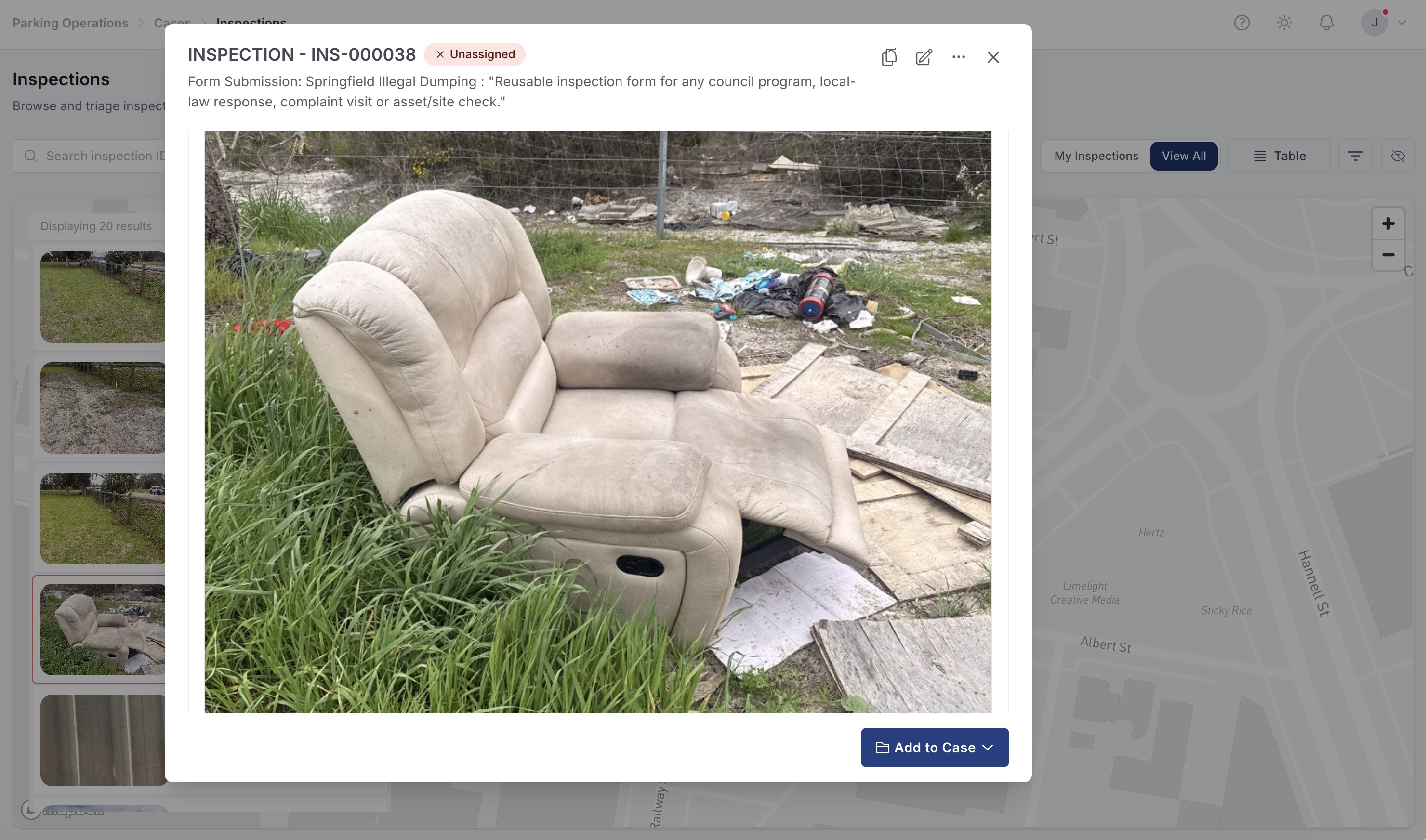
A contextual CORE view keeps the case, rule, evidence, workflow status and next action together.
Station condition and supporting evidence recorded for review
Routine reserve equipment check
Confirm the appropriate action and owner
Aero Ranger keeps the issue photos, place context, rule context and follow-up state together so the case can be checked later without rebuilding the record.
The issue photo stays on OUT-10001 with the case note and current case status.
Site, street, reserve, bay, kerbside or zone context stays attached so reviewers can see where the issue occurred.
The relevant signage, permit condition, local-law category or operating rule is recorded beside the issue evidence.
Later photos, reinspection notes, notice evidence and closure decisions remain in the same case trail.
In CORE, an outdoor fitness inspection can connect the station, component, prompt responses, photos and assigned follow-up.
Site, station, component, surface and inspection type.
Prompt responses, photos, notes and inspection time.
Owner, priority, due date, action and status history.
Teams can start with a targeted pilot, tune thresholds and then extend the same model across related compliance areas.
Open the relevant site, station and inspection template.
Work through approved prompts for the equipment and surrounding area.
Attach contextual photos and concise observation notes.
Route the item to the appropriate reviewer or action owner.
Retain the completed inspection and resulting outcome.
Once capture, evidence and case flows are working, related compliance categories can use the same platform pattern.
Inspect benches, shelters and paths around exercise areas.
Apply asset-specific prompts to nearby play spaces.
Extend the program to grounds and sporting equipment.
Use these CORE guides when setting up the zones, cases, permits, evidence templates, notices and reports that support this operating model.
Bring a current equipment checklist to map station prompts, field evidence, review ownership and reporting.
Technology procurement guide
Use your organisation or government email address. Your guide will be ready to open as soon as the form is submitted.

