

Bring parking, permits, inspections, evidence and reporting into one practical council workflow.
Search starts with incomplete context
A plate alone does not show whether the relevant record is a yard observation, condition check or open exception.
Aero Ranger helps vehicle-hire teams search recent vehicle observations, yard context, inspection records and exceptions across connected depots.
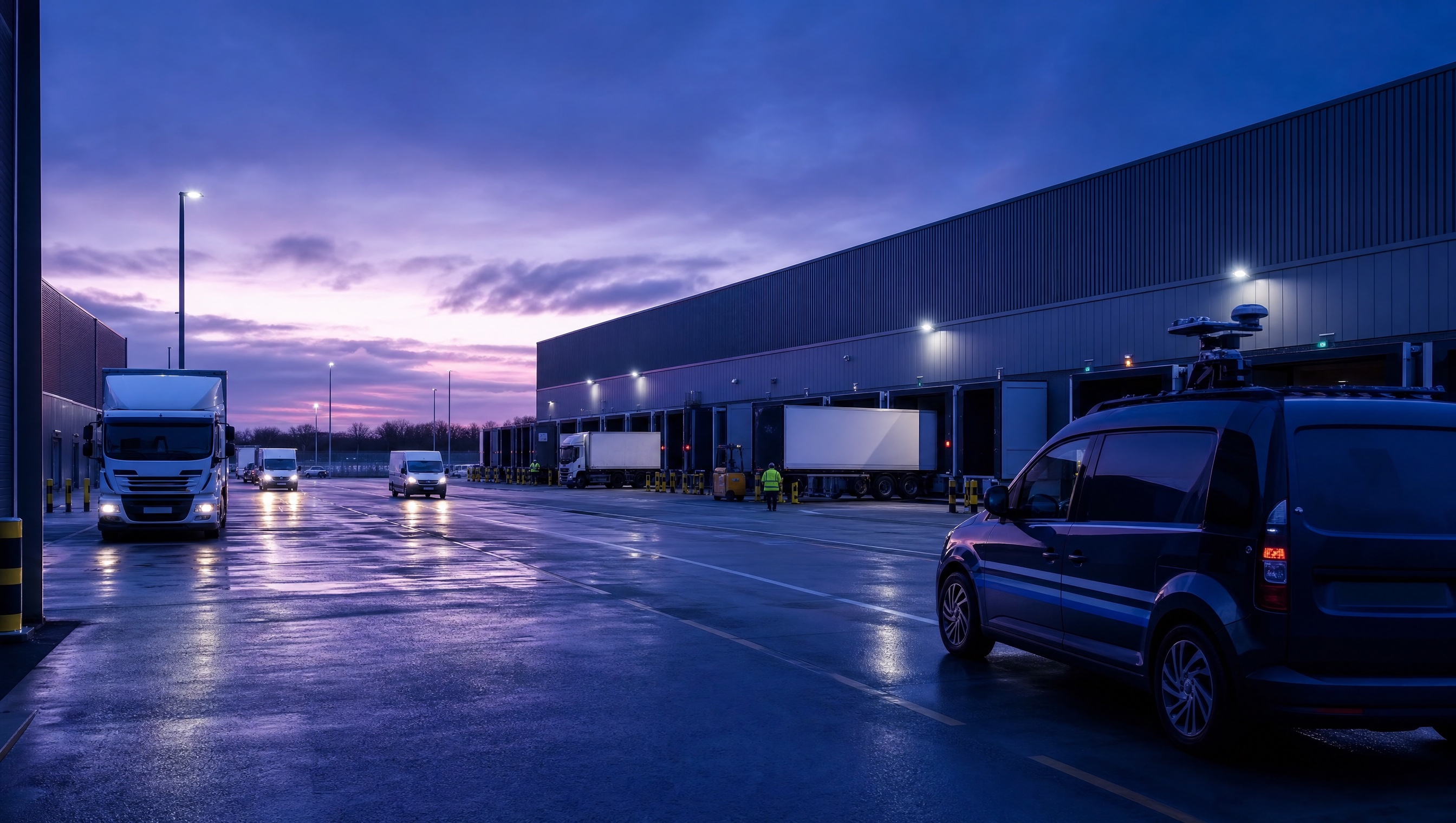
Aero Ranger helps vehicle-hire teams search recent vehicle observations, yard context, inspection records and exceptions across connected depots.
Finding a vehicle across depots should start with a useful operating record.
Incomplete details. Separate branch notes. Old information. Time spent making another round of calls.
AeroRanger connects vehicle search. Define your locations. Capture observations. Search the plate. Review the context. Act on the information available.
Narrow results by depot, zone, source or time period. Check recent observations alongside relevant inspection notes, photographs and linked case history.
Back in CORE, give authorised teams a shared starting point for understanding the vehicle's recorded activity.
Keep the history reviewable, so staff can distinguish a recent observation from information that needs another check.
Bring a cross-depot search scenario. We'll show your team the workflow. AeroRanger. Book your vehicle search demo.
A search result should help a team see where a vehicle was observed, what was recorded and whether an exception or task remains open.
A plate alone does not show whether the relevant record is a yard observation, condition check or open exception.
Teams lose time confirming a vehicle’s last known context across calls and spreadsheets.
Search needs timestamps and source context so teams can judge what is current.
The field app / iPhone and Android
Add current vehicle observations and evidence from the depot. Keep site findings connected to the wider vehicle-history and search workflow in CORE.

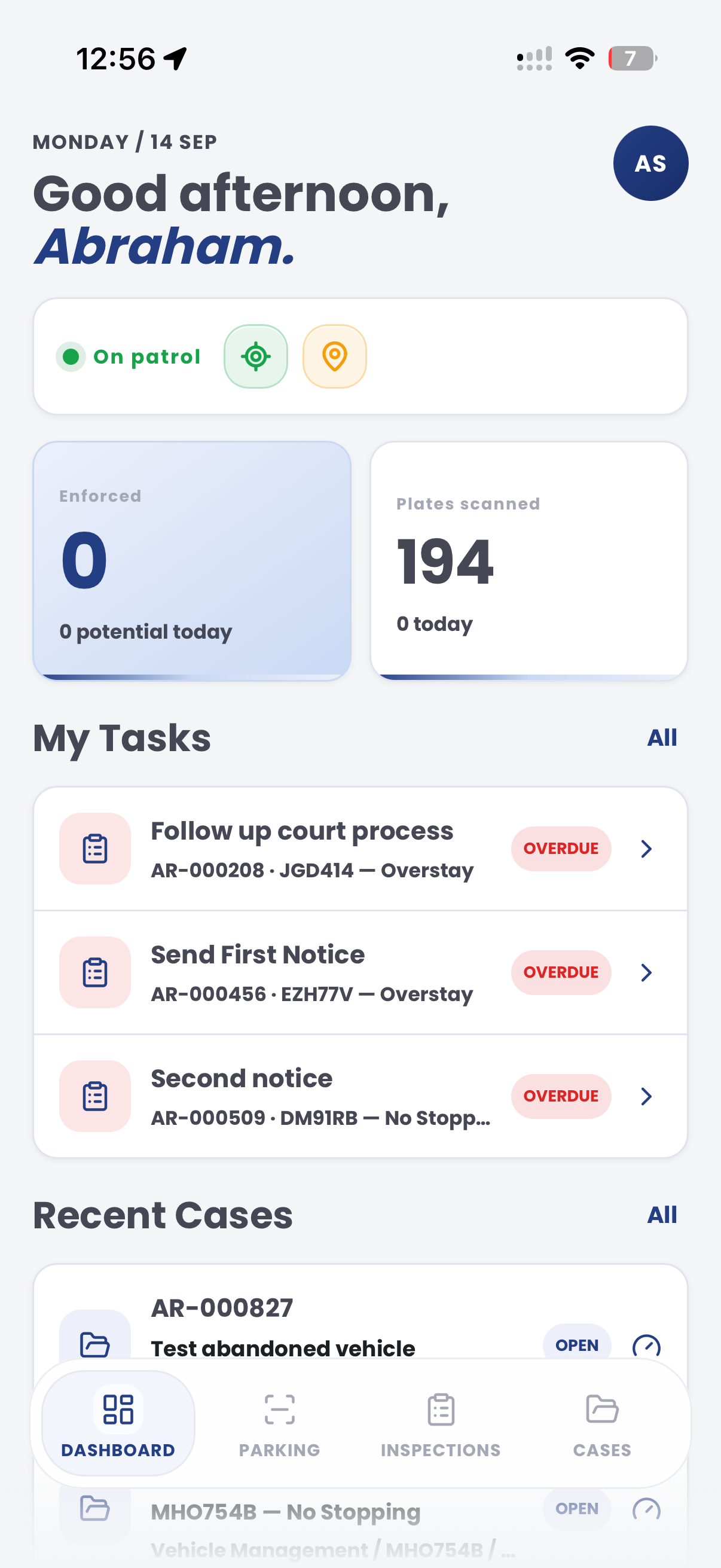
The useful question is not which feature exists. It is whether the team can see the place, rule, evidence, exception, next action and review history before making a decision.
Find recent vehicle observations using a common vehicle identifier.
ANPR reads, filters and vehicle history.Narrow results by depot, branch, zone, capture source or time period.
Zones, location records and saved views.Review inspection notes, photos and related case history where relevant.
Evidence records, inspections and cases.Provide a reviewable operating record for authorised reporting.
Exports, reporting and audit history.A shared vehicle history reduces duplicate calls and lets the next team start from the same record.

Show the branch, yard zone and time of the recent observation.
Link relevant inspection notes and evidence when they exist.
Show active exceptions, owners and next actions before the vehicle is moved again.
A contextual CORE view keeps the case, rule, evidence, workflow status and next action together.
Review observations and linked actions
Aero Ranger keeps the issue photos, place context, rule context and follow-up state together so the case can be checked later without rebuilding the record.
The issue photo stays on CRO-10001 with the case note and current case status.
Site, street, reserve, bay, kerbside or zone context stays attached so reviewers can see where the issue occurred.
The relevant signage, permit condition, local-law category or operating rule is recorded beside the issue evidence.
Later photos, reinspection notes, notice evidence and closure decisions remain in the same case trail.
In CORE, cross-depot search works best as a vehicle history review that combines recent observations, location context, linked inspections and active actions.
Vehicle identifier, recent observation, depot and zone.
Relevant inspections, evidence and open actions.
Confirmed context, owner and next step.
Teams can start with a targeted pilot, tune thresholds and then extend the same model across related compliance areas.
Set up standard depot, branch and yard context.
Collect approved plate and location observations.
Review the vehicle’s recent operating history.
Assign any condition, location or availability exception.
Use reporting to improve handoffs and data quality.
Once capture, evidence and case flows are working, related compliance categories can use the same platform pattern.
Use location history to resolve stocktake differences.
Review condition evidence from the same vehicle context.
Share the brochure with your team to explore the operating problem, connected workflow and next steps.
Bring a common vehicle-location or handoff question and we will map the relevant record, search filters and follow-up route.
Technology procurement guide
Use your organisation or government email address. Your guide will be ready to open as soon as the form is submitted.

