

Bring parking, permits, inspections, evidence and reporting into one practical council workflow.
Long stays can be legitimate
Passengers, staff, rental operations and disrupted travel can explain an extended stay.
Aero Ranger CORE helps airport and parking teams keep inspection evidence, vehicle details, ownership checks, notices, approvals, contractor actions and final outcomes attached to one case.
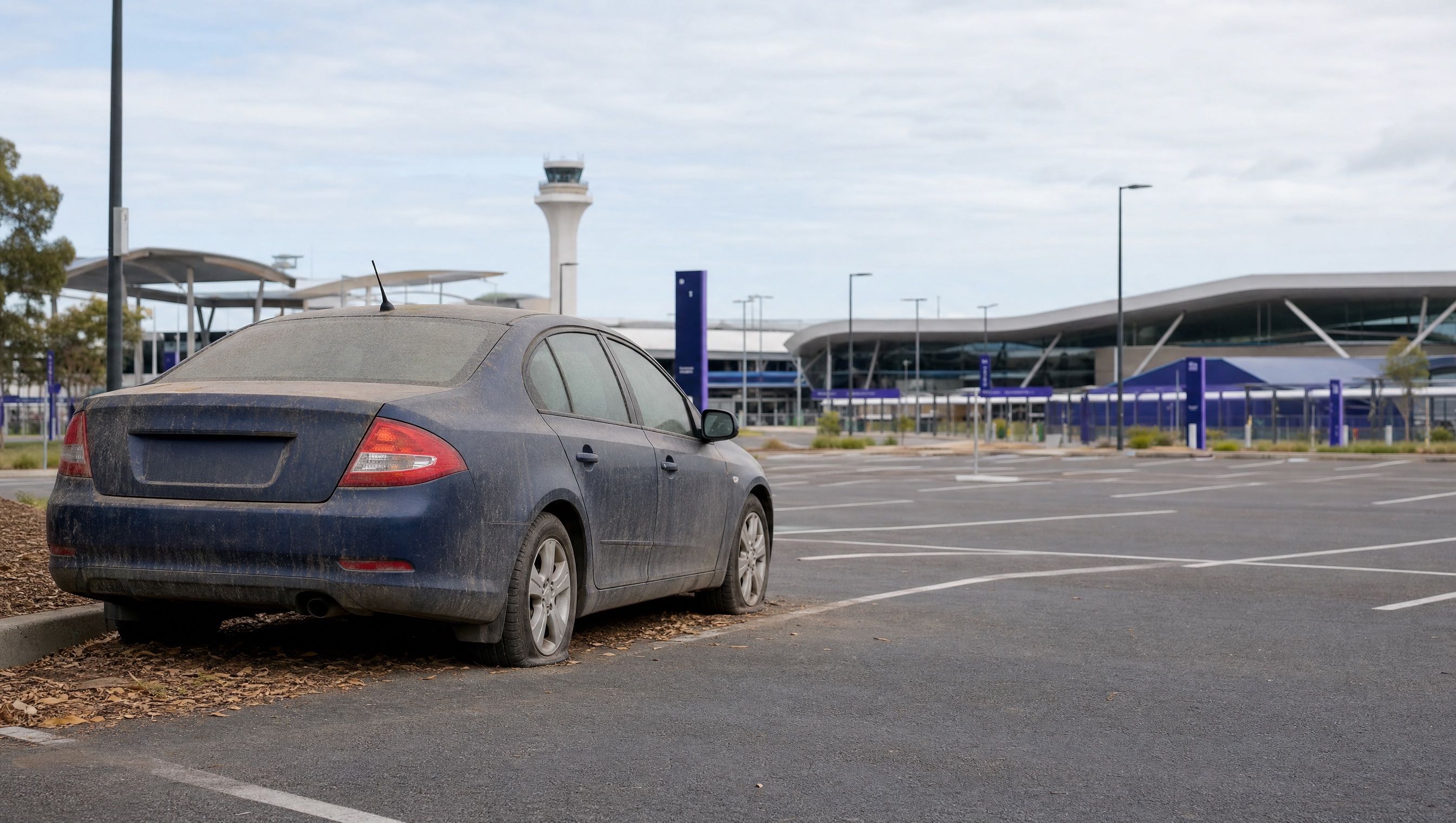
Airport parking areas combine long stays, rental fleets, staff vehicles, passengers away from home and genuine abandoned vehicles. A dusty or unmoved vehicle is a reason to inspect, not proof of abandonment. Teams need a controlled process for verification, escalation and resolution.
Passengers, staff, rental operations and disrupted travel can explain an extended stay.
Parking, security, police liaison, contractors and airport operations may each hold part of the record.
Towing or relocation should follow the operator's authority, policy, approvals and documented instructions.
Teams need to explain inspections, notices, approvals, movements and the final vehicle outcome.
The field app / iPhone and Android
Record vehicle condition and location during site visits and rechecks. Keep photos and findings connected to the team managing the airport case.
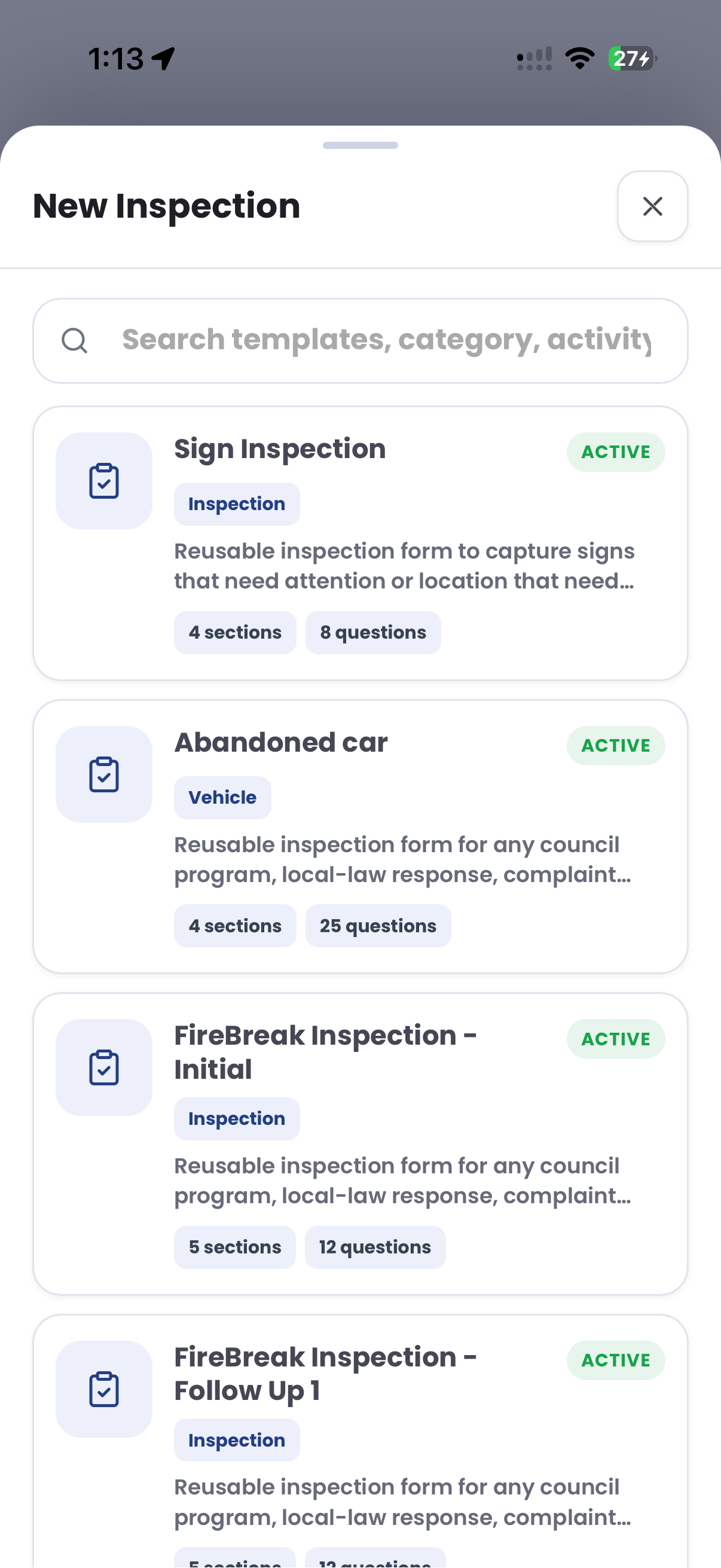
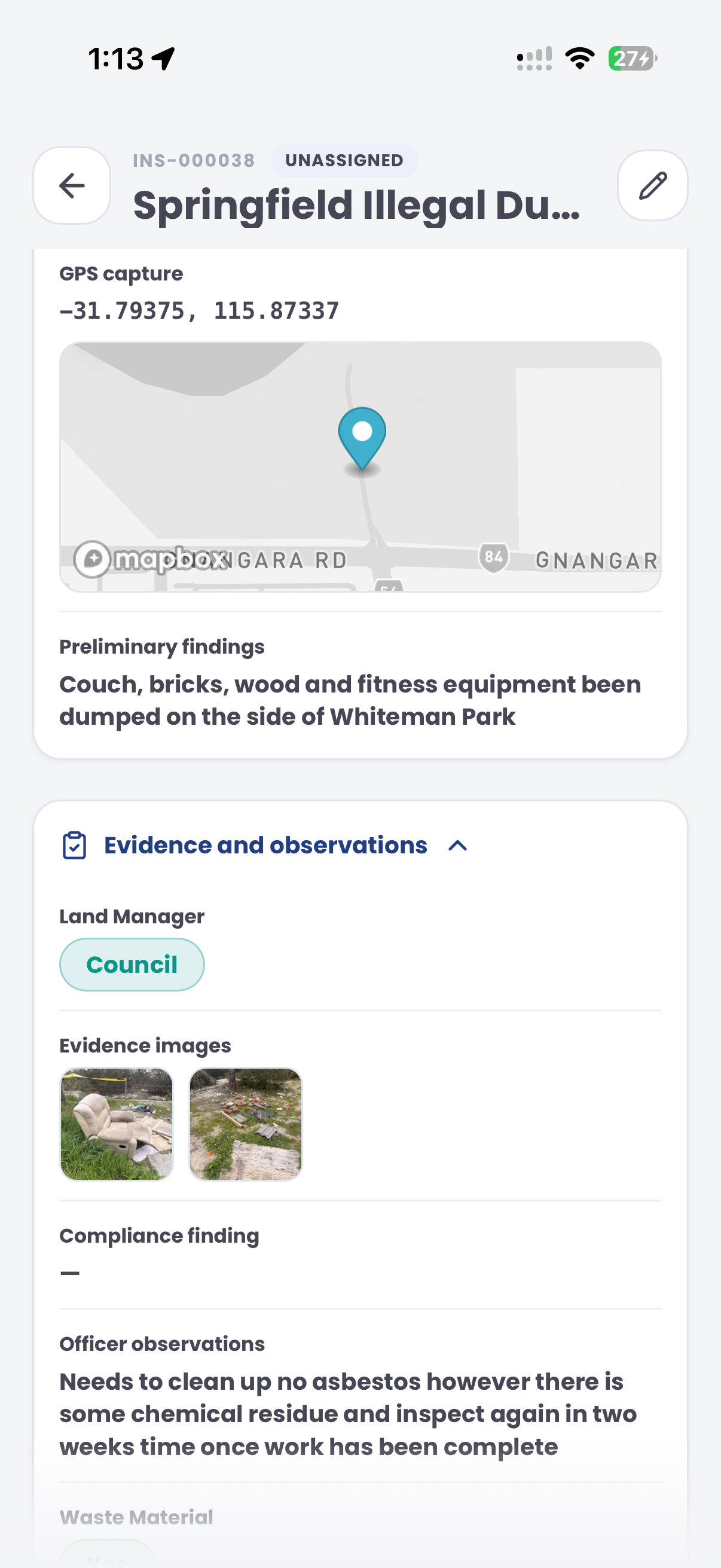
The useful question is not which feature exists. It is whether the team can see the place, rule, evidence, exception, next action and review history before making a decision.
Connect observations of the same vehicle to support an ageing and movement review.
Date, time, location, vehicle and sighting history.Capture condition, location, photographs and officer observations without declaring the vehicle abandoned automatically.
Issue photographs, notes and inspection timestamps.Record enquiries and responses from relevant internal teams or authorised external channels.
Contact events, documents and case notes.Track notices, waiting periods, reinspection dates and unresolved tasks.
Templates, due dates, tasks and status history.Route the case to an authorised person before a towing or relocation instruction is prepared.
Approval, reason, contractor task and audit event.Report claimed, moved, removed, released and closed cases without rebuilding the history.
Case outcomes, ageing and operational reporting.Repeat observations, parking context and inspection evidence help an authorised reviewer distinguish a legitimate long stay from a vehicle that requires follow-up.
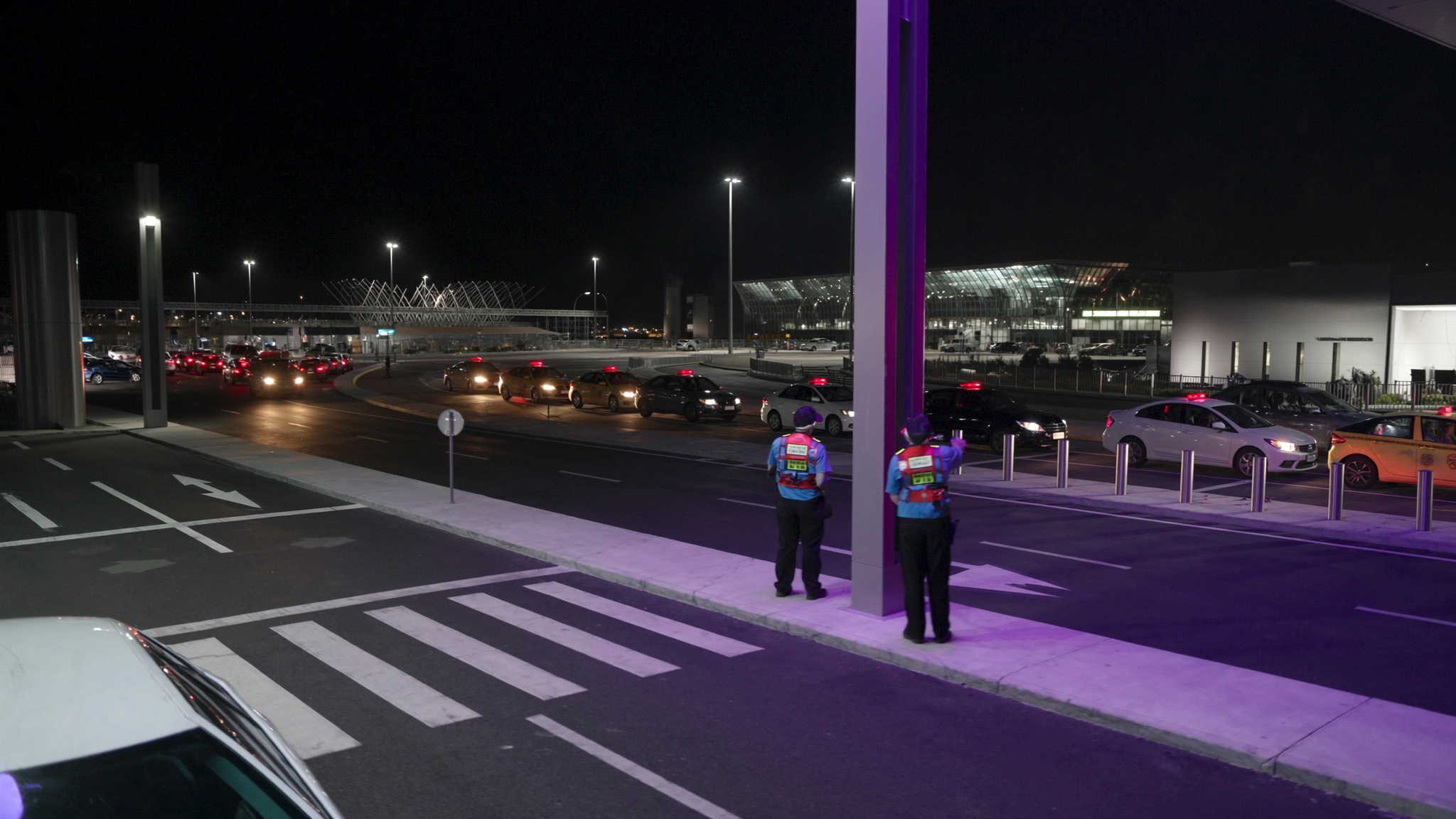
Record the terminal, car park, level, bay, zone and relevant parking conditions.
Keep registration, make, orientation, colour, visible condition and repeat sightings together.
Show the checks completed, notice period, reviewer, approval and contractor instruction.
The case view keeps the vehicle, parking context, inspection evidence, current owner and next review date visible together.
Verification and notice process required
Aero Ranger keeps the issue photos, place context, rule context and follow-up state together so the case can be checked later without rebuilding the record.
The issue photo stays on UT-AIR-26041 with the case note and current case status.
Site, street, reserve, bay, kerbside or zone context stays attached so reviewers can see where the issue occurred.
The relevant signage, permit condition, local-law category or operating rule is recorded beside the issue evidence.
Later photos, reinspection notes, notice evidence and closure decisions remain in the same case trail.
In CORE, an abandoned airport vehicle works best as a dedicated case type with inspections, evidence, notices, approvals and contractor actions tied to one vehicle record.
Registration, make, orientation, colour, condition, car park, level, zone and bay.
Inspection photographs, repeat sightings, timestamps, notes and notice photographs.
Notice expiry, reinspection due, approval, towing instruction and contractor outcome.
Who inspected, reviewed, approved, contacted, instructed and closed the matter, with reasons.
The workflow can reflect the airport operator's authority, parking conditions, contractual arrangements and escalation policy.
The same evidence and review model can support other airport, event, visitor and precinct parking matters.
Coordinate vehicle movement, access conditions and operational exceptions across high-volume precincts.
Keep observations, zone context and follow-up connected at passenger and service kerbs.
Preserve photographs, notes, decisions and follow-up in one reviewable record.
Bring your airport parking conditions, escalation policy and contractor workflow to a practical session with Aero Ranger.
Technology procurement guide
Use your organisation or government email address. Your guide will be ready to open as soon as the form is submitted.

