Compliance casework
Aero Ranger helps teams manage unpaid infringement follow-up by connecting case records, notice status, documents, tasks, external actions, review history and management reporting.
30 days risk free. Start with one workflow and a clear success criterion.
The operating problem
Unpaid infringement follow-up can involve reviews, reminders, escalations, referrals, document packs and audit requests. Teams need one record of the matter and its next action.
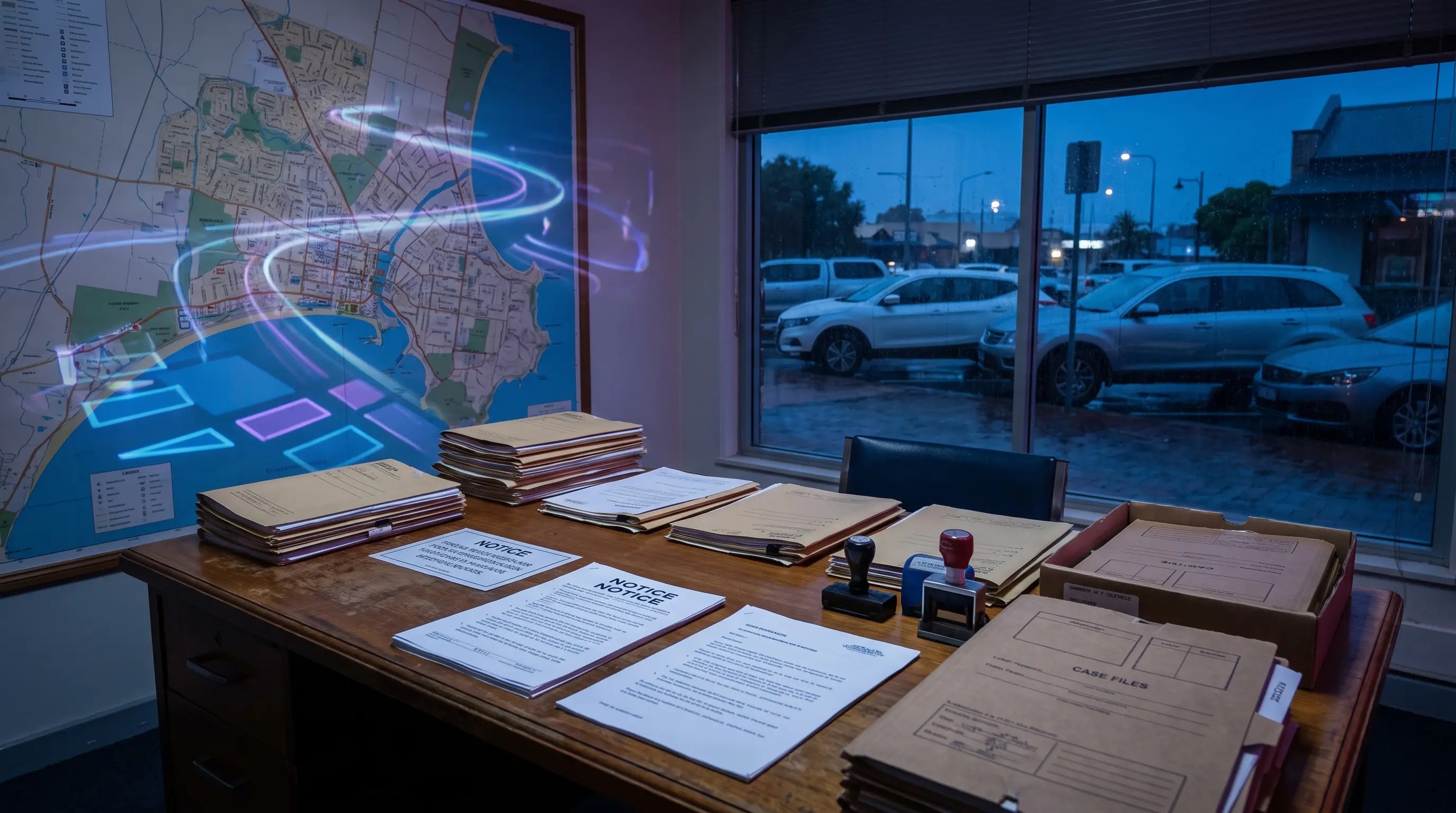
The source workflow
Unpaid infringement follow-up is an administrative compliance workflow. Council needs to know the notice status, review rights, payment history, hold periods, escalation eligibility and external action pathway.
Group unpaid matters by age, status, review hold, payment arrangement, nomination, withdrawal or external referral eligibility.
Attach evidence, reminder documents, review notes, correspondence, approvals and any hardship or payment-plan context.
Record payment, withdrawal, escalation, referral, court election or closure, then report aged debt and workload trends.
Infringement reference, vehicle, owner context where available, amount, issue date, due date and payment status.
Reminder sent, review requested, payment plan, escalation eligible, external referral, withdrawn or resolved.
Reminder letters, evidence packs, review notes, approval records and external referral documents.
The reviewable record
A follow-up workflow needs notice state, case owner, review history, documents, external action status and audit trail visible together.
A focused first test
Bring a real unpaid workflow and we will map queues, documents, external actions, audit history and reporting.
Create queues by status, owner, offence type, age or next action.
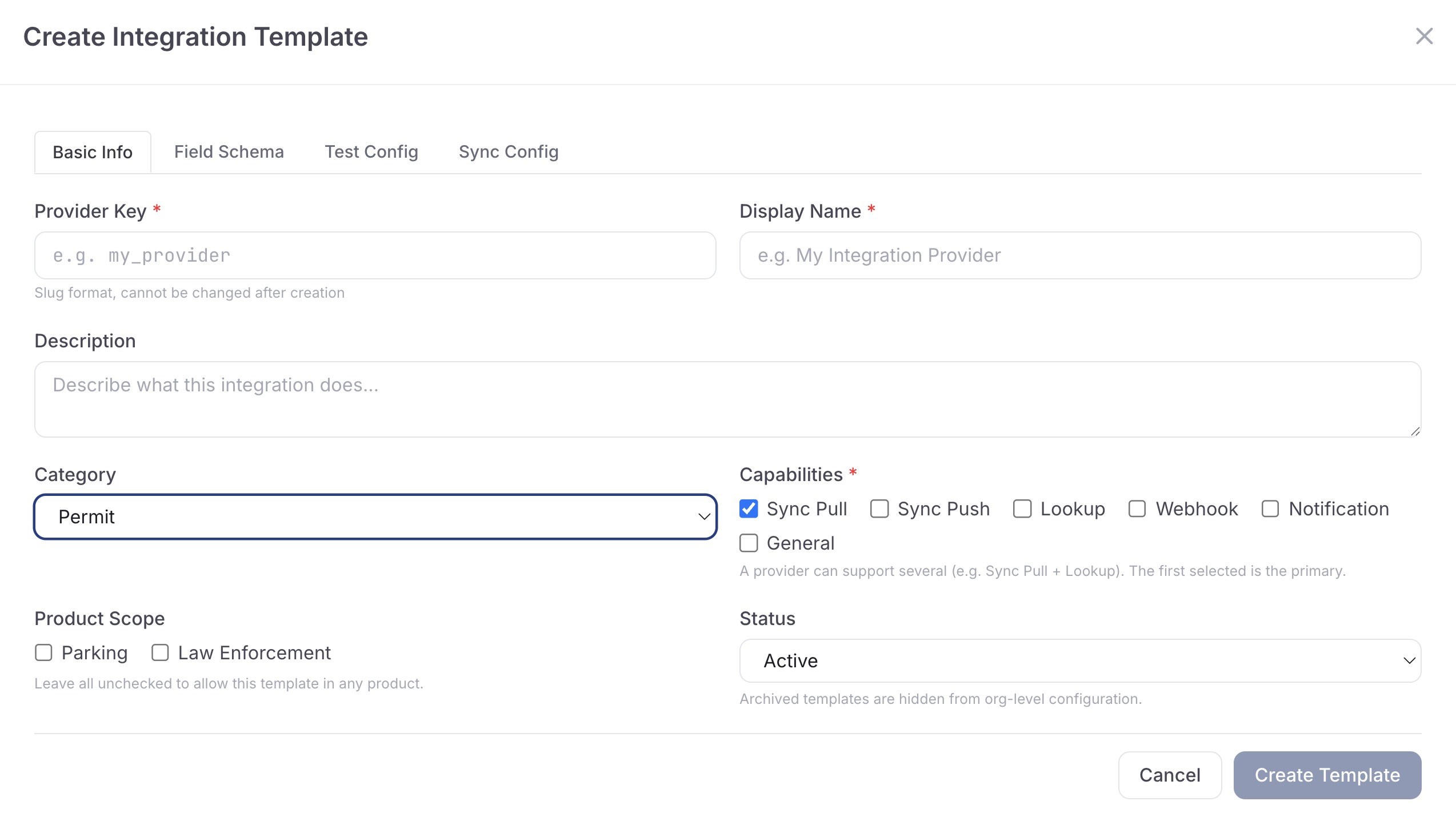
Model reminder, review, referral, debt recovery, court-pack or closure pathways.
Render reminders, evidence packs, review letters and escalation documents from case data.
30 days risk free. Start with one workflow and a clear success criterion.
Related operating considerations
Carry overstay matters through notice, review and follow-up.
Manage no-payment detections after the initial decision.
Use configured legal references and timing across follow-up documents.
Report unpaid workload, ageing cases and outcomes for leadership.
The field app / iPhone and Android
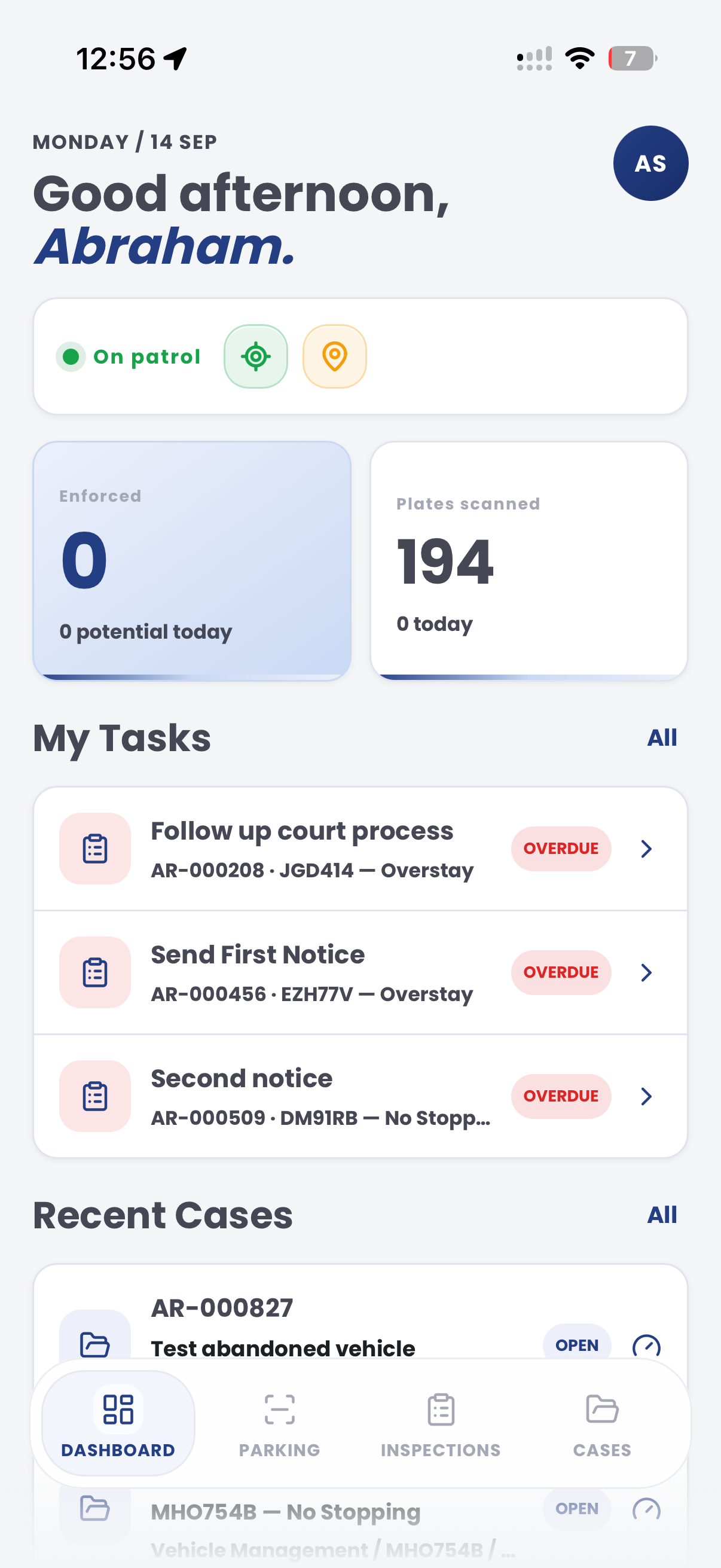
Take the case record into the field when a matter needs another visit. Add current evidence and keep assigned tasks visible alongside the wider document workflow.

Customer field stories
Seven short case studies covering parking, patrol, evidence and compliance workflows in real operating environments.
A council team discusses field capture, review and day-to-day parking operations.
Full product walkthrough
Watch the full CORE walkthrough for a closer look at connected field work, evidence, cases, permits and reporting.
Use a free 1:1 strategy session to outline the current process, name a practical success criterion and decide whether to start a 30-day risk-free trial.
Free from Aero Ranger
No login required. Aero NoticeFlow turns spreadsheet rows and your approved notice PDF into individual notices you can review and download in your browser.

