Unauthorised passenger transport
Aero Ranger helps enforcement and transport teams identify passenger vehicles operating where they are not authorised, connect activity to zones and approved lists, then manage inspection, evidence, case and reporting workflows.
30 days risk free. Start with one workflow and a clear success criterion.
The operating problem
Airport lanes, event precincts, taxi ranks and CBD kerbside areas move quickly. Enforcement teams need to know whether a vehicle, operator or permit is authorised in that place at that time before they act.

The source workflow
Unauthorised passenger transport review is an access and approval workflow. It is most useful around airports, event precincts, ranks and managed pickup areas where authorised operators and casual traffic mix.
Confirm taxi, rideshare, hire-vehicle, shuttle, bus or contractor areas, approved vehicle lists, operating times and partner-agency rules.
Attach vehicle sightings, photos, pickup or dwell context, list checks, officer observations and any operator history.
Educate, warn, issue, refer to a transport regulator or close as authorised, then report repeat vehicles and pressure points.
Rego, vehicle type, operator or permit record where available, approved list status and repeat activity.
Taxi rank, rideshare area, airport kerb, event pickup zone, operating hours and authorisation rule.
ANPR read, photo, GPS point, timestamp, officer note, passenger activity note and list-check result.
The reviewable record
Start with regulated vehicle lists and one high-pressure pickup area, then extend into ranks, events, terminal lanes and complaint-led review.
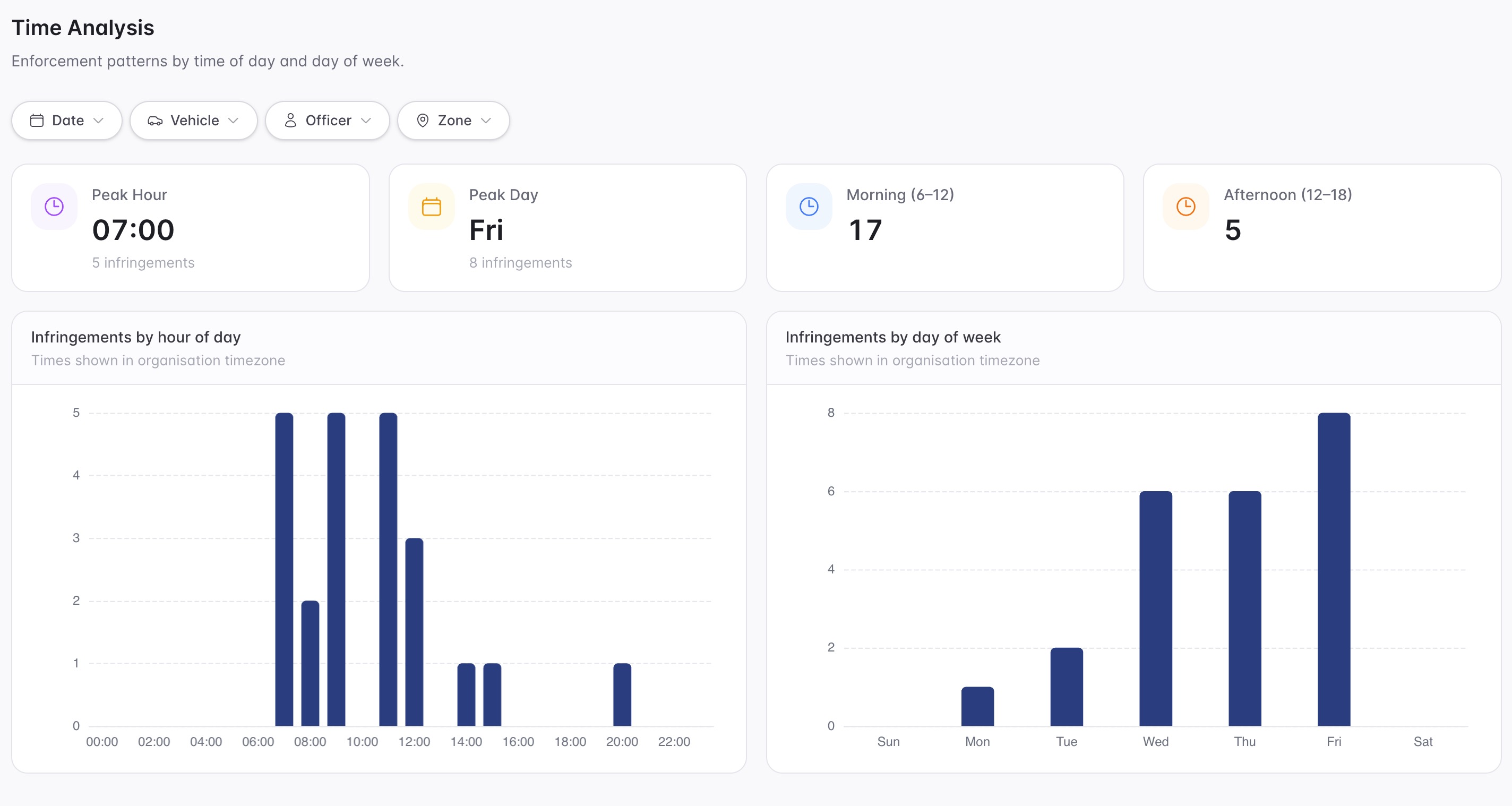
A focused first test
Bring a real pickup-zone, rank or rideshare scenario and we will map approved lists, zone rules, evidence, inspections, cases and reporting.
Import or maintain authorised vehicle, operator, permit, exemption and category records so exceptions are measured against a governed source of truth.
Define pickup lanes, ranks, short-stay areas, loading rules, event windows and exception categories for passenger vehicle activity.
Use mobile capture, fixed capture or integrations to record vehicle activity with time, location and confidence context.
30 days risk free. Start with one workflow and a clear success criterion.
Related operating considerations
Manage taxis, rideshare, shuttles, buses, VIP vehicles and contractors around terminal zones.
Check whether a vehicle is authorised for a particular zone, time window or permit category.
Compare vehicle activity against app-provider or meter sessions before action.
A vehicle can appear like any other pickup vehicle while lacking the required authority, permit, operator status or zone permission.
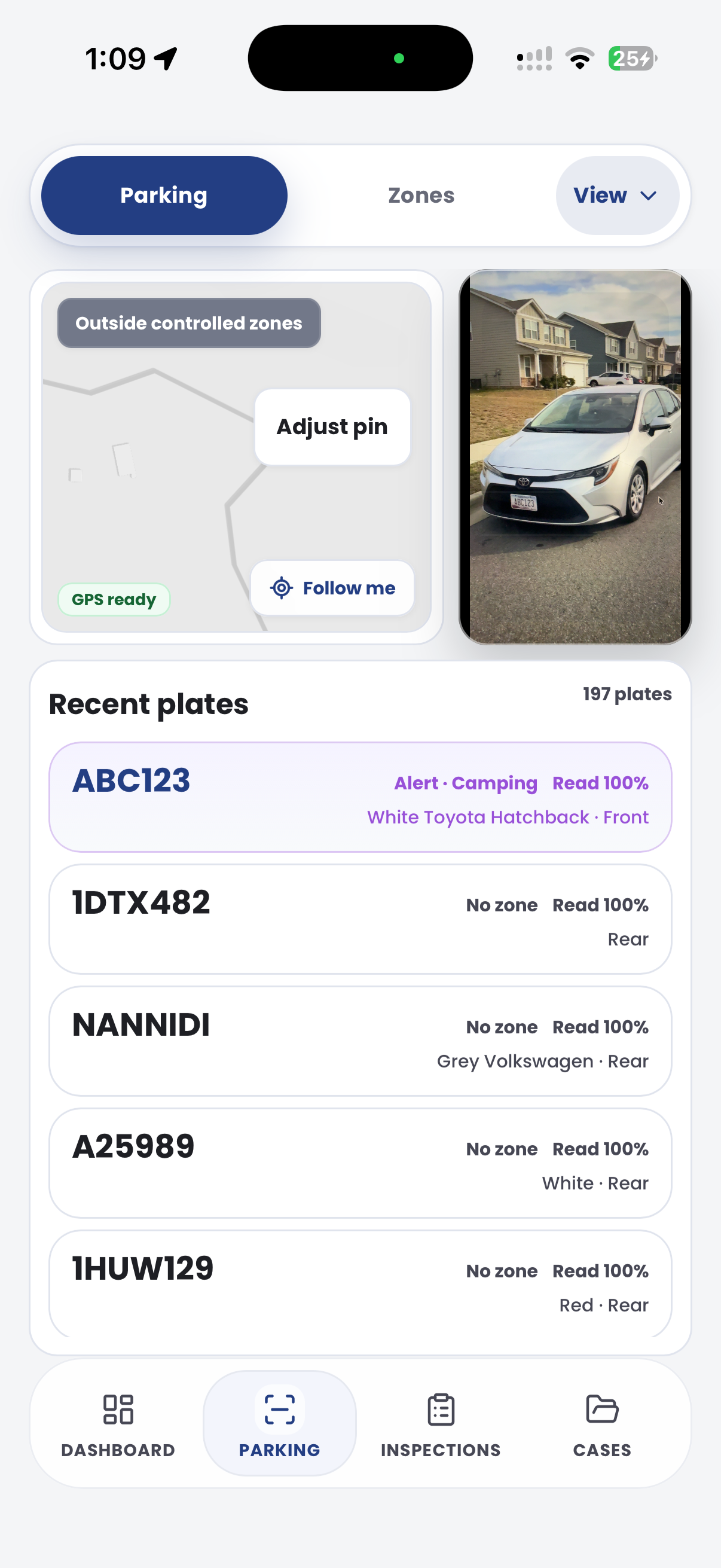
The field app / iPhone and Android
Record vehicle and site observations at ranks, terminals and pickup areas. Keep field evidence connected to authorised operator and access review in CORE.

Customer field stories
Seven short case studies covering parking, patrol, evidence and compliance workflows in real operating environments.
A council team discusses field capture, review and day-to-day parking operations.
Full product walkthrough
Watch the full CORE walkthrough for a closer look at connected field work, evidence, cases, permits and reporting.
Use a free 1:1 strategy session to outline the current process, name a practical success criterion and decide whether to start a 30-day risk-free trial.
Free from Aero Ranger
No login required. Aero NoticeFlow turns spreadsheet rows and your approved notice PDF into individual notices you can review and download in your browser.

