Camping and extended-stay review
Aero Ranger helps teams review trailers, boats and caravans parked long-term by using vehicle sightings, dwell thresholds, zone context, inspections, evidence, notices and case follow-up.
30 days risk free. Start with one workflow and a clear success criterion.
The operating problem
Trailer, boat and caravan parking often requires repeat checks, owner contact, notices and local-law timing. Teams need a clear record that survives handover between officers.
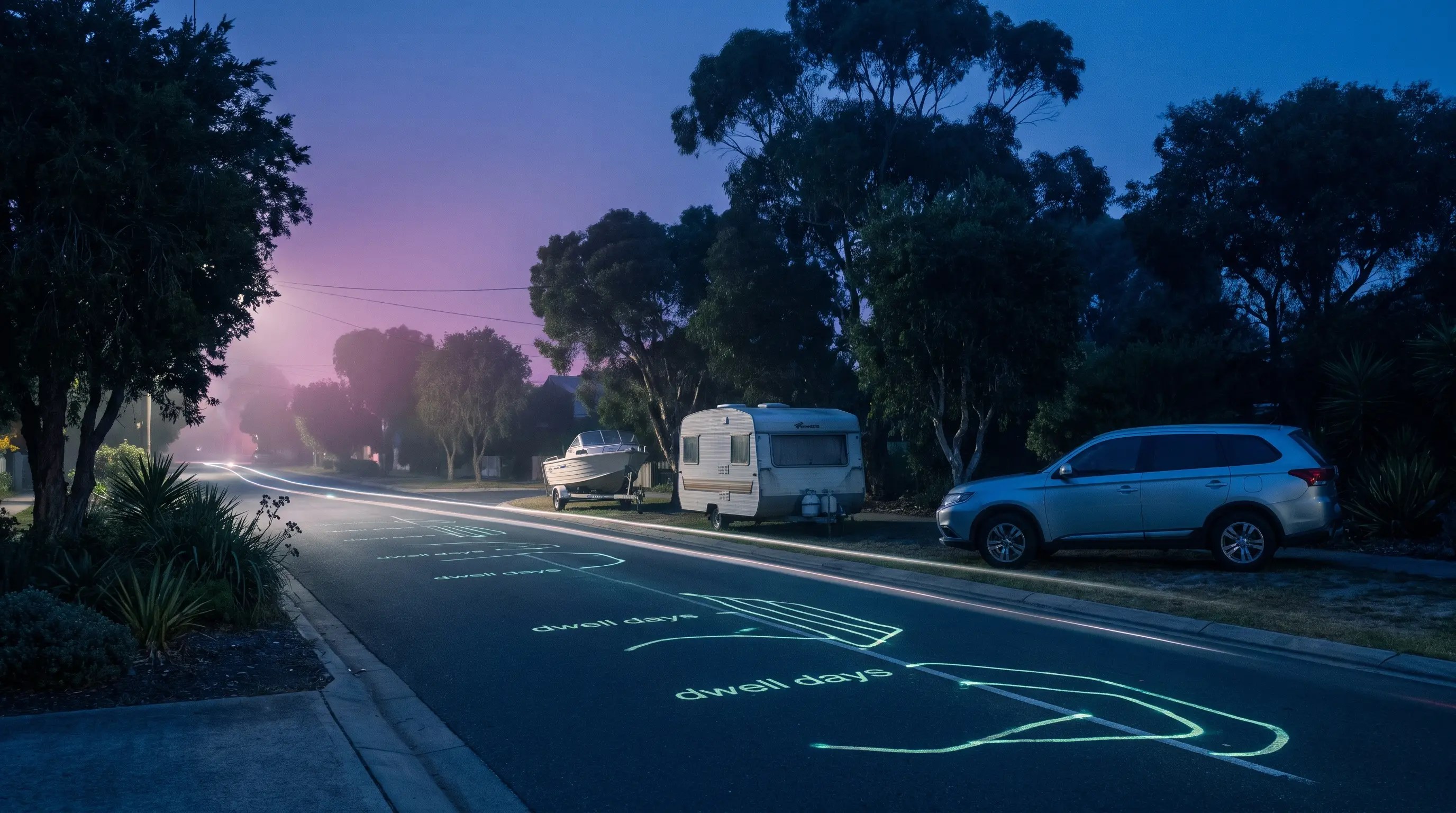
The source workflow
Long-term trailer, boat and caravan parking is a duration and amenity workflow. Council needs to show how long the asset stayed, whether it moved and whether a local rule or notice pathway applies.
Record trailer, boat or caravan type, visible registration or identifying marks, condition, location and whether it creates access or amenity issues.
Link first and repeat sightings, movement checks, notice photos, allowed-duration rules and reinspection dates.
Close moved assets, approve removal where required, assign contractor work and report repeat streets or storage hotspots.
Rego if present, trailer or caravan type, boat details, visible condition, attached vehicle context and identifying marks.
Street, verge, car park, foreshore, GPS pin, ward, local-law category and whether the asset has moved.
Photos, first and repeat sightings, officer notes, notice photos, timestamps and movement history.
The reviewable record
A long-term parking matter needs first sighting, repeat sighting, vehicle type, location, inspection notes, notice history and closure outcome together.
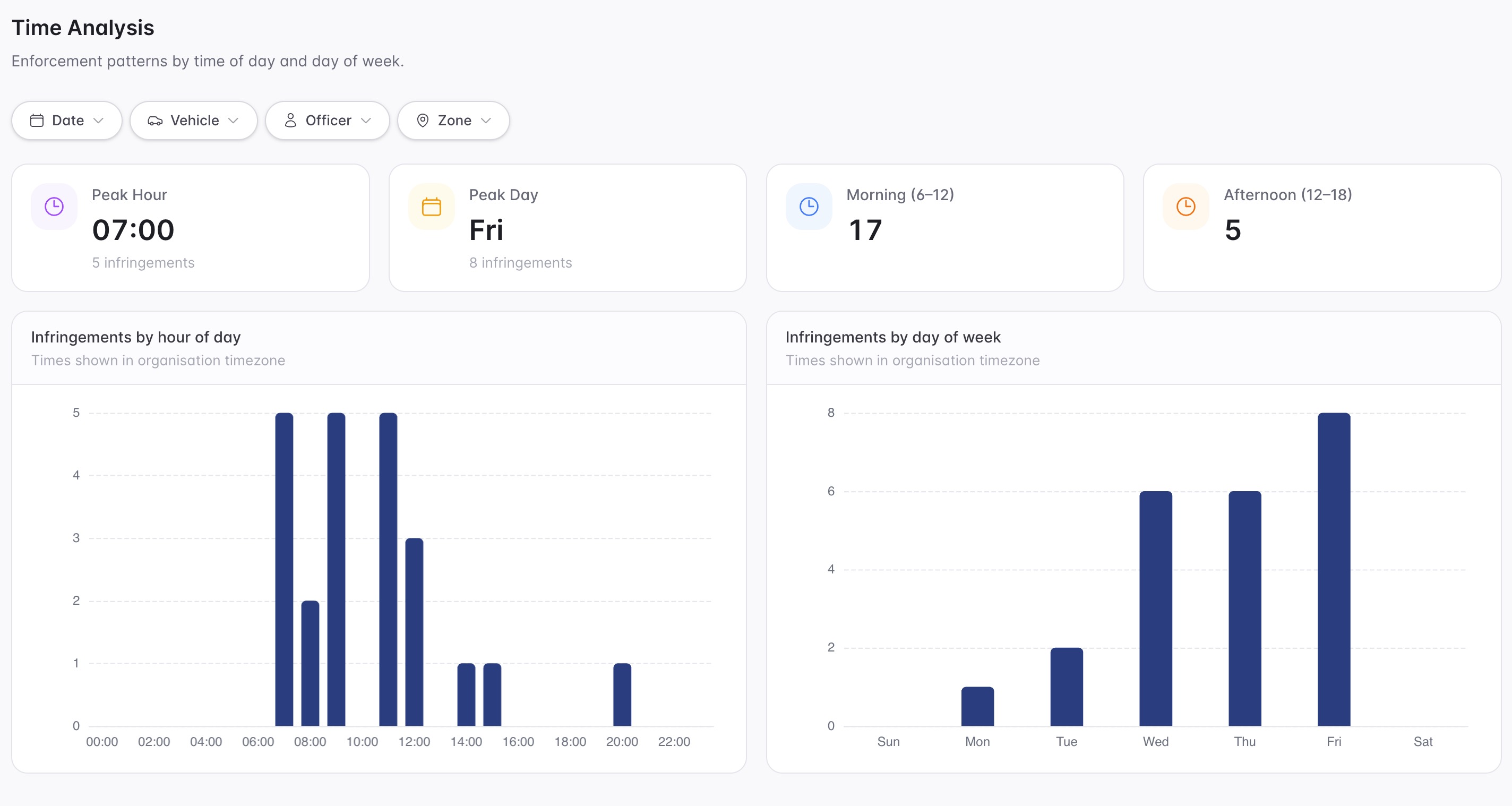
A focused first test
Bring a common street or foreshore scenario and we will map dwell evidence, inspections, notices and reporting.
Configure thresholds and authorised vehicle lists for vehicles that remain in place across patrols.
Capture photos and notes to classify trailers, boats, caravans and related vehicles.
Schedule rechecks, owner contact, notice issue and closure tasks.
30 days risk free. Start with one workflow and a clear success criterion.
Related operating considerations
Use longer dwell, recheck and notice workflows for vehicles that remain in place.
Apply overnight and public-land dwell rules where caravans are occupied.
Connect public-land review with vehicle registration context where needed.
Track repeat streets, coastal areas and long-term parking hotspots.
The field app / iPhone and Android
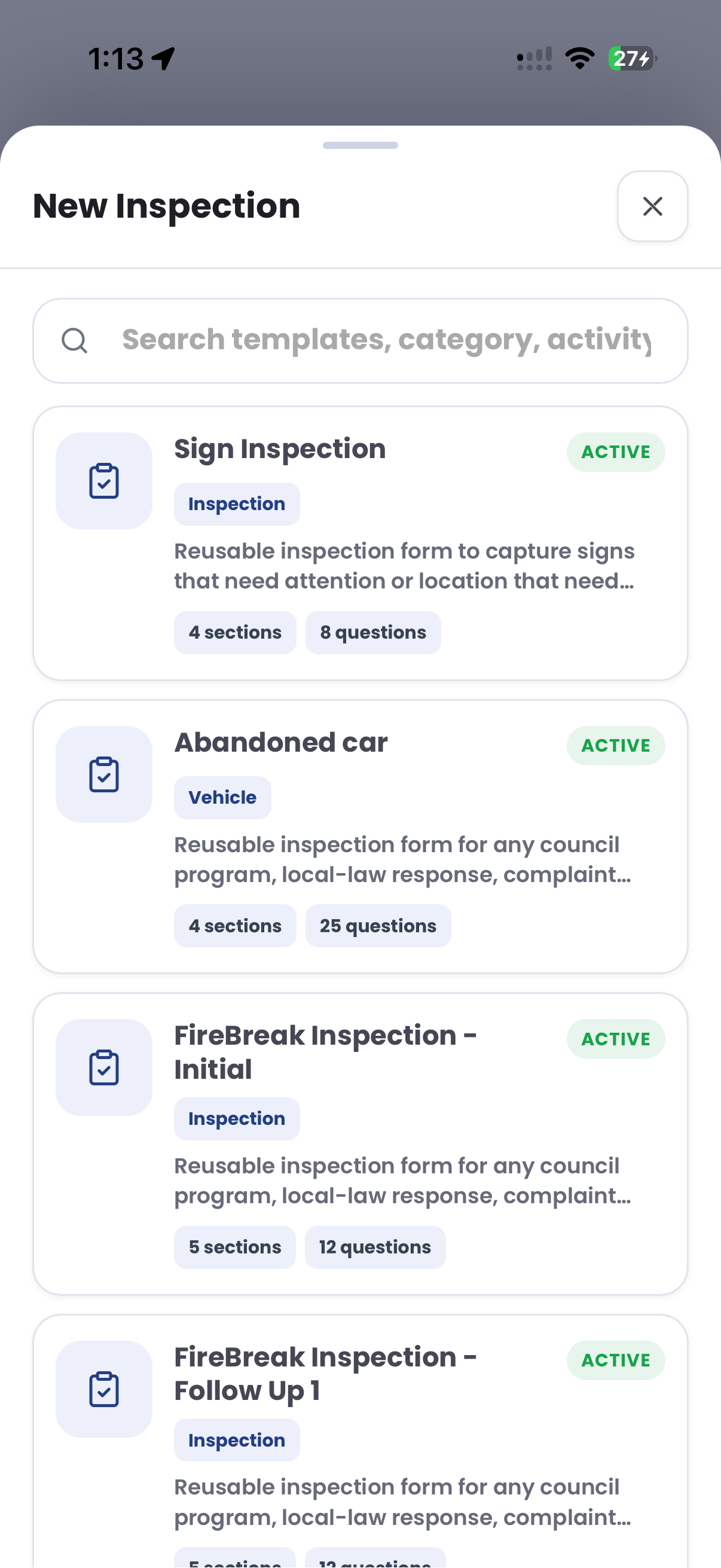
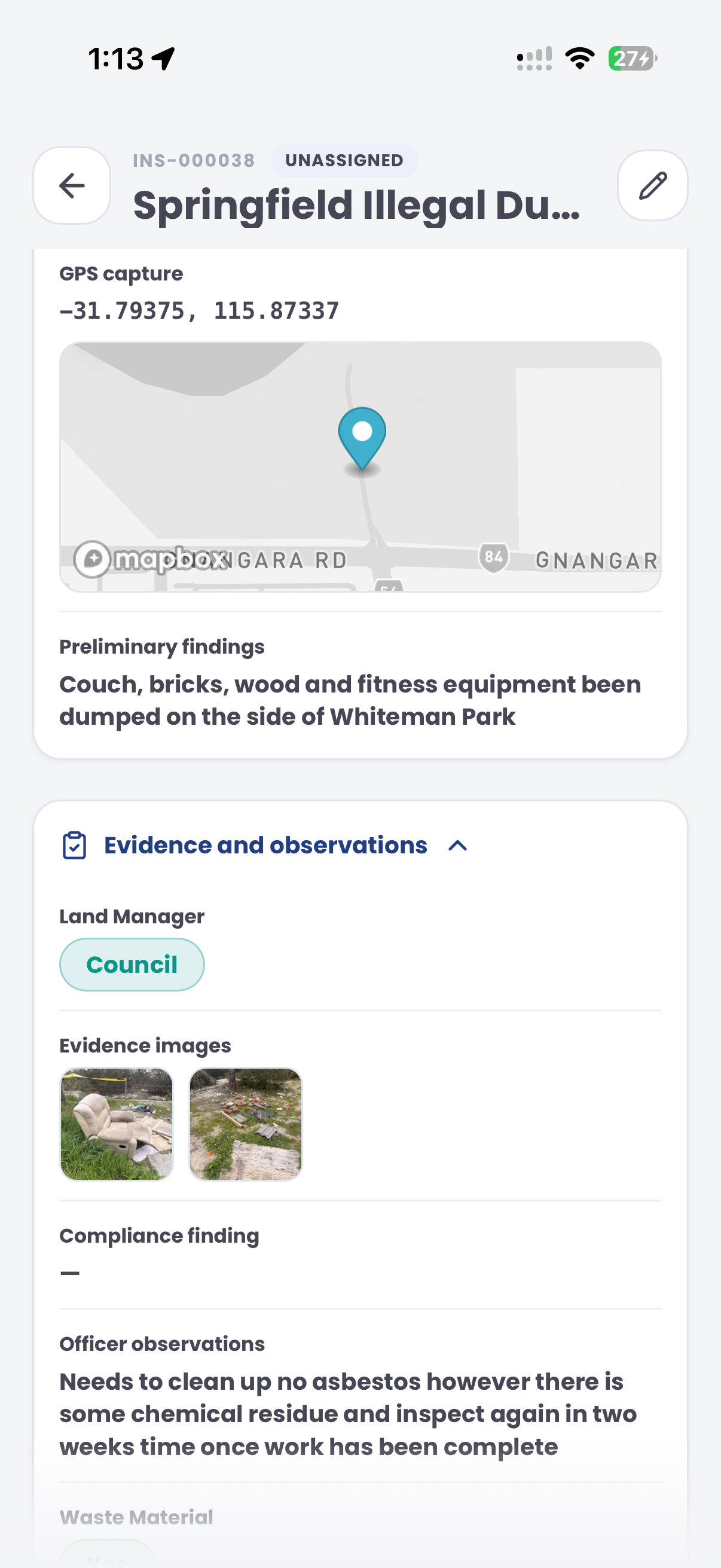
Document the vehicle and location during initial visits and rechecks. Use inspection records to keep condition photos and observations connected over time.
Customer field stories
Seven short case studies covering parking, patrol, evidence and compliance workflows in real operating environments.
A council team discusses field capture, review and day-to-day parking operations.
Full product walkthrough
Watch the full CORE walkthrough for a closer look at connected field work, evidence, cases, permits and reporting.
Use a free 1:1 strategy session to outline the current process, name a practical success criterion and decide whether to start a 30-day risk-free trial.
Free from Aero Ranger
No login required. Aero NoticeFlow turns spreadsheet rows and your approved notice PDF into individual notices you can review and download in your browser.

