Parking operations
Aero Ranger helps teams manage school-zone parking pressure with scheduled zones, no-stopping rules, short peak windows, evidence capture, alerts, cases and operational reporting.
30 days risk free. Start with one workflow and a clear success criterion.
The operating problem
School-zone parking enforcement needs clear schedules, no-stopping and loading rules, fast evidence capture and careful review during morning and afternoon peaks.

The source workflow
School-zone parking work happens in short, sensitive peaks. Council needs to manage safety, parent behaviour, signage, complaints and evidence in a tight morning or afternoon window.
Confirm no-stopping, no-parking, bus, kiss-and-ride, crossing and accessible bay rules, including active school-day times.
Capture unsafe stopping, dwell, obstruction, repeat vehicles, photos and officer notes while keeping education and safety context visible.
Issue or warn where appropriate, respond to complaints, report repeat frontages and brief schools or transport teams on recurring pressure.
School frontage, no-stopping area, crossing zone, pick-up or drop-off window, active dates and signage notes.
Rego, vehicle type, position, dwell duration, manoeuvre context and repeat history where relevant.
Photos, ANPR read, timestamp, officer notes, safety context and any repeat observation.
The reviewable record
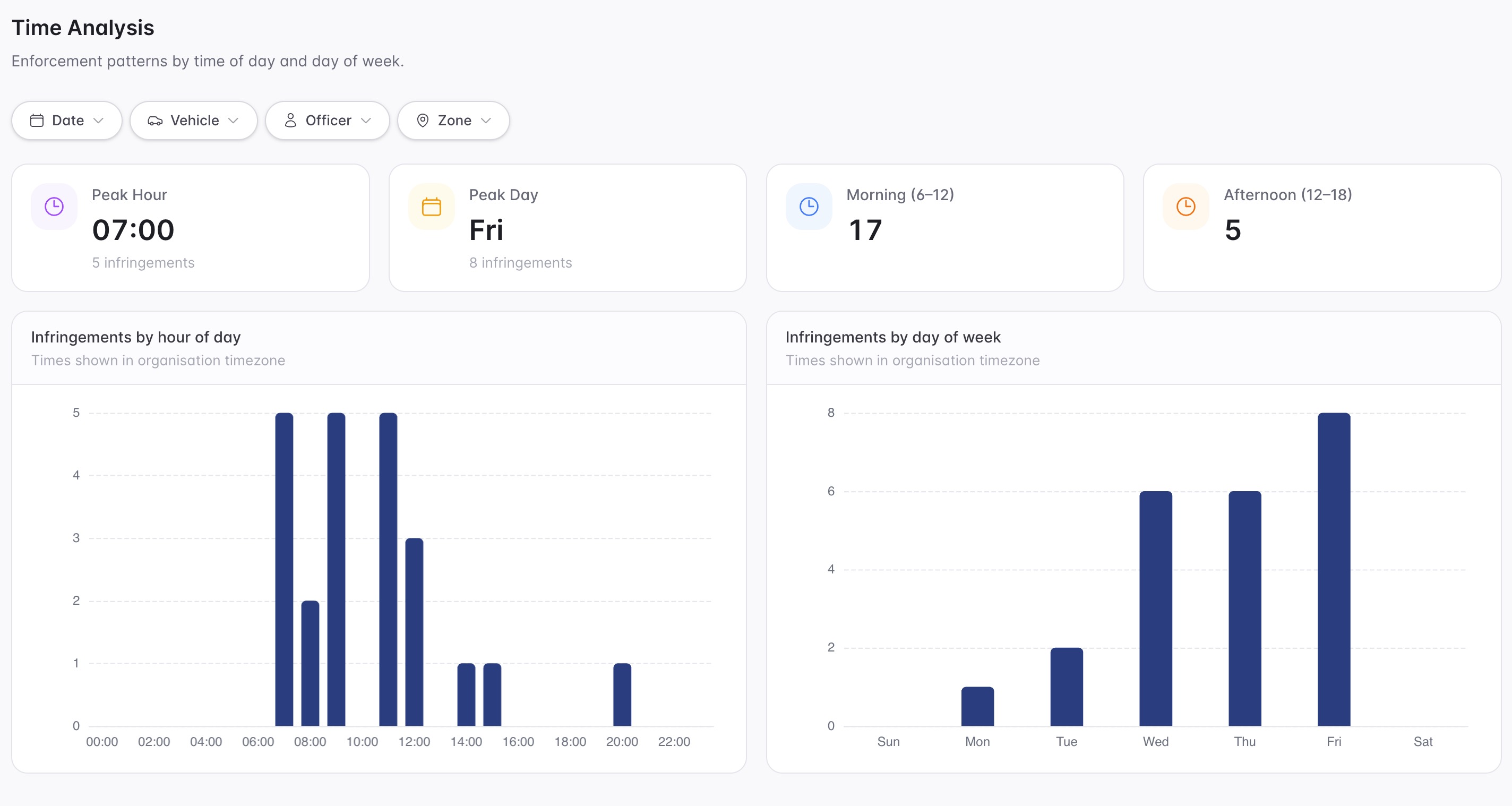
A school-zone matter needs the location, active time window, rule, evidence image and review outcome recorded clearly.
A focused first test
Bring one school frontage and we will map active windows, restrictions, evidence capture, case review and reporting.
Create profiles for morning and afternoon school-zone restrictions.
Capture vehicle evidence only where and when the active rule applies.
Flag high-risk behaviours or repeat plates for review.
30 days risk free. Start with one workflow and a clear success criterion.
Related operating considerations
Use scheduled kerb rules for bus, loading and no-stopping areas.
Apply active windows, grace and review evidence to timed controls.
Use permit review and careful evidence standards around sensitive bays.
Use temporary profiles and reporting for special school or community events.
The field app / iPhone and Android
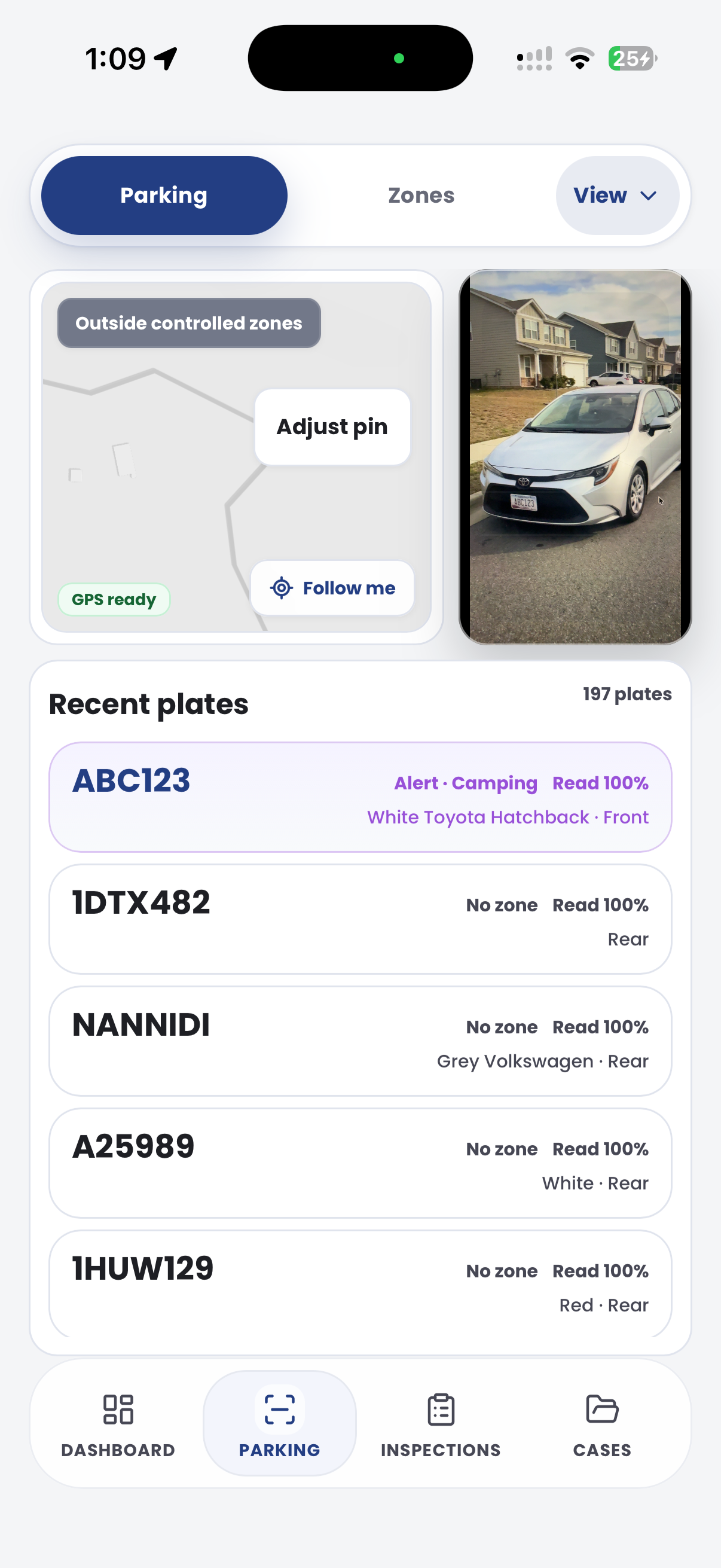
Keep vehicle observations, location and site evidence together during peak-period patrols. Bring the record back into the team's review and follow-up workflow.

Customer field stories
Seven short case studies covering parking, patrol, evidence and compliance workflows in real operating environments.
A council team discusses field capture, review and day-to-day parking operations.
Full product walkthrough
Watch the full CORE walkthrough for a closer look at connected field work, evidence, cases, permits and reporting.
Use a free 1:1 strategy session to outline the current process, name a practical success criterion and decide whether to start a 30-day risk-free trial.
Free from Aero Ranger
No login required. Aero NoticeFlow turns spreadsheet rows and your approved notice PDF into individual notices you can review and download in your browser.

