Camping and extended-stay review
Aero Ranger helps New Zealand councils monitor restricted areas, detect overstays, verify vehicle context, create evidence-ready cases and manage freedom camping notices across coastlines, lakesides and reserves.
30 days risk free. Start with one workflow and a clear success criterion.
The operating problem
New Zealand councils manage long coastlines, lakesides, river margins and reserves with finite ranger resources. The workflow needs to detect potential breaches early and document them clearly.
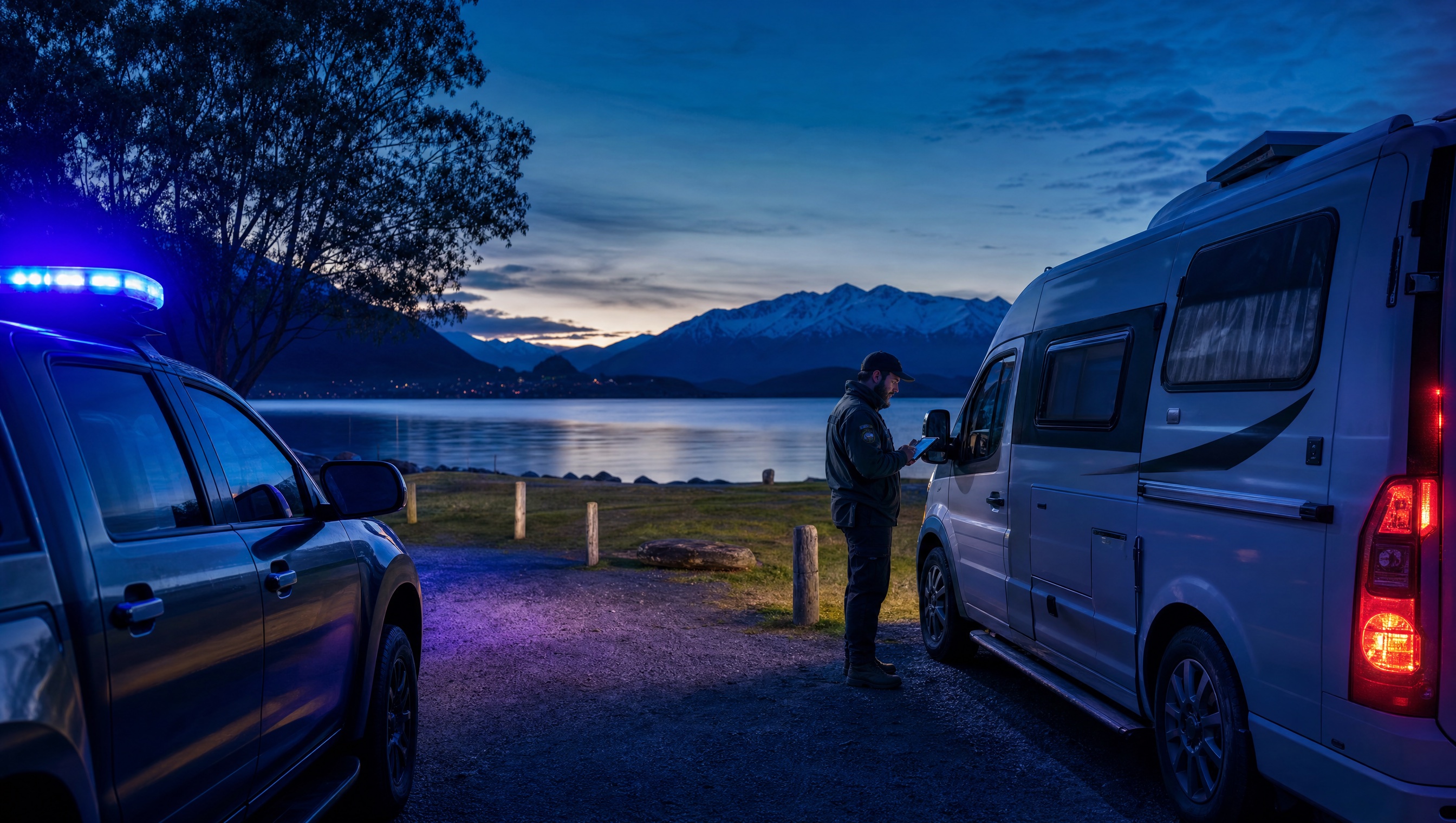
The source workflow
Freedom camping compliance depends on location rules, vehicle certification, stay limits and officer discretion. The workflow has to support both visitor education and formal infringement review.
Confirm prohibited, restricted and permitted areas, maximum stay settings, self-contained vehicle requirements, signage and seasonal patrol priorities.
Record the plate, location, time, repeat sightings, certification context, waste or damage concerns and any officer conversation with the occupant.
Use the same record for education, warning, infringement, recheck, appeal support and reporting on pressure by site or season.
Rego, vehicle type, self-contained status if available, first and repeat sightings, and any visible camping indicators.
GPS pin, reserve or lakeside zone, prohibited or restricted area, allowed-night settings and local signage notes.
ANPR reads, officer photos, notes, inspection outcomes, warning history and copies of notices or referrals.
The reviewable record
Freedom camping compliance needs location, duration, vehicle context, zone rules and inspection outcomes tied together before a notice is issued.
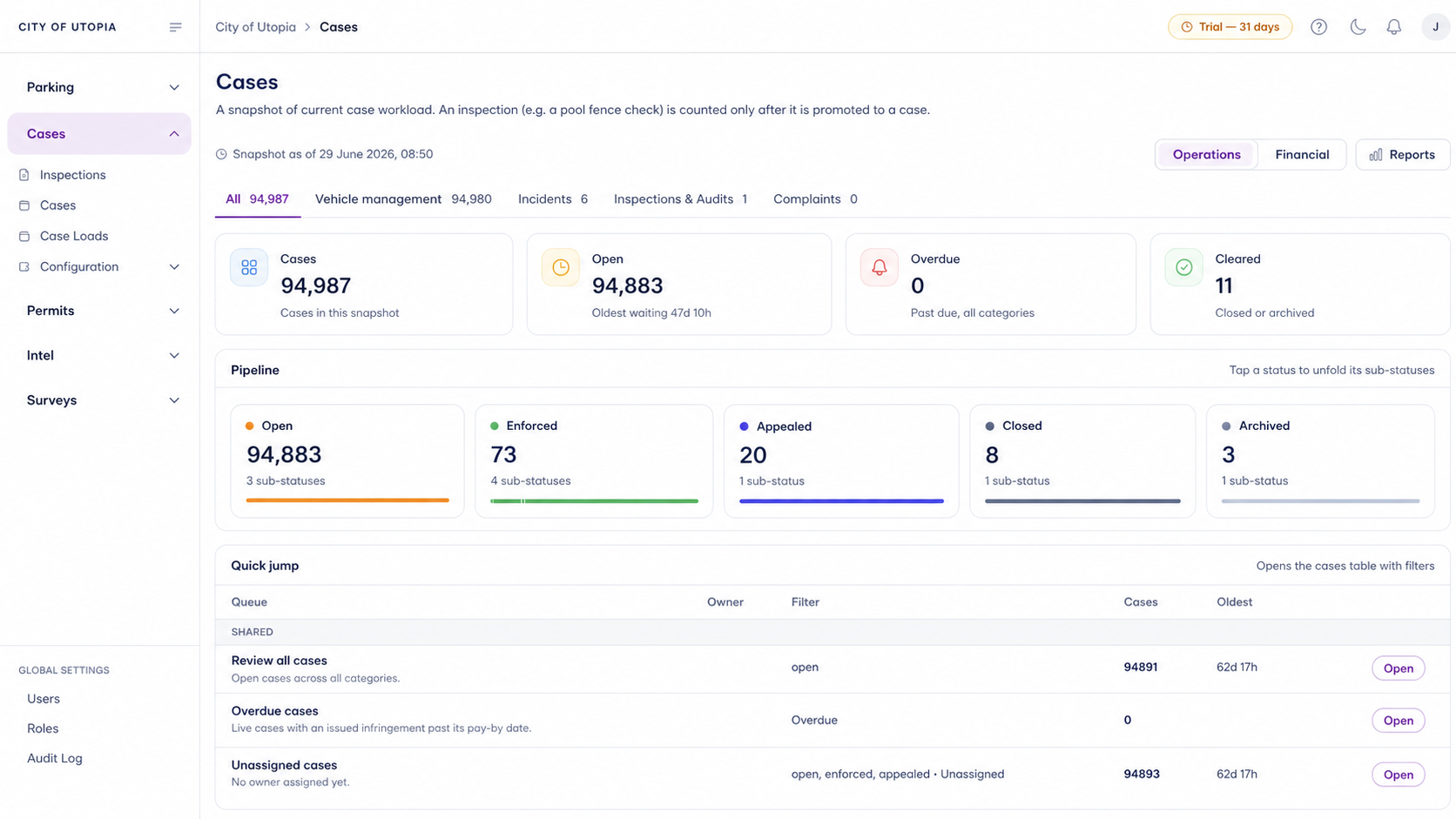
A focused first test
Bring a real freedom camping scenario and we will walk from first plate sighting to dwell alert, inspection, case decision, notice and reporting.
Flag vehicles present in council-defined restricted freedom camping zones for review.
Build a history of vehicles that overstay, return repeatedly or remain through overnight thresholds.
Cross-reference plates against self-containment registers, exemptions, permits or council records where available.
30 days risk free. Start with one workflow and a clear success criterion.
Related operating considerations
Use the same dwell and evidence pattern for Australian public land camping workflows.
Extend long-dwell analysis to vehicles that appear not to move for days.
Cross-reference vehicle access against permits, exemptions and approved users.
Pair vehicle sightings with incidents and evidence near repeat dumping locations.
The field app / iPhone and Android
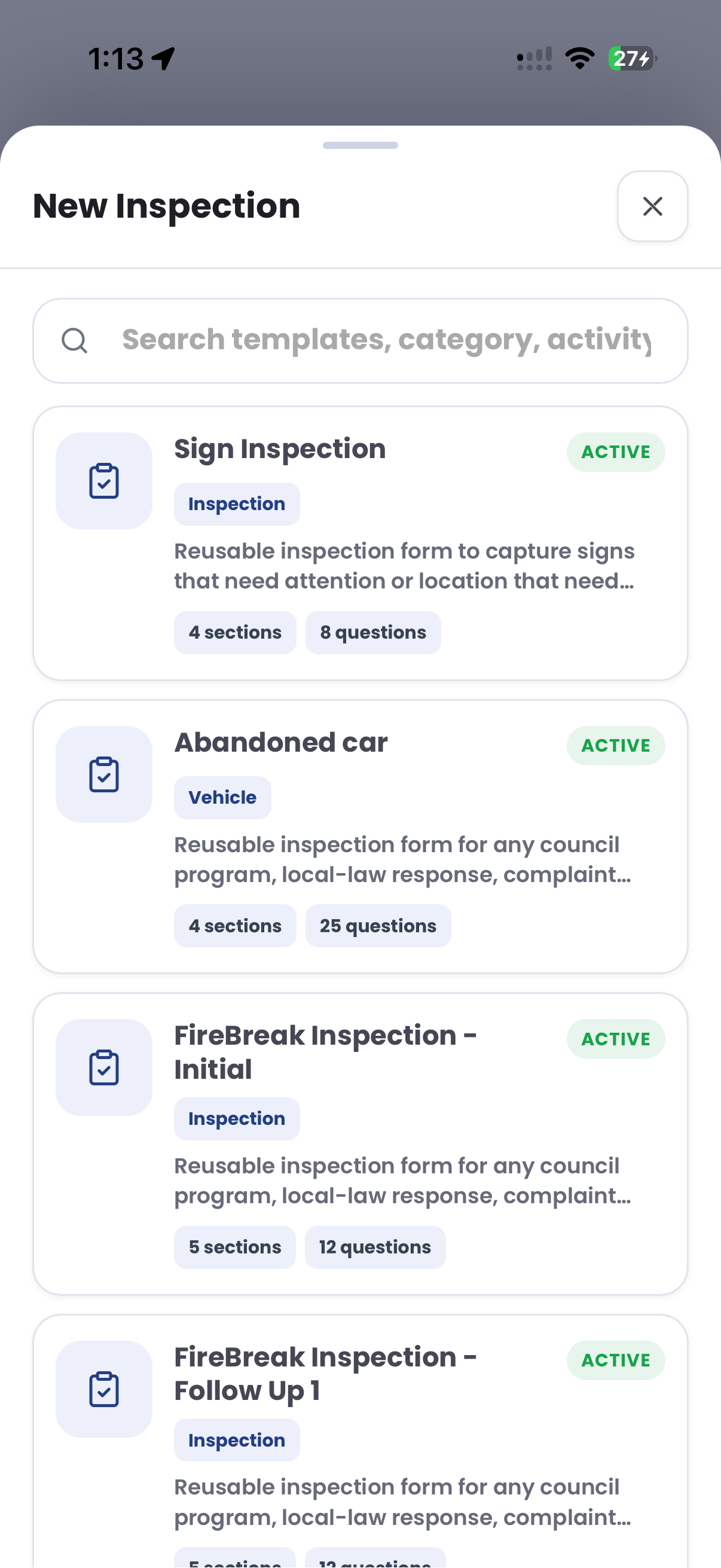
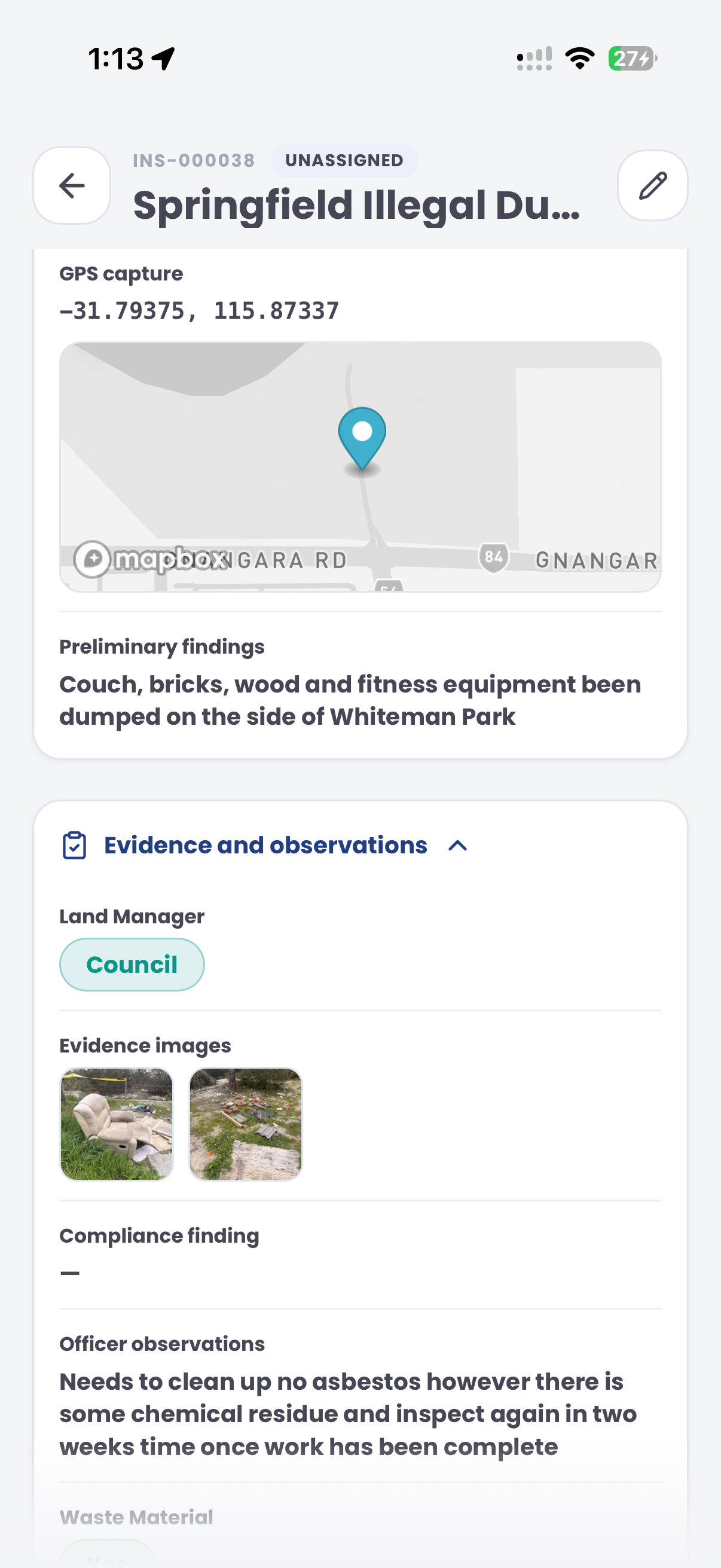
Bring the inspection template into the field. Record site observations and photos alongside GPS context for the team reviewing the camping matter.
Customer field stories
Seven short case studies covering parking, patrol, evidence and compliance workflows in real operating environments.
A council team discusses field capture, review and day-to-day parking operations.
Full product walkthrough
Watch the full CORE walkthrough for a closer look at connected field work, evidence, cases, permits and reporting.
Use a free 1:1 strategy session to outline the current process, name a practical success criterion and decide whether to start a 30-day risk-free trial.
Free from Aero Ranger
No login required. Aero NoticeFlow turns spreadsheet rows and your approved notice PDF into individual notices you can review and download in your browser.

