The seasonal pressure
A firebreak program is a chain of decisions, not a property checklist.
A visible strip is only one part of the record. Reviewers also need to understand the property, notice settings, access, field evidence, approved variations and what must happen next.

The operating workflow
One working record from seasonal notice to reinspection.
Each step carries the context from the step before it, so field officers and reviewers can see the same matter without rebuilding the history from email, spreadsheets and photo folders.
- 01
Prepare the seasonal list
Bring property subjects, notice settings, inspection areas and known variations into the program.
- 02
Assign field work
Group inspections by route, district, access constraints or operational priority.
- 03
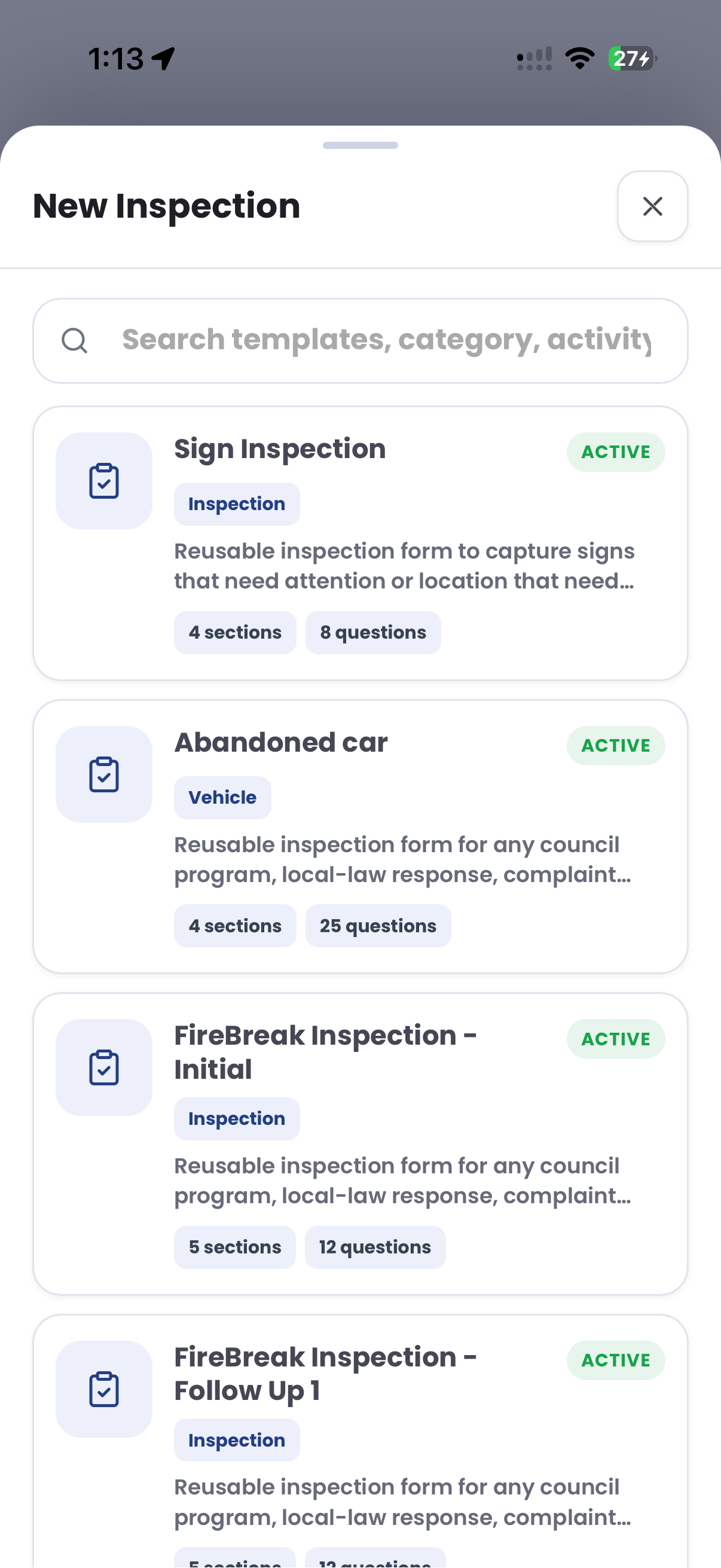
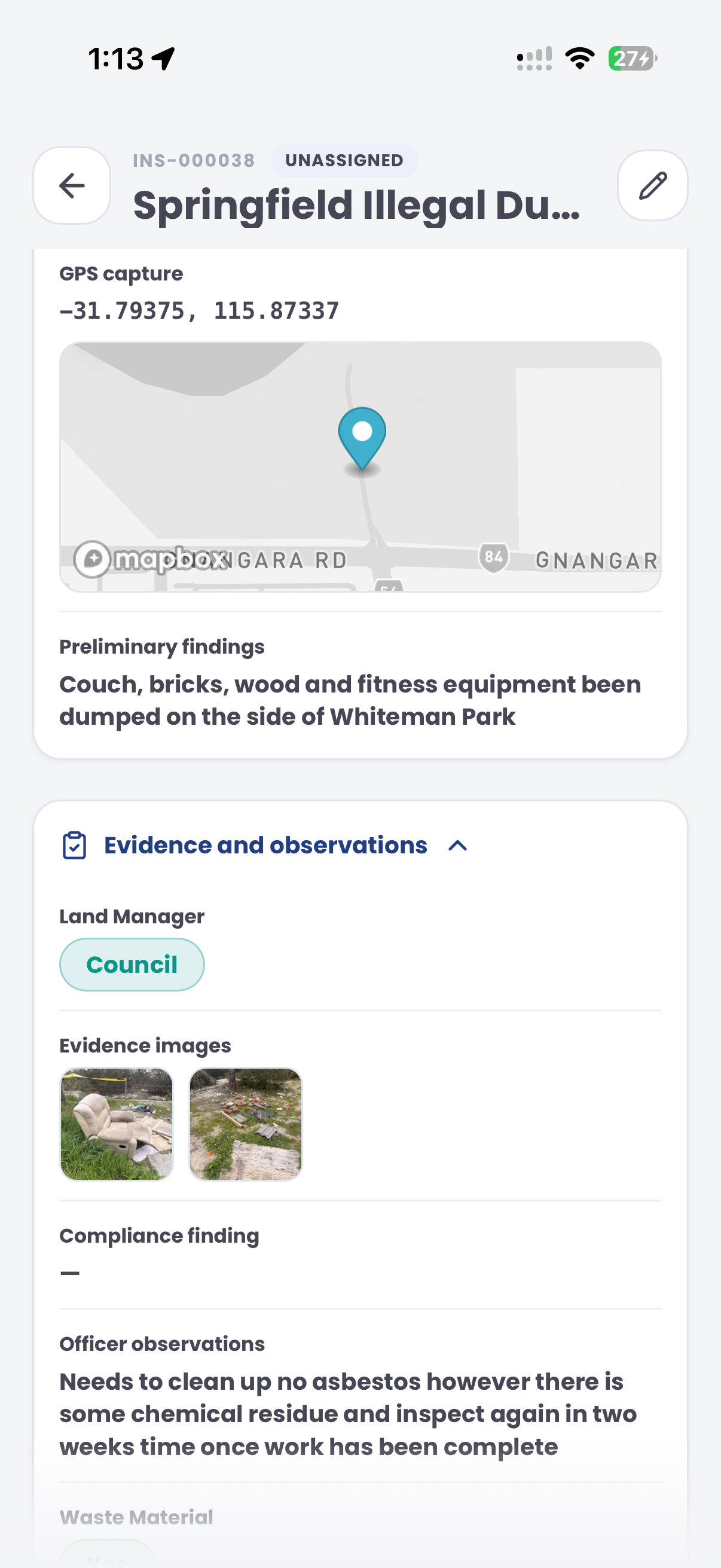
Capture the condition
Record photos, location, checklist answers, access observations and officer notes on site.
- 04
Review the context
Check notice requirements, alternative treatments, supporting documents and reviewer comments.
- 05
Carry the follow-up
Keep contact, requested work, due dates and reinspection tasks beside the field record.
- 06
Report the season
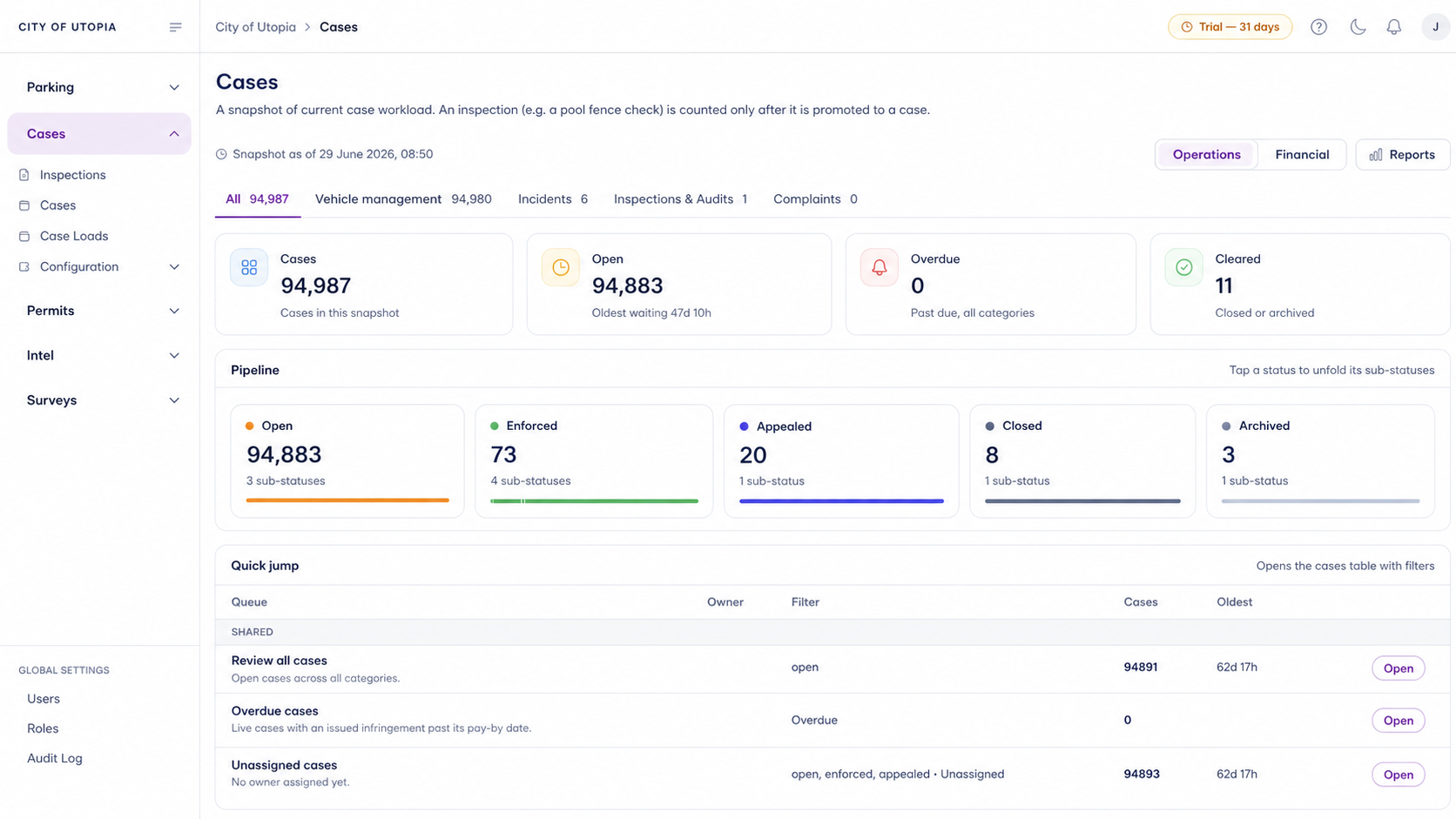
Review inspection status, open follow-up and completed reinspections without separating the source evidence.
The reviewable record
Keep the field observation and the next decision connected.
The purpose is not to automate a compliance decision. It is to give authorised staff the context needed to review the matter and carry the next action forward.
- Property and notice
- Parcel, responsible party, treatment requirement, access and relevant seasonal dates.
- Inspection evidence
- Photos, location, checklist responses, timestamps and officer observations.
- Variation and review
- Approved alternatives, supporting documents, internal comments and authorised decisions.
- Follow-up and status
- Contact history, requested work, tasks, reinspection evidence and closure context.
A defined first test
What a useful 30-day trial should prove.
Start with one real inspection path and agree what the team needs to evaluate before setup begins.
Can an officer capture the required property, condition and access context in the field?
Can another authorised reviewer understand the evidence, variation context and proposed next step?
Can contact, requested work and reinspection stay attached to the original record?
30 days risk free. One workflow, one success criterion and a guided setup.
Before the first session
Questions worth resolving before software enters the workflow.
Does the system decide whether a property complies?
No. The workflow organises records and next actions; compliance decisions remain with authorised staff applying the relevant requirements.
Can current notice and variation settings be represented?
The strategy session maps existing categories, documents, review points and hand-offs before a trial is defined.
What should the team bring?
Bring one representative inspection path, the records currently used and the point where review or follow-up becomes difficult.
Is this legal or fire-safety advice?
No. The page describes an operational record and case workflow. Applicable laws, notices and safety requirements still need independent review.