Compliance casework
Aero Ranger helps parking and compliance teams identify vehicles with expired registration context, verify location and timing, capture evidence and move reviewable matters into case workflows.
30 days risk free. Start with one workflow and a clear success criterion.
The operating problem
Expired registration workflows need reliable plate capture, external or imported vehicle context where available, field evidence and a clear review path before notices or referrals are created.

The source workflow
Expired registration detection should be treated as a review workflow, not just a status flag. The officer still needs to confirm location, timing, exception context and whether council action or referral is appropriate.
Record plate, time, place, photo and patrol source so the status result is tied to an actual observation.
Review registration context, authorised vehicle categories, permits, recent-renewal notes and whether the matter should be handled by council or referred.
Issue, warn, refer, hold for manual review or close with reasons, then report repeat locations and data-quality issues.
Rego, make, orientation, colour, vehicle type and the registration status information available to the council workflow.
GPS position, street or zone, observation time, active rule window and patrol source.
Plate read, photo, officer note, status lookup result, exception check and review decision.
The reviewable record
Teams need a clear record of the plate, location, evidence image, review status and any external registration context used in the decision.
A focused first test
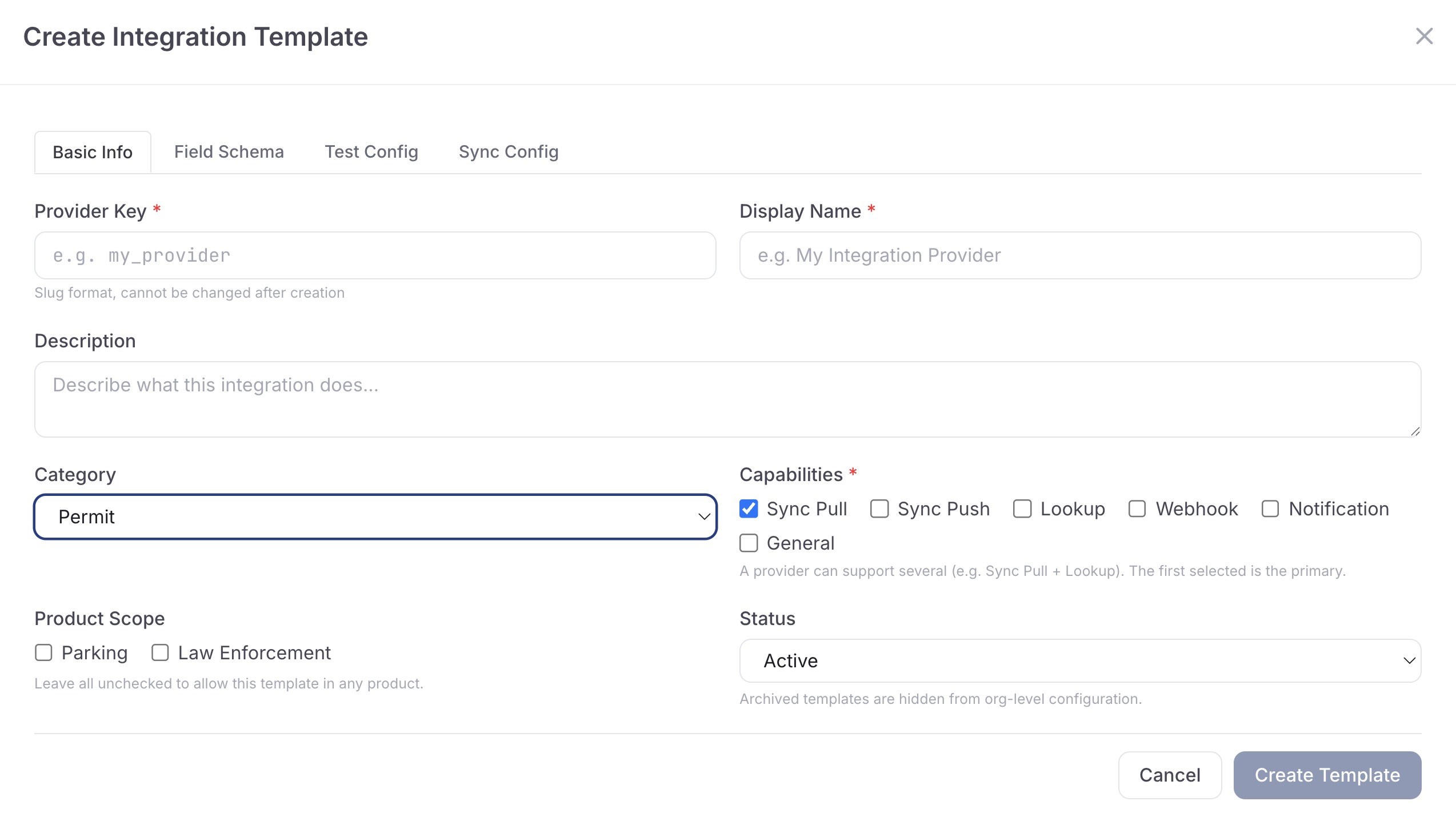
Start with targeted patrol areas or imported checks, then apply case flows to repeat or high-priority matters.
Use plate reads and vehicle history to create a structured review record.
Attach imported or connected vehicle-status context where the council workflow supports it.
Run field checks with photos, notes, GPS context and configurable outcomes.
30 days risk free. Start with one workflow and a clear success criterion.
Related operating considerations
Use similar public-land review workflows for vehicles with registration risk.
Pair registration context with longer dwell and recheck workflows.
Map detected decisions to the right configured enforcement outcome.
Track repeat vehicles, hotspots and unresolved registration-related workload.
The field app / iPhone and Android
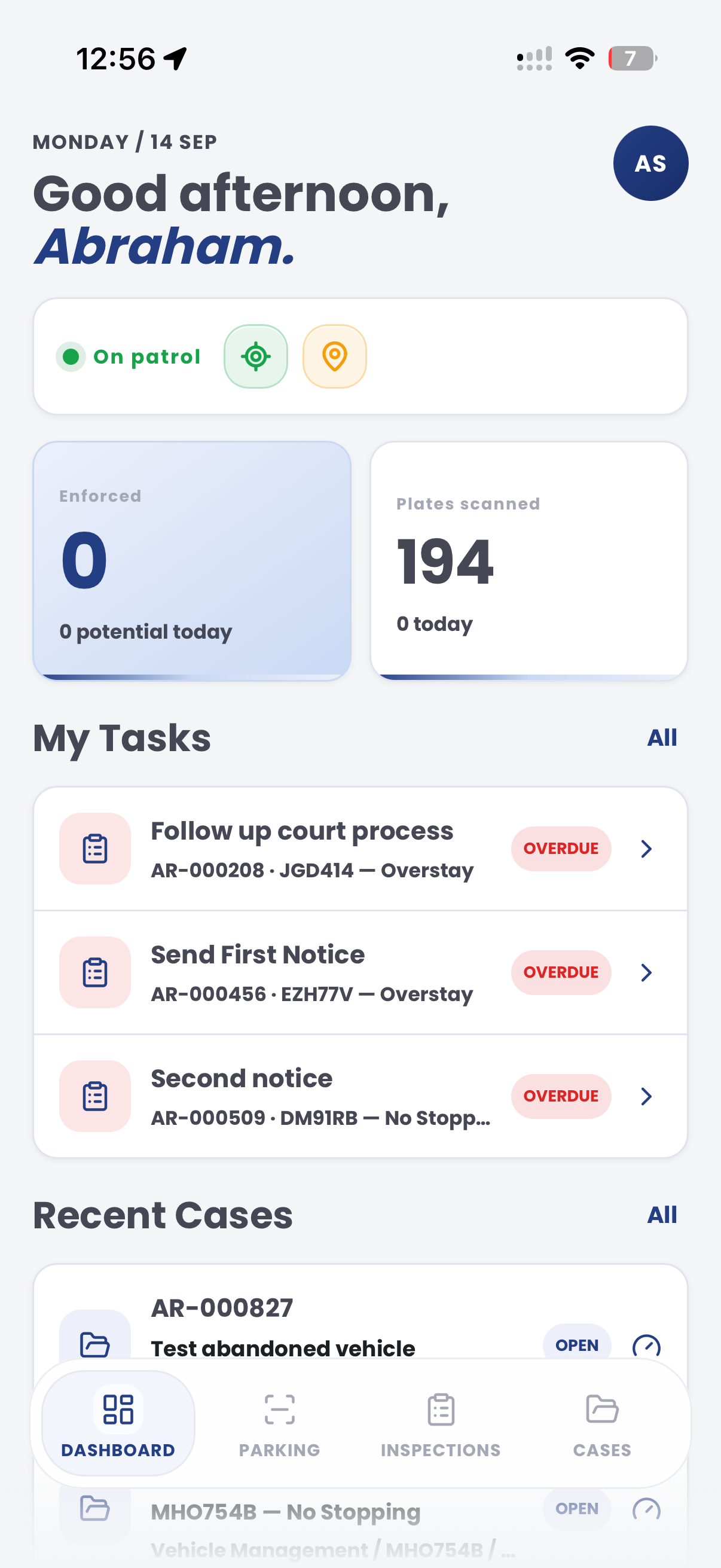
Take case context into the field and add current photos and observations. Keep the site visit connected to the team's registration review in CORE.

Customer field stories
Seven short case studies covering parking, patrol, evidence and compliance workflows in real operating environments.
A council team discusses field capture, review and day-to-day parking operations.
Full product walkthrough
Watch the full CORE walkthrough for a closer look at connected field work, evidence, cases, permits and reporting.
Use a free 1:1 strategy session to outline the current process, name a practical success criterion and decide whether to start a 30-day risk-free trial.
Free from Aero Ranger
No login required. Aero NoticeFlow turns spreadsheet rows and your approved notice PDF into individual notices you can review and download in your browser.

