Parking operations
Aero Ranger helps teams manage event-day parking by applying temporary zones, overrides, permit areas, patrol routes, alerts, evidence, cases and reporting across stadiums, foreshore events and civic precincts.
30 days risk free. Start with one workflow and a clear success criterion.
The operating problem
Event days can change restrictions, permit access, loading windows, residential pressure and patrol priorities. Teams need the temporary rule active at the right time with evidence and reporting.
The source workflow
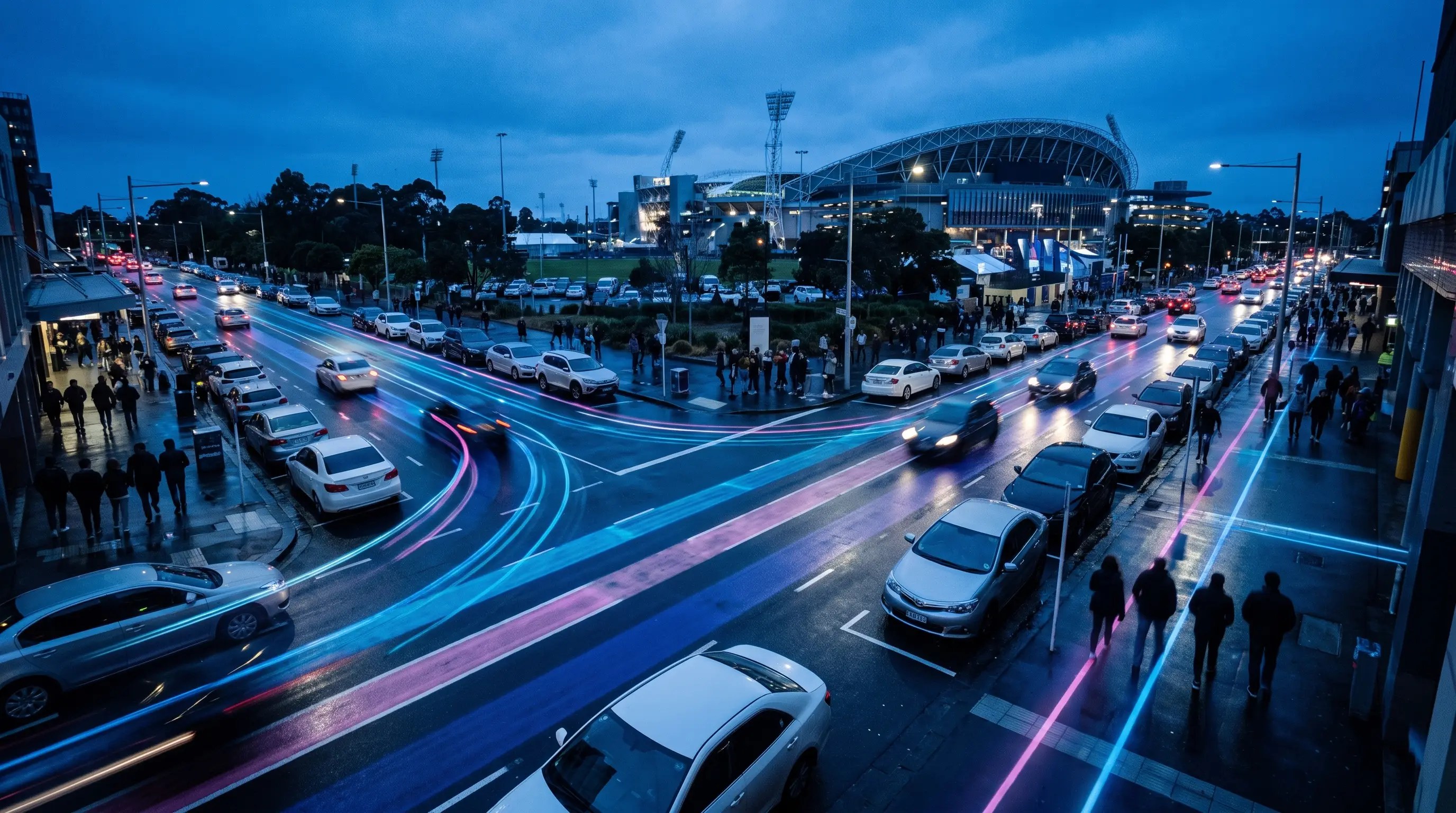
Event-day parking is a temporary operating model. Council has to prepare the event profile before the day, brief patrol staff, activate temporary rules, manage exceptions during the event and review the outcome afterwards.
Confirm the event footprint, temporary restrictions, resident and business access, accessible bays, loading windows, taxi or rideshare areas, emergency access and signage timing.
Brief officers, patrol pressure points, check permit and exemption lists, record evidence where action is needed, and manage move-on, warning, notice, tow or referral decisions.
Close open matters, review complaints, coverage, notice outcomes and streets under pressure, then feed those lessons into the next event traffic or parking plan.
Event name, date, active hours, temporary zones, closures, permit areas, contractor access and special instructions.
Rego, permit category, resident or staff exemption, temporary pass and zone authorisation.
ANPR reads, photos, officer notes, timestamps, zone status and any event-specific exception review.
The reviewable record
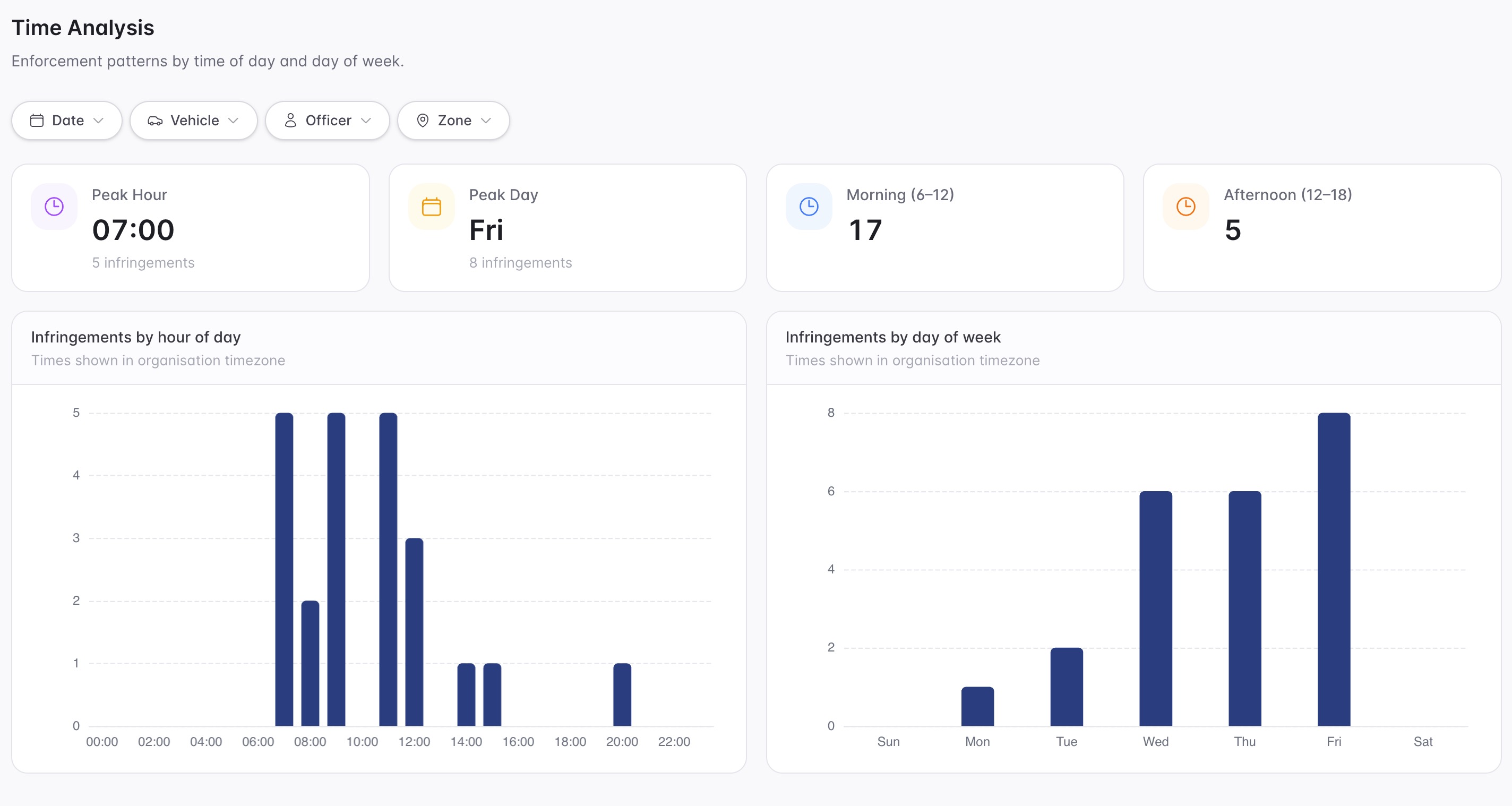
An event-day review needs the temporary rule, active window, permit area, patrol coverage, evidence and operational outcome visible.
A focused first test
Bring an event precinct and we will map temporary zones, permit access, patrol coverage, cases and post-event reporting.
Suspend or change rules across selected zones during a configured date range.
Create event access records for residents, staff, contractors and service vehicles.
Focus patrols on stadium approaches, residential spillover and loading areas.
30 days risk free. Start with one workflow and a clear success criterion.
Related operating considerations
Use temporary permit categories for residents, staff, contractors and event vehicles.
Change loading and clearway controls during event movement windows.
Use scheduled controls and targeted reporting for short high-pressure periods.
Review coverage, hotspots and outcomes after each event.
The field app / iPhone and Android
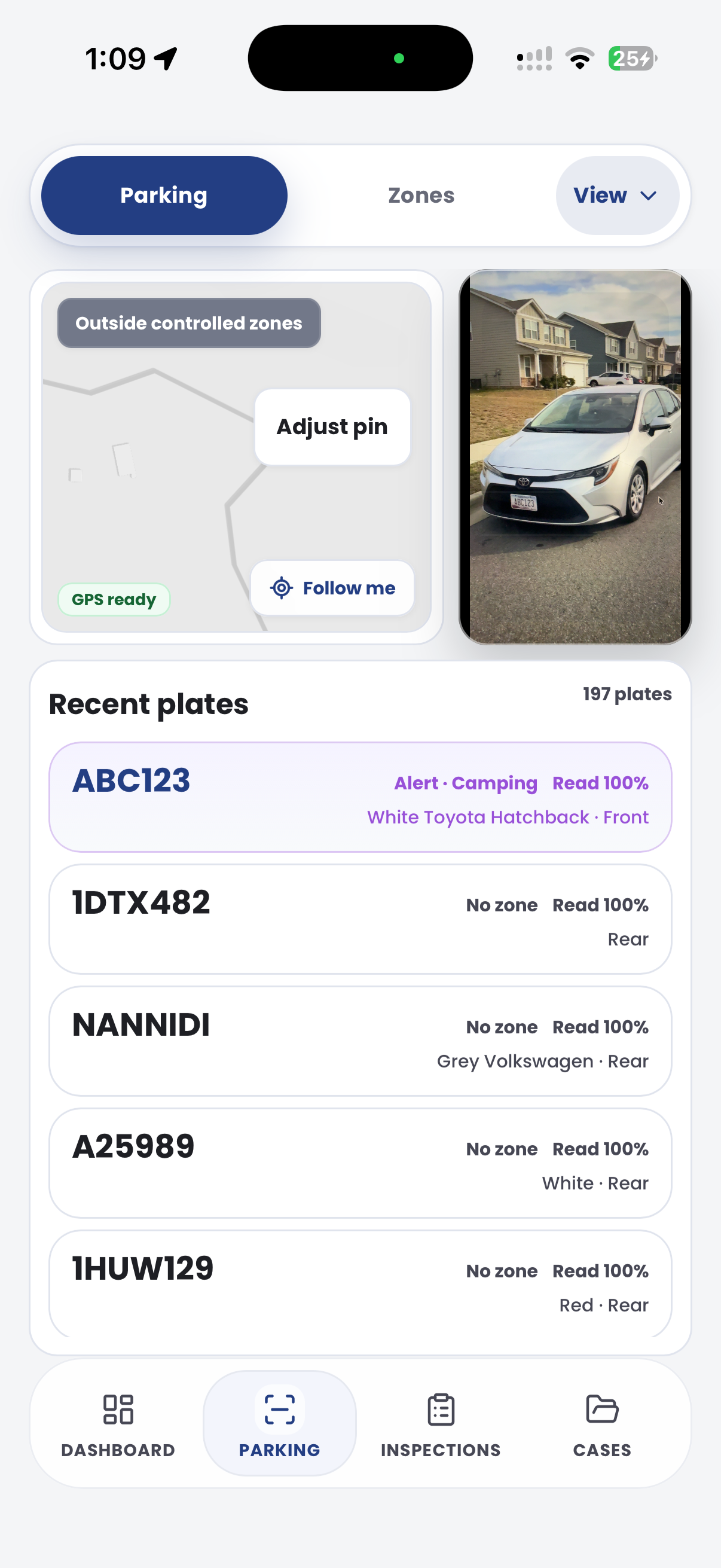
Capture parking observations and evidence while temporary operations are under way. Keep the field team's cases and next actions close at hand.

Customer field stories
Seven short case studies covering parking, patrol, evidence and compliance workflows in real operating environments.
A council team discusses field capture, review and day-to-day parking operations.
Full product walkthrough
Watch the full CORE walkthrough for a closer look at connected field work, evidence, cases, permits and reporting.
Use a free 1:1 strategy session to outline the current process, name a practical success criterion and decide whether to start a 30-day risk-free trial.
Free from Aero Ranger
No login required. Aero NoticeFlow turns spreadsheet rows and your approved notice PDF into individual notices you can review and download in your browser.

