Time analysis
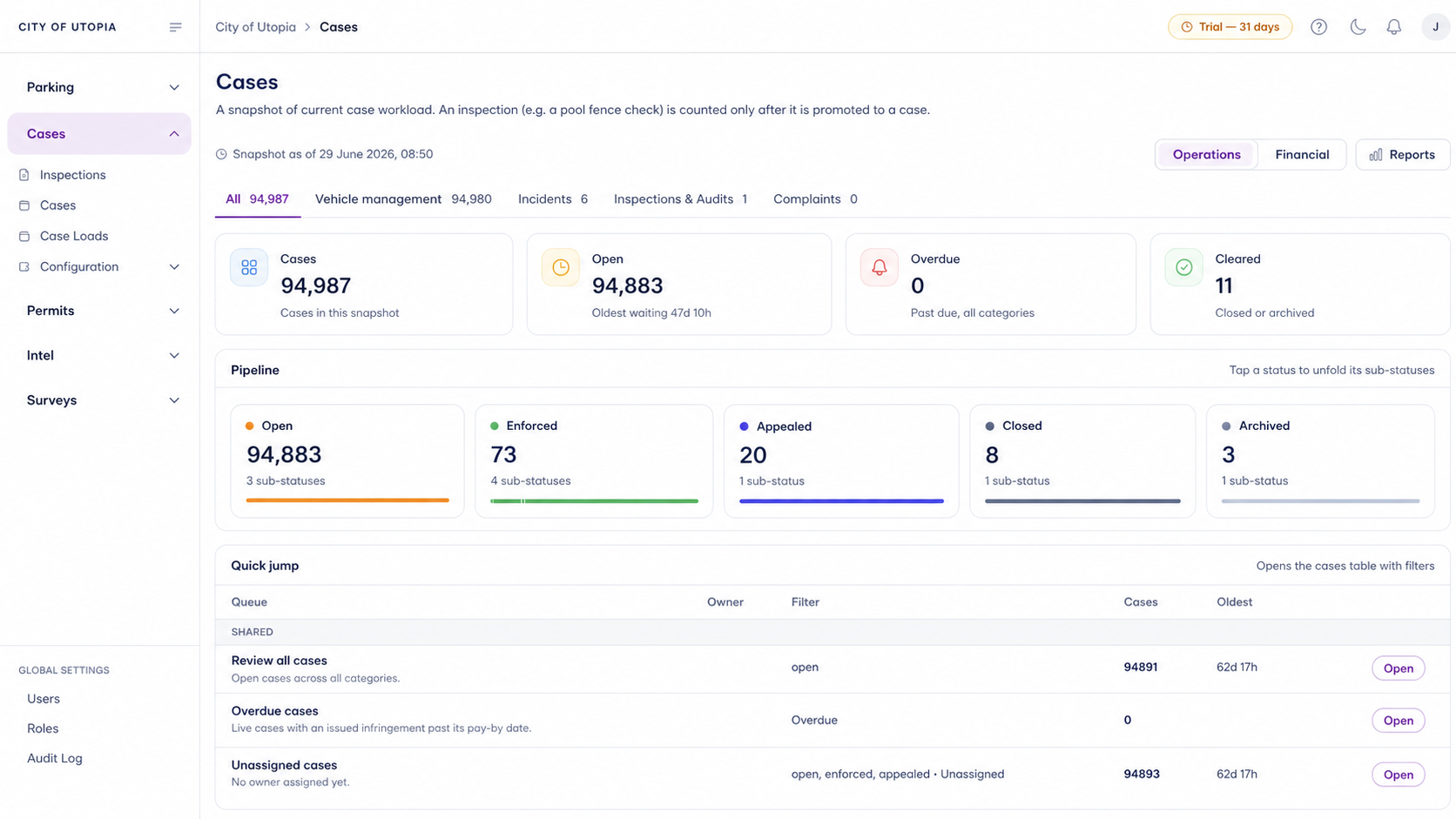
Aero Ranger helps teams understand when enforcement demand, patrol activity, infringements, occupancy and workload patterns change across hours, days and operating periods.
30 days risk free. Start with one workflow and a clear success criterion.
The operating problem
Teams need to see patterns across mornings, afternoons, evenings, weekdays, weekends, events and seasonal periods so coverage follows real demand.

The source workflow
Time analysis helps councils ask whether field effort matches demand. The workflow compares when issues occur with when officers patrol, what they find and what outcomes follow.
Choose the period, such as school peaks, weekends, evenings, events, paid-parking hours, seasonal demand or complaint windows.
Review occupancy, complaints, scans, inspections, warnings, notices, case workload, officer activity and exception notes by time period.
Use the evidence to shift patrol timing, change routes, plan campaigns, brief managers or support policy and signage review.
Hour, day, week, season, school period, event period, paid parking window or local rule window.
Occupancy, dwell, complaints, hotspot activity, repeat vehicles, permit pressure and local-law demand.
Patrol coverage, scans, inspections, warnings, notices, cases opened, cases closed and staff workload.
The reviewable record
The useful question is not which feature exists. It is whether the team can see the place, rule, evidence, exception, next action and review history before making a decision.
A focused first test
Bring a patrol timing question and we will show time-of-day, day-of-week, zone, officer, value and export views.
Choose the hour, day, zone, event or operating period you need to understand.
Filter scans, surveys, officer activity, infringements and cases by time period.
Review utilisation, patrol coverage, value and outcomes by time segment.
30 days risk free. Start with one workflow and a clear success criterion.
Related operating considerations
Use time analysis to understand when zones are full, empty or under pressure.
Find the time periods where effort produces the strongest operational return.
Compare temporary event demand and enforcement output across event periods.
Review scheduled school-zone windows, activity and outcomes.
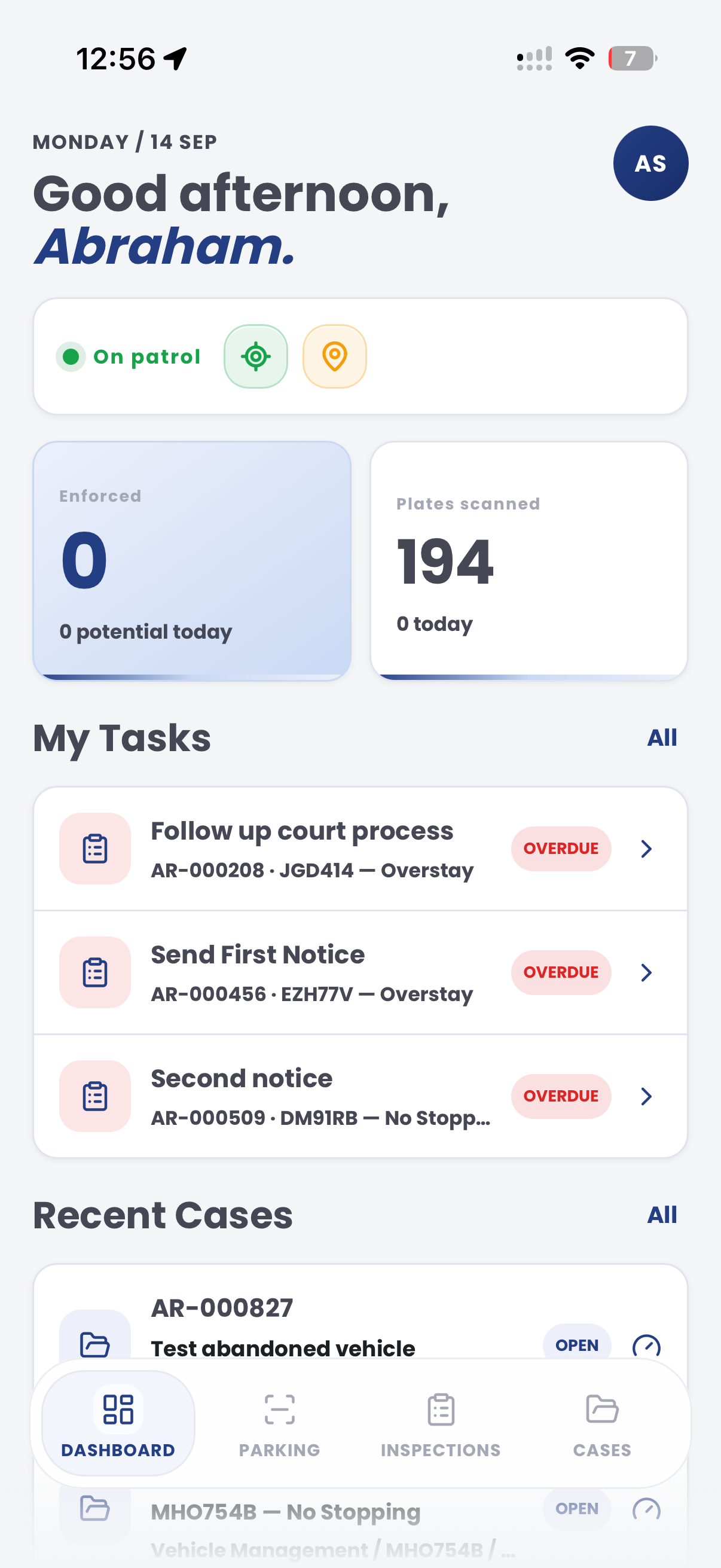
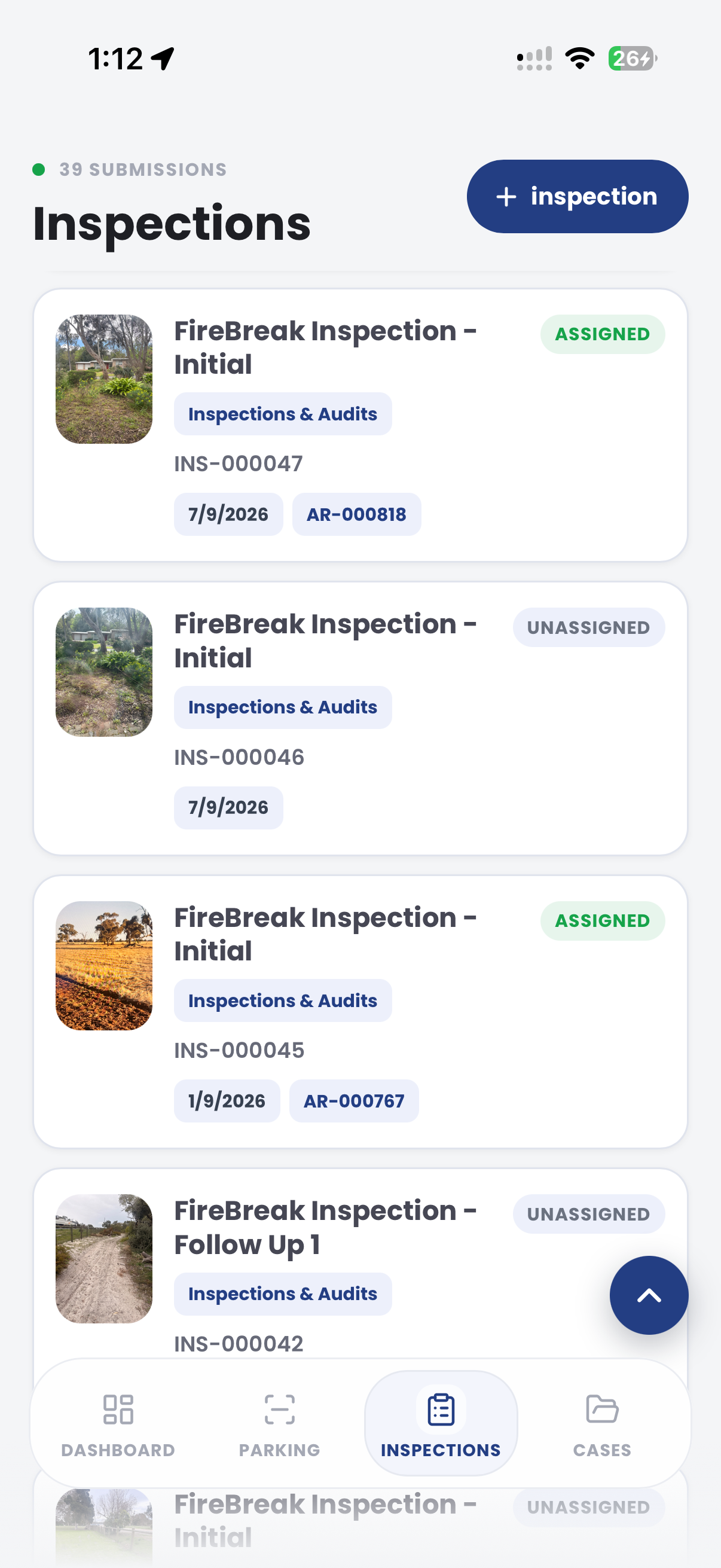
The field app / iPhone and Android
Keep tasks, cases and field observations connected through the shift. Use those records alongside the wider analysis of workload and timing in CORE.
Customer field stories
Seven short case studies covering parking, patrol, evidence and compliance workflows in real operating environments.
A council team discusses field capture, review and day-to-day parking operations.
Full product walkthrough
Watch the full CORE walkthrough for a closer look at connected field work, evidence, cases, permits and reporting.
Use a free 1:1 strategy session to outline the current process, name a practical success criterion and decide whether to start a 30-day risk-free trial.
Free from Aero Ranger
No login required. Aero NoticeFlow turns spreadsheet rows and your approved notice PDF into individual notices you can review and download in your browser.

