Vehicle and traffic operations
Aero Ranger helps parking, transport and compliance teams detect, review and manage unauthorised bus lane use by connecting lane zones, active times, vehicle exemptions, ANPR evidence, cases, notices and reporting.
30 days risk free. Start with one workflow and a clear success criterion.
The operating problem
Bus lanes, transit lanes and priority corridors rely on precise location, active schedules, exempt vehicle categories and clean evidence. Teams need consistent review before notices or follow-up actions are issued.
The source workflow
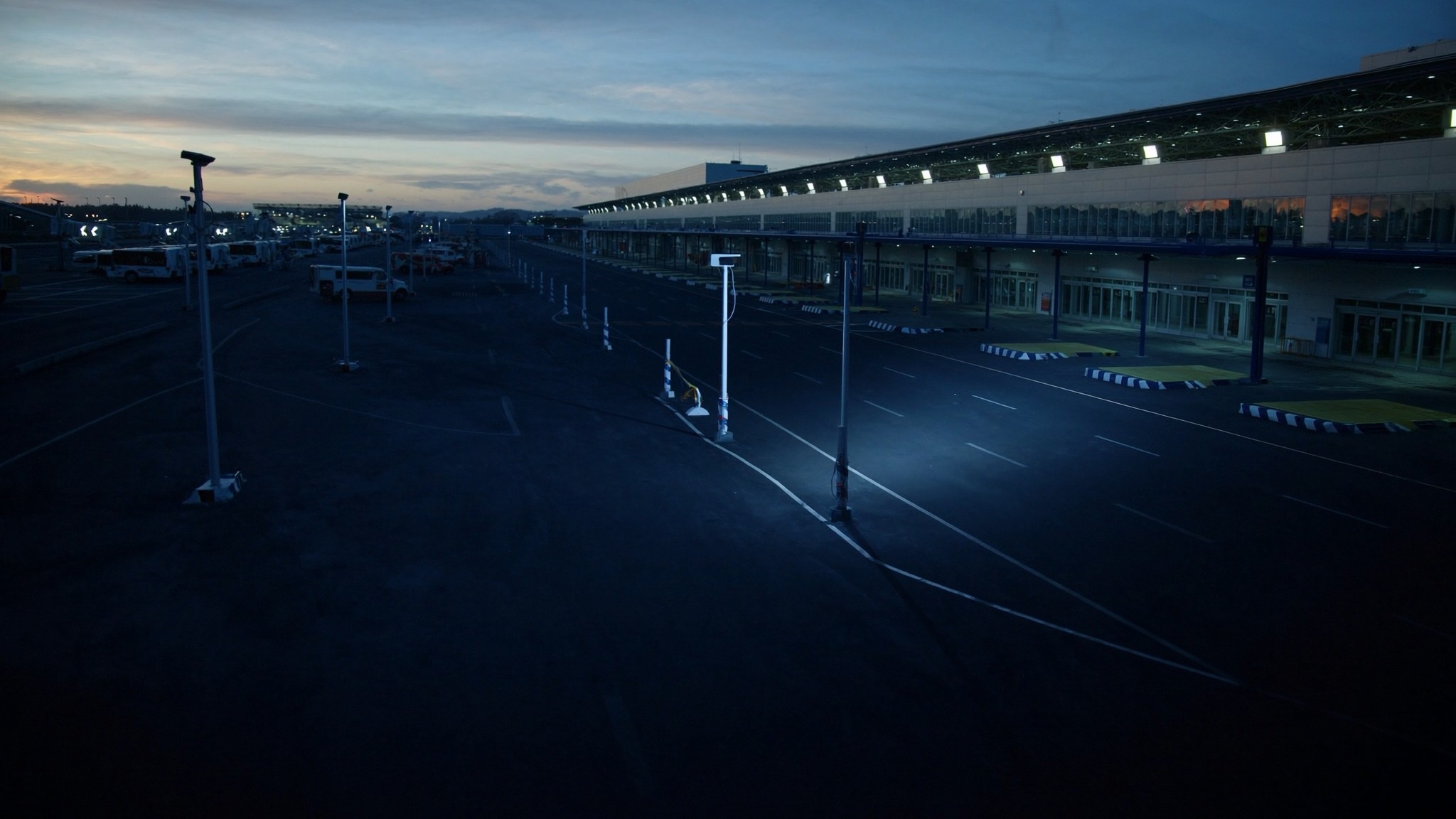
Bus lane review is a corridor workflow. The record needs to show the vehicle was in the controlled lane during the active period and was not part of an authorised or exempt category.
Confirm lane boundaries, operating hours, signage, public bus permissions, taxi or emergency exceptions and any temporary traffic changes.
Attach plate, image, time, direction, lane position, exemption lookup and reviewer notes before any notice or referral.
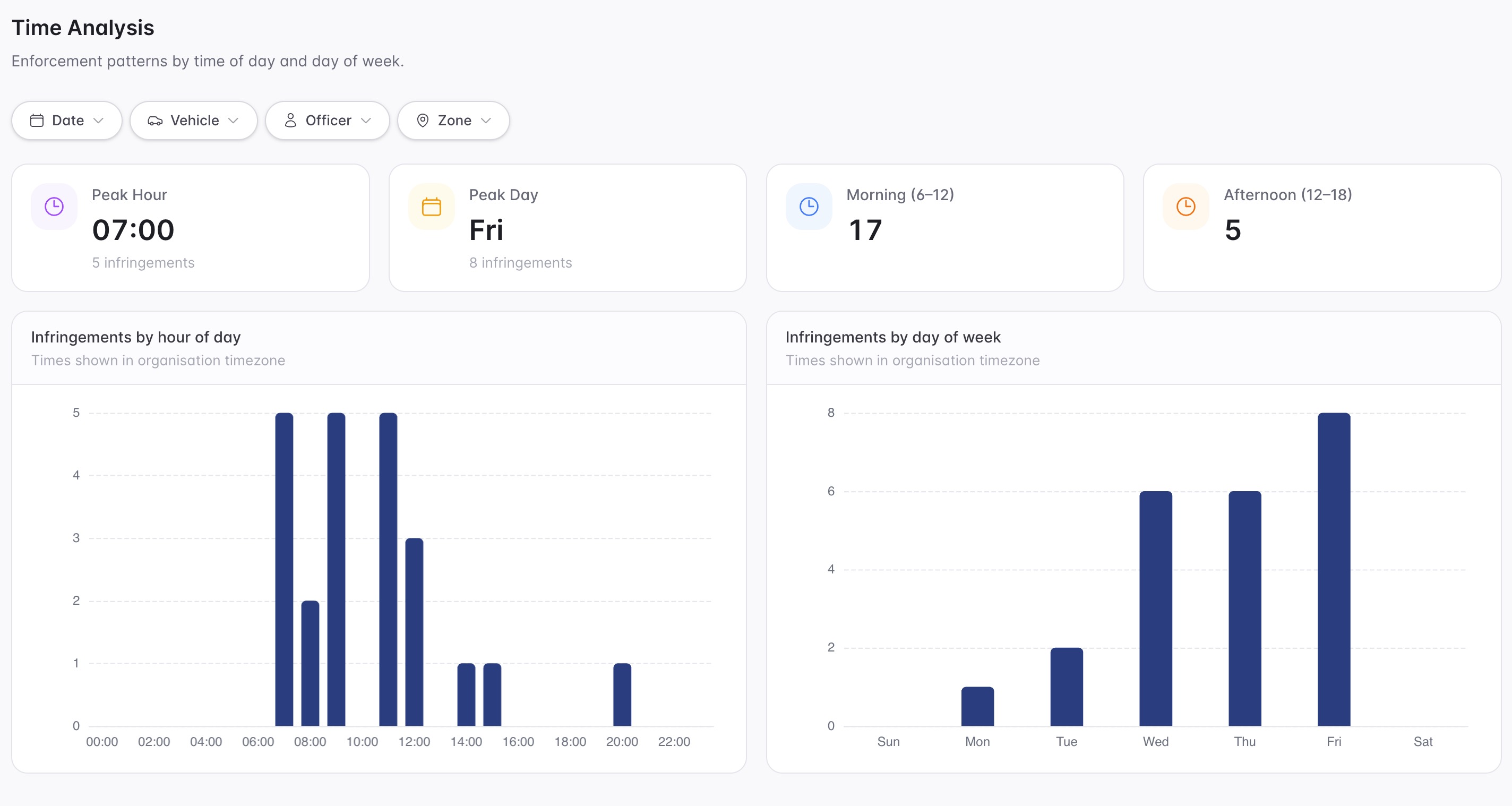
Track repeat locations, peak-period pressure, review outcomes and corridors where signage, design or enforcement timing may need attention.
Rego, vehicle type, lane segment, direction, observation time and camera or patrol source.
Bus lane operating hours, exempt vehicle categories, temporary changes, signage notes and corridor status.
Plate read, lane image, timestamp, location, review notes and authorised-list lookup result.
The reviewable record
A bus lane matter needs the plate, lane boundary, time window, vehicle category, exemption status and review decision visible together.
A focused first test
Bring a real corridor, bus lane or transit lane scenario and we will map active schedules, exemptions, evidence, cases and reporting.
Map bus lanes, transit lanes, priority corridors, approaches and restricted segments.
Configure days, times, holidays, event windows, roadworks and temporary changes.
Check authorised categories before action, including buses, taxis, emergency, service and permit vehicles.
30 days risk free. Start with one workflow and a clear success criterion.
Related operating considerations
Use similar active-hour and vehicle-category logic for restricted kerbside movement windows.
Apply scheduled rules to short high-pressure safety windows around schools.
Check vehicle authority against lane, zone and category rules.
Adapt bus lane and priority corridor rules during temporary event traffic plans.
The field app / iPhone and Android
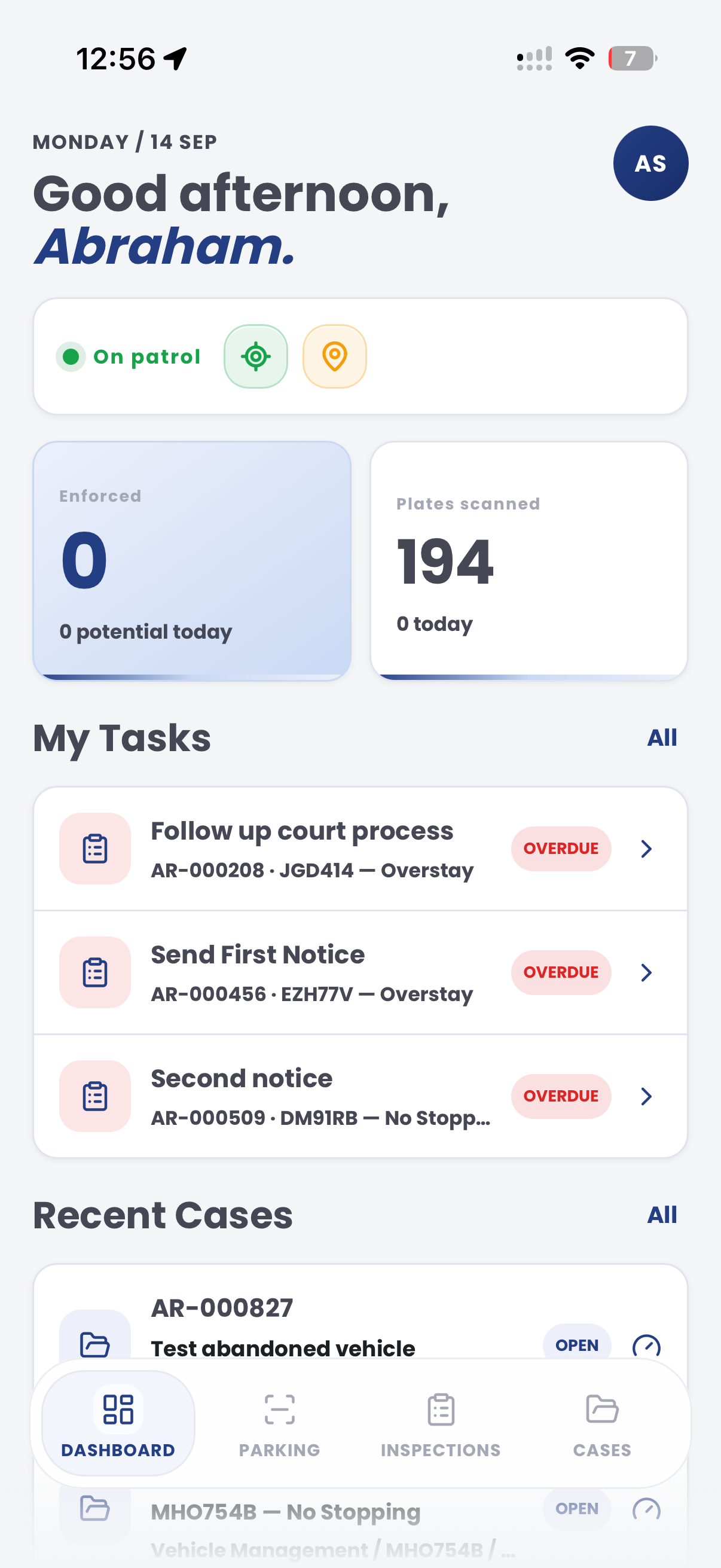
Add site observations, photos and inspection context to the matter. PatrolLink supports the field record alongside the wider lane-evidence review in CORE.

Customer field stories
Seven short case studies covering parking, patrol, evidence and compliance workflows in real operating environments.
A council team discusses field capture, review and day-to-day parking operations.
Full product walkthrough
Watch the full CORE walkthrough for a closer look at connected field work, evidence, cases, permits and reporting.
Use a free 1:1 strategy session to outline the current process, name a practical success criterion and decide whether to start a 30-day risk-free trial.
Free from Aero Ranger
No login required. Aero NoticeFlow turns spreadsheet rows and your approved notice PDF into individual notices you can review and download in your browser.

