Aero Ranger CORE feature
Select several relevant reads and create cases from them in one controlled action.
30 days risk free. Start with one workflow and a clear success criterion.
The operating problem
Promote Reads to Cases in Bulk is part of the search and evidence capability in Aero Ranger CORE. Select several relevant reads and create cases from them in one controlled action. It is designed for parking officers, case reviewers and compliance teams that need to locate a capture, check its context and decide whether it belongs in a case.

The source workflow
Promote Reads to Cases in Bulk is part of the search and evidence capability in Aero Ranger CORE. Select several relevant reads and create cases from them in one controlled action. It is designed for parking officers, case reviewers and compliance teams that need to locate a capture, check its context and decide whether it belongs in a case.
This reduces the need to move between disconnected exports when staff are checking whether the available evidence supports the next workflow step.
Available fields, thresholds, statuses and actions follow the organisation's configuration and each user's permissions. Councils can align promote reads to cases in bulk with their own policy, local-law, privacy, records-management and review requirements rather than relying on a fixed process.
Available fields, rules and actions follow the organisation's configuration and each user's permissions.
Bring subjects, locations, rules, schedules and known exceptions into a clear operating list.
Group work by area, responsibility, timing, route or operational priority.
Record evidence, location, time, checklist responses and officer notes in context.
The reviewable record
Promote Reads to Cases in Bulk is part of the search and evidence capability in Aero Ranger CORE. Select several relevant reads and create cases from them in one controlled action. It is designed for parking officers, case reviewers and compliance teams that need to locate a capture, check its context and decide whether it belongs in a case.
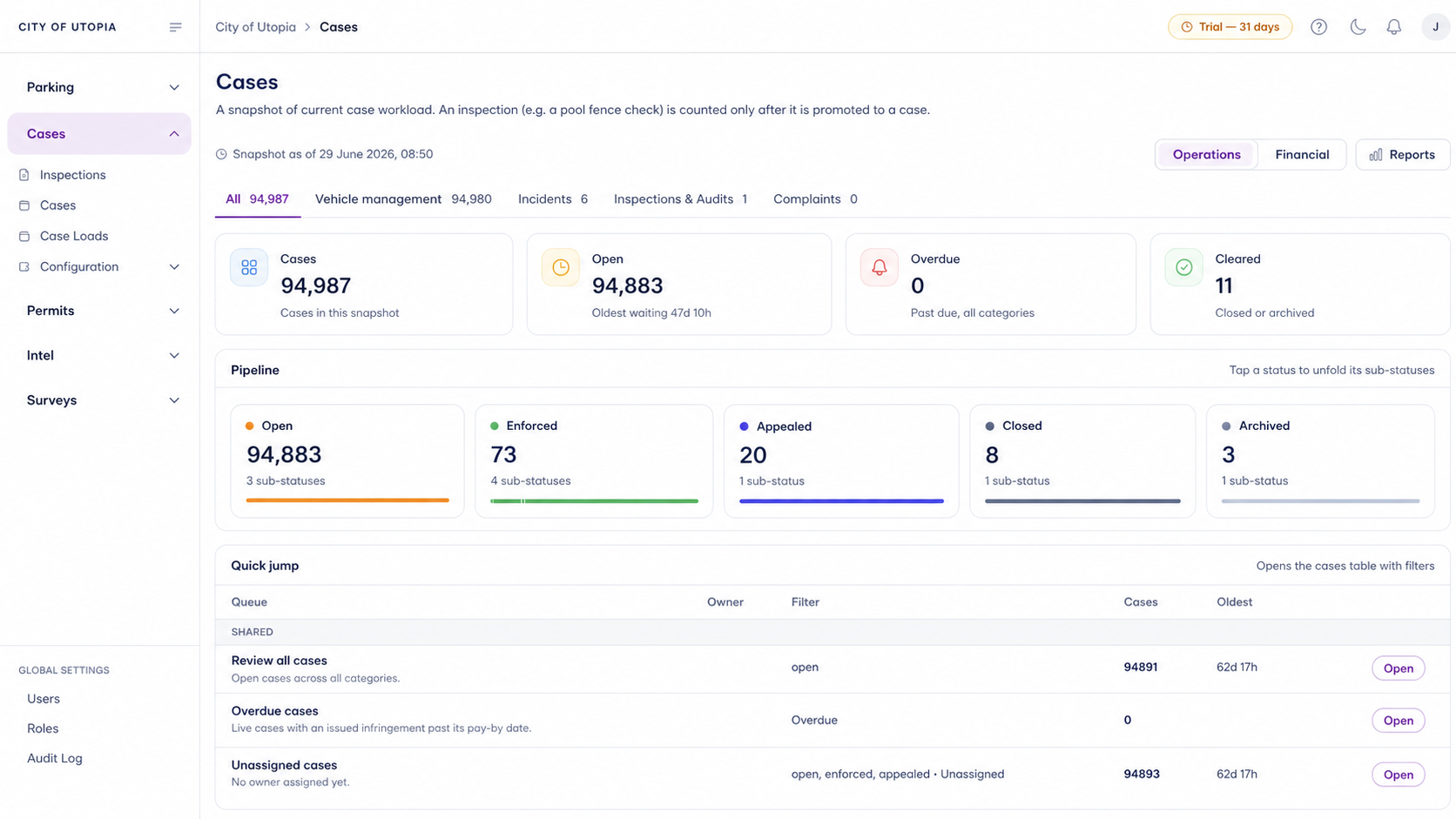
A focused first test
Promote Reads to Cases in Bulk is part of the search and evidence capability in Aero Ranger CORE. Select several relevant reads and create cases from them in one controlled action. It is designed for parking officers, case reviewers and compliance teams that need to locate a capture, check its context and decide whether it belongs in a case.
This reduces the need to move between disconnected exports when staff are checking whether the available evidence supports the next workflow step.
Available fields, thresholds, statuses and actions follow the organisation's configuration and each user's permissions. Councils can align promote reads to cases in bulk with their own policy, local-law, privacy, records-management and review requirements rather than relying on a fixed process.
Available fields, rules and actions follow the organisation's configuration and each user's permissions.
30 days risk free. Start with one workflow and a clear success criterion.
Related operating considerations
This reduces the need to move between disconnected exports when staff are checking whether the available evidence supports the next workflow step.
Available fields, thresholds, statuses and actions follow the organisation's configuration and each user's permissions. Councils can align promote reads to cases in bulk with their own policy, local-law, privacy, records-management and review requirements rather than relying on a fixed process.
Available fields, rules and actions follow the organisation's configuration and each user's permissions.
No. Aero Ranger organises records and next actions; authorised staff remain responsible for applying the relevant requirements.
Customer field stories
Seven short case studies covering parking, patrol, evidence and compliance workflows in real operating environments.
A council team discusses field capture, review and day-to-day parking operations.
Full product walkthrough
Watch the full CORE walkthrough for a closer look at connected field work, evidence, cases, permits and reporting.
Use a free 1:1 strategy session to outline the current process, name a practical success criterion and decide whether to start a 30-day risk-free trial.
Free from Aero Ranger
No login required. Aero NoticeFlow turns spreadsheet rows and your approved notice PDF into individual notices you can review and download in your browser.

