Free Strategy Session

Aero Ranger CORE feature

Officer activity review: keep the operational context beside it.

Watch the feature overview · Download the feature brochure

Compare recorded officer activity using consistent operational measures.
30 days risk free. Start with one workflow and a clear success criterion.

The operating problem

Officer Performance

Compare recorded officer activity using consistent operational measures.
What teams can reviewAvailable fields, rules and actions follow the organisation's configuration and each user's permissions.
Before field workPrepare the relevant locations, subjects, operating rules, assignments and known exceptions for the team doing the work.
At the observationCapture enough time, place, evidence and officer context for another authorised person to understand what happened.
After reviewKeep decisions, contact, tasks, documents and reporting attached to the original observation and its history.
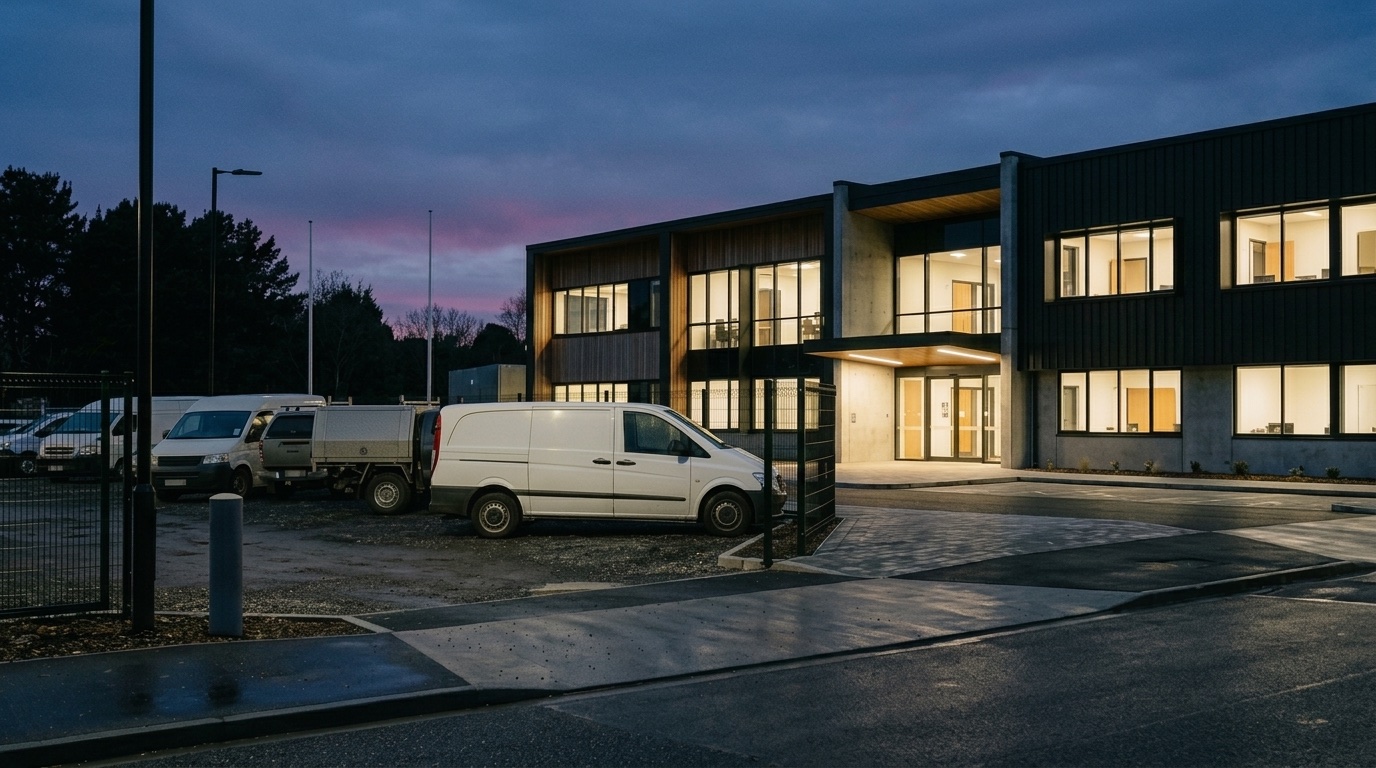
Operational setting related to the page workflow
The field setting needs to be understood beside the operating rules, evidence and follow-up record.

The source workflow

Officer Performance

Compare recorded officer activity using consistent operational measures.

  1. 01

    What teams can review

    Available fields, rules and actions follow the organisation's configuration and each user's permissions.

  2. 02

    Prepare the work

    Bring subjects, locations, rules, schedules and known exceptions into a clear operating list.

  3. 03

    Assign the field task

    Group work by area, responsibility, timing, route or operational priority.

  4. 04

    Capture the observation

    Record evidence, location, time, checklist responses and officer notes in context.

  5. 05

    Review the full record

    Check applicable settings, supporting data, history and authorised review points.

  6. 06

    Carry the next action

    Keep contact, tasks, documents, due dates and follow-up beside the original record.

The reviewable record

Officer Performance

Compare recorded officer activity using consistent operational measures.

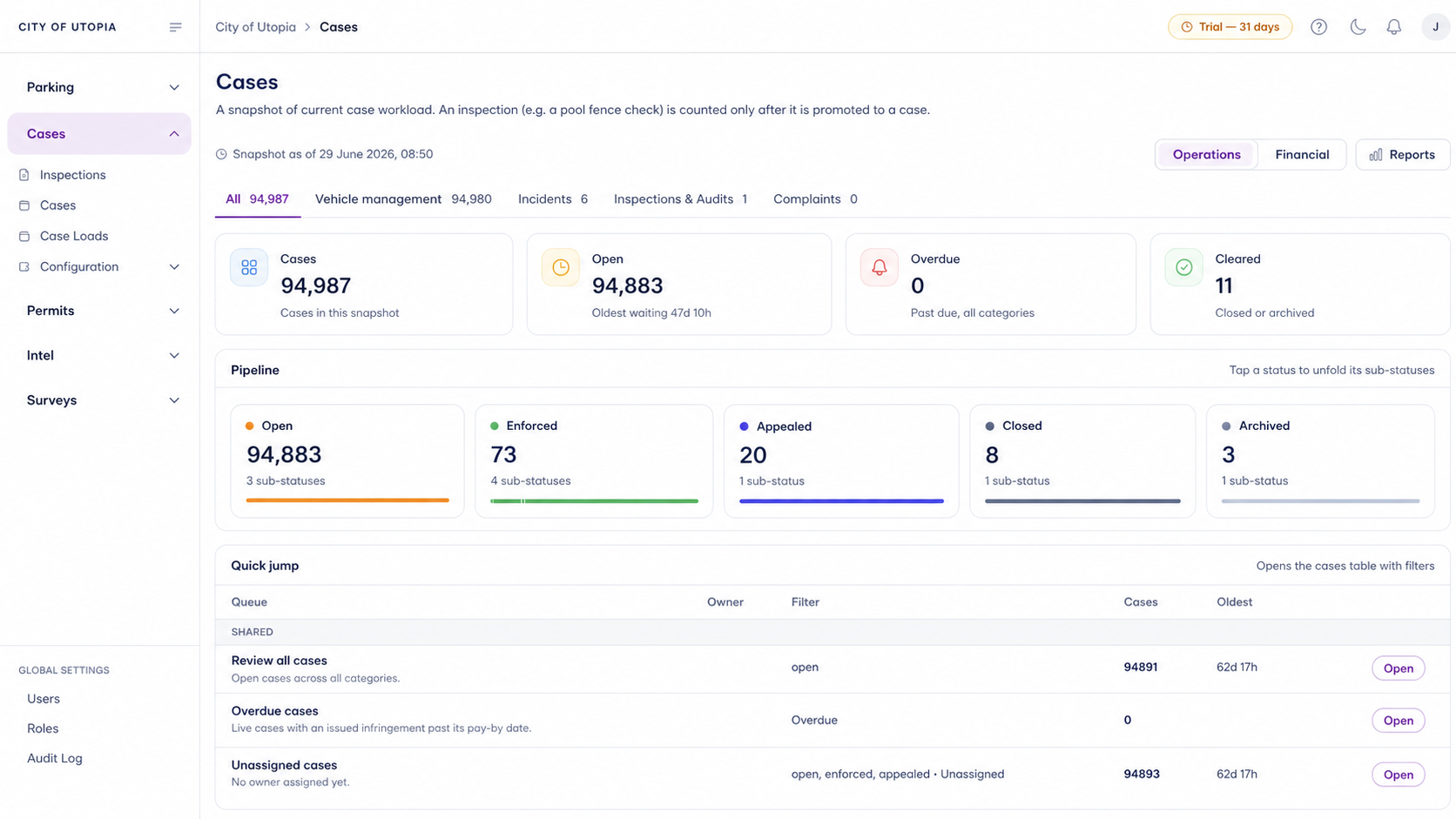
Aero Ranger operational review interface
Aero Ranger keeps operational status, evidence and review work visible in one working view.
What teams can review
Available fields, rules and actions follow the organisation's configuration and each user's permissions.
Operating context
Subject, location, responsibility, applicable settings, timing and known exceptions.
Field evidence
Photos, location, timestamps, checklist responses and officer observations.
Review history
Supporting records, internal comments, authorised decisions and reasons for the next step.

A focused first test

Officer Performance

Compare recorded officer activity using consistent operational measures.

What teams can review

Available fields, rules and actions follow the organisation's configuration and each user's permissions.

Field usability

Can the team capture the required context and evidence during the real field task?

Review clarity

Can another authorised reviewer understand the record and the proposed next step?

30 days risk free. Start with one workflow and a clear success criterion.

Related operating considerations

Officer Performance

What teams can review

Available fields, rules and actions follow the organisation's configuration and each user's permissions.

Does the system make the compliance decision?

No. Aero Ranger organises records and next actions; authorised staff remain responsible for applying the relevant requirements.

Can current rules and systems be represented?

The strategy session maps existing settings, records, integrations and review points before a trial is defined.

What should the team bring?

Bring one representative workflow, the records currently used and the point where review or follow-up becomes difficult.

Customer field stories

See how teams use Aero Ranger in the field

Seven short case studies covering parking, patrol, evidence and compliance workflows in real operating environments.

View full library
Case study 01 of 7

Metropolitan council field operations

A council team discusses field capture, review and day-to-day parking operations.

Full product walkthrough

Want to learn more?

Watch the full CORE walkthrough for a closer look at connected field work, evidence, cases, permits and reporting.

Bring one workflow. Decide what a useful trial should test.

Use a free 1:1 strategy session to outline the current process, name a practical success criterion and decide whether to start a 30-day risk-free trial.

Free from Aero Ranger

You've got this far. Here's a free tool you can use forever.

No login required. Aero NoticeFlow turns spreadsheet rows and your approved notice PDF into individual notices you can review and download in your browser.


  • Free forever
  • No account needed
  • Files stay in your browser
Open Aero NoticeFlow free
Aero NoticeFlow interface for placing spreadsheet fields on a notice PDF and reviewing generated notices
Start with a blank notice PDF and a spreadsheet. Each row becomes an individual notice for review.
  1. 1Your details
  2. 2Trial goals
  3. 3Setup
Having trouble with the form? Open the contact page.
  1. 1Context
  2. 2Success test
  3. 3Next step
Prefer the guided planner? Open the full booking page.
  1. 1Your details
  2. 2Enquiry
  3. 3Follow-up
Prefer the full contact page? Open it in a new tab.