Vehicle-hire returns and exceptions
Aero Ranger helps vehicle-hire teams move return exceptions into a structured review path with evidence, ownership, deadlines and audit history.
30 days risk free. Start with one workflow and a clear success criterion.
The operating problem
Damage, missing equipment, maintenance holds, unexpected location and late-return questions can cross branch and fleet teams. A structured record makes the handoff easier to review.

The source workflow
In CORE, a return exception works best as an evidence-led case that keeps the initial issue, reviewer, owner, due date and outcome in one operational record.
Vehicle, return context, category and priority.
Inspection notes, photos, observations and linked records.
Owner, deadlines, decision and final outcome.
A shared exception record gives branch and fleet teams the same context when responsibility moves between them.
A return issue can start with a yard observation, inspection, customer contact or maintenance note.
Without a shared case, branch, fleet and support teams can assume another group is acting.
The reviewable record
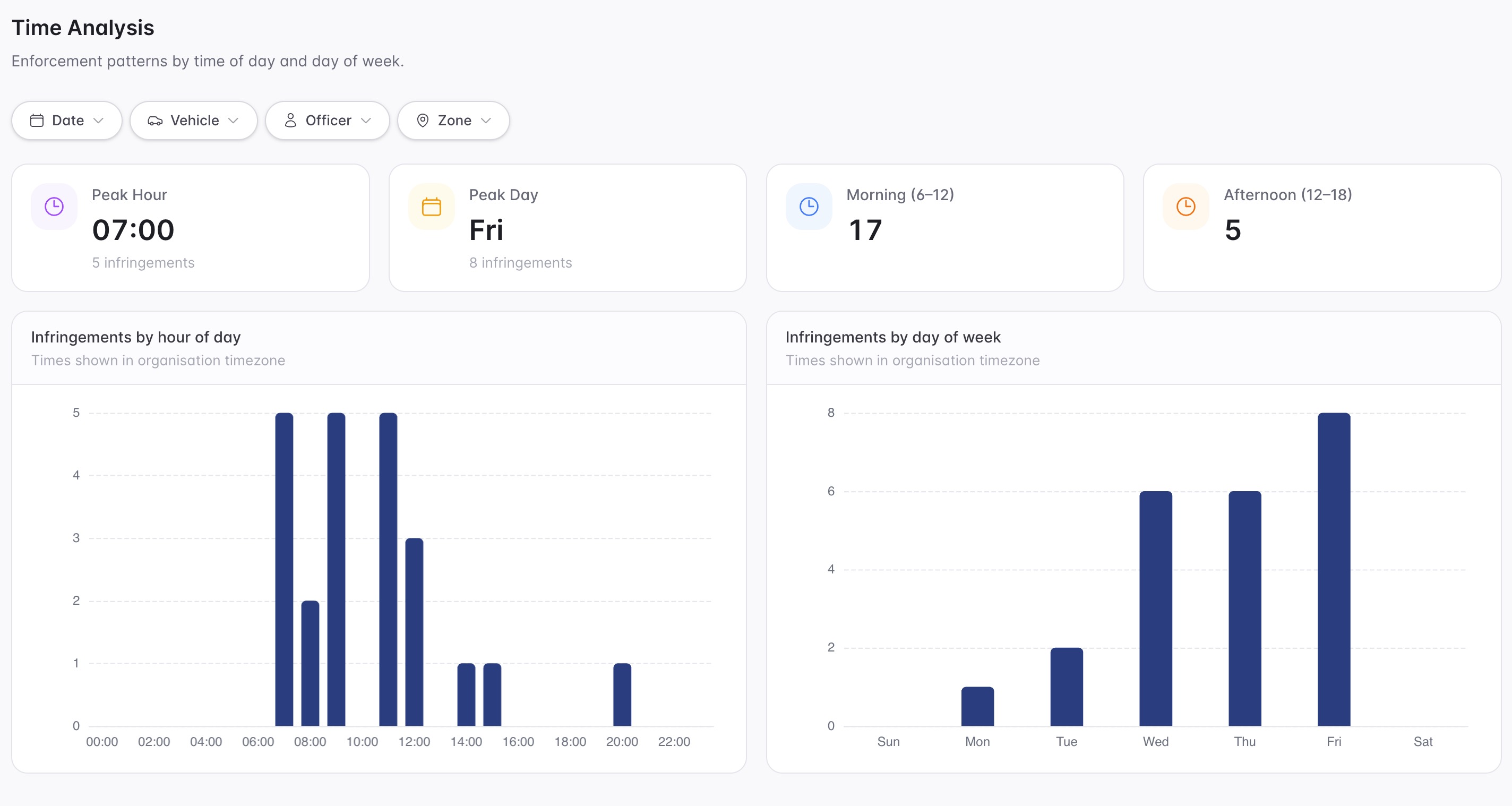
Teams can start with a targeted pilot, tune thresholds and then extend the same model across related compliance areas.
A focused first test
The record should preserve the original field context while the responsible team resolves the next action.
Promote a return exception into a reviewable record with its original context.
Assign the next action and follow-up deadline to the responsible team.
Keep related observations and inspection evidence available during review.
30 days risk free. Start with one workflow and a clear success criterion.
Related operating considerations
Use structured condition evidence during exception review.
Keep downstream handoffs visible while work remains open.
A return issue can start with a yard observation, inspection, customer contact or maintenance note.
Without a shared case, branch, fleet and support teams can assume another group is acting.
The field app / iPhone and Android
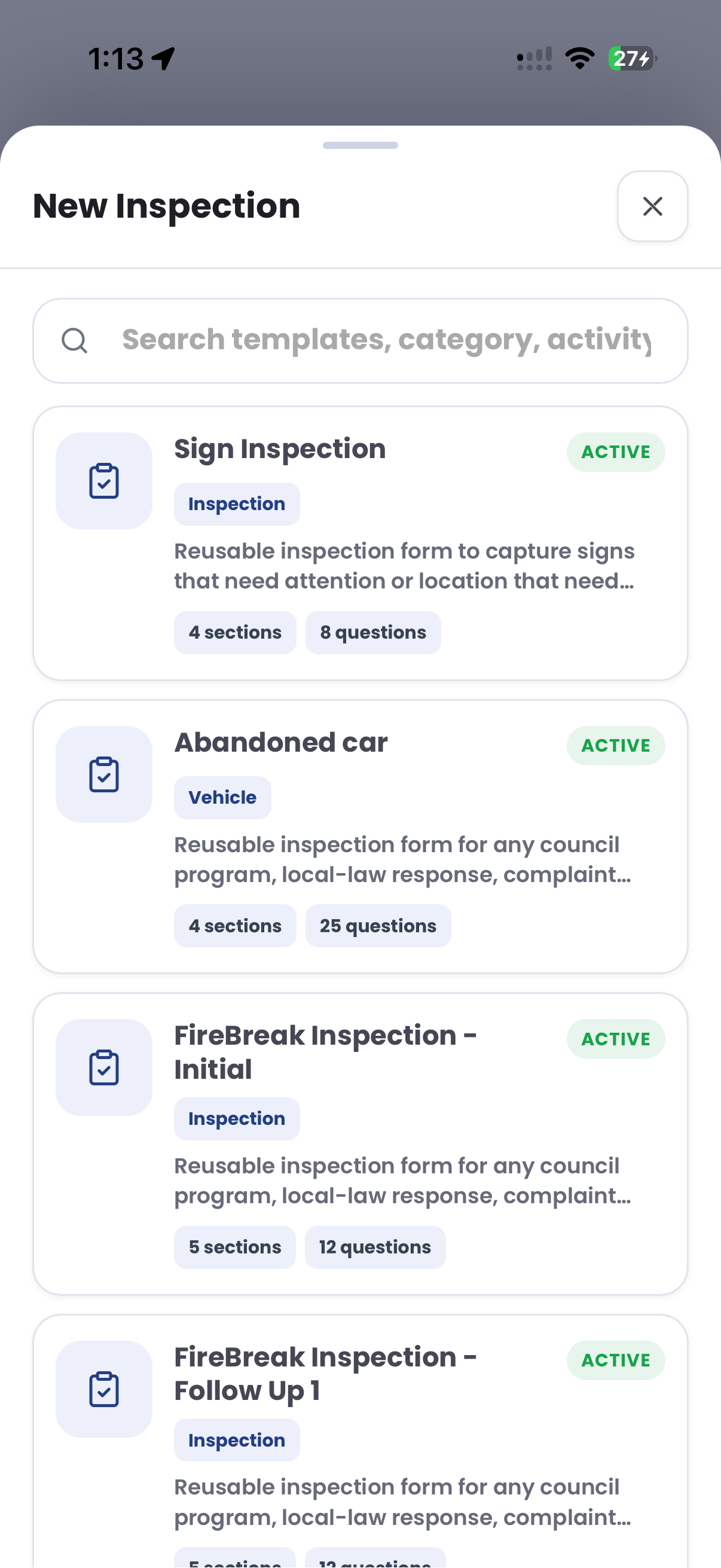
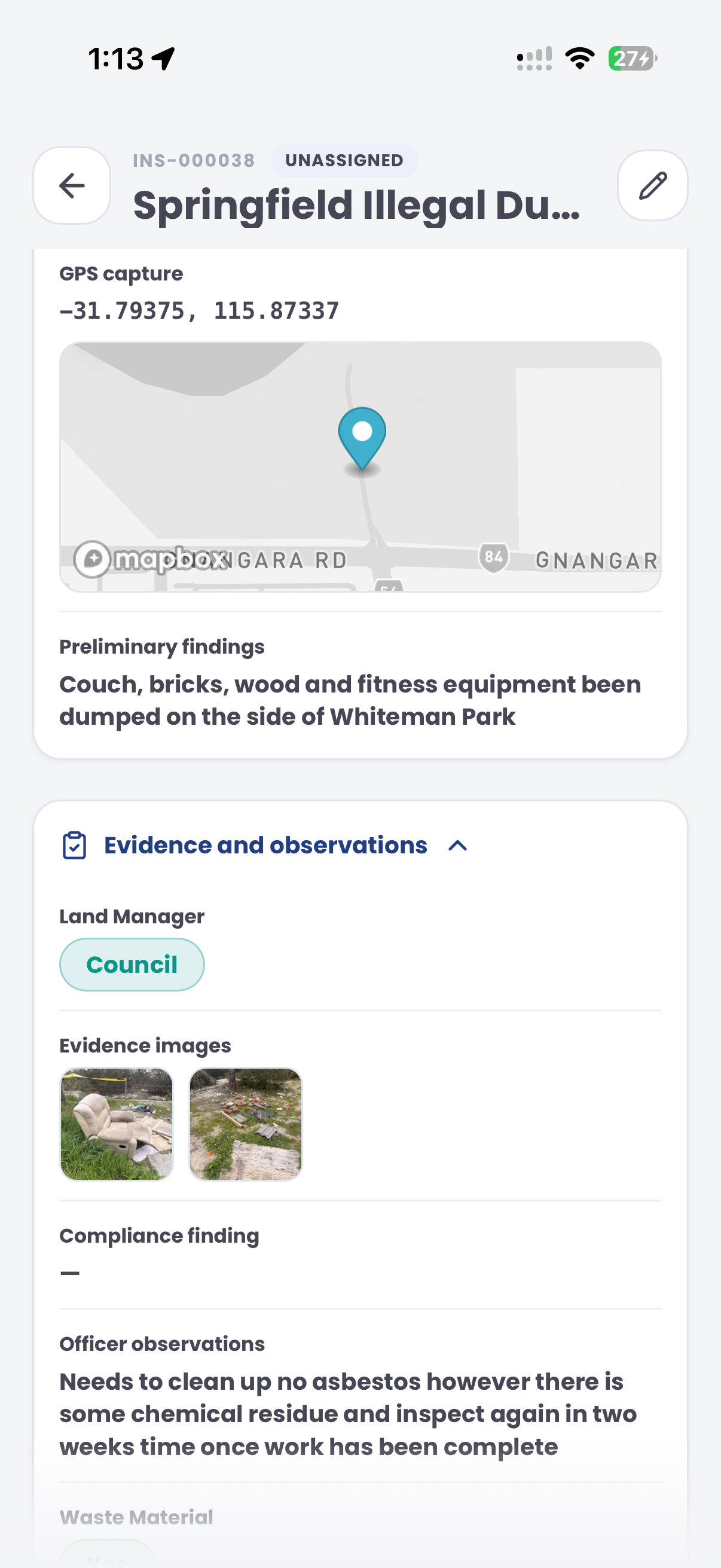
Capture condition photos, location and observations during a vehicle return. Keep exceptions documented for the team reviewing the handover in CORE.
Customer field stories
Seven short case studies covering parking, patrol, evidence and compliance workflows in real operating environments.
A council team discusses field capture, review and day-to-day parking operations.
Full product walkthrough
Watch the full CORE walkthrough for a closer look at connected field work, evidence, cases, permits and reporting.
Use a free 1:1 strategy session to outline the current process, name a practical success criterion and decide whether to start a 30-day risk-free trial.
Free from Aero Ranger
No login required. Aero NoticeFlow turns spreadsheet rows and your approved notice PDF into individual notices you can review and download in your browser.

