Parking operations
Aero Ranger helps parking teams detect vehicles that exceed posted time limits by combining RTK location, zone profiles, repeat sightings, grace periods, evidence, offence mapping and cases.
30 days risk free. Start with one workflow and a clear success criterion.
The operating problem
Timed parking needs accurate zone context, reliable repeat sightings, configurable grace and evidence that explains the decision when a matter is reviewed.
The source workflow
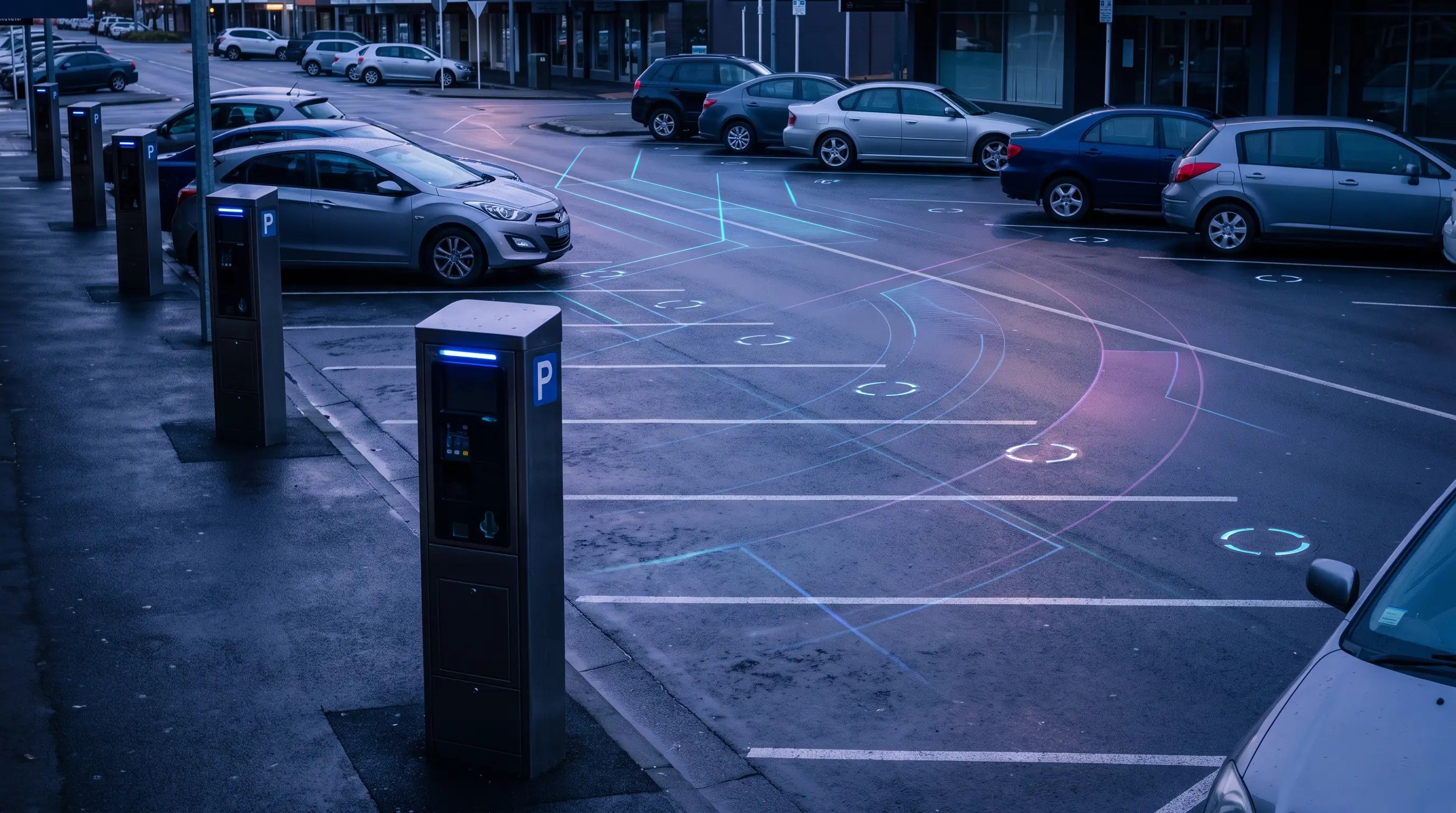
Time-limit enforcement is a repeat-sighting process. The useful record shows the first observation, the later observation, the active sign rule and the officer decision in one place.
Confirm the time limit, active period, grace period, side of street or bay group, signage and any permit or vehicle-class exceptions.
Keep first and repeat sightings, photos, GPS points, officer notes and elapsed time attached to the same plate and zone record.
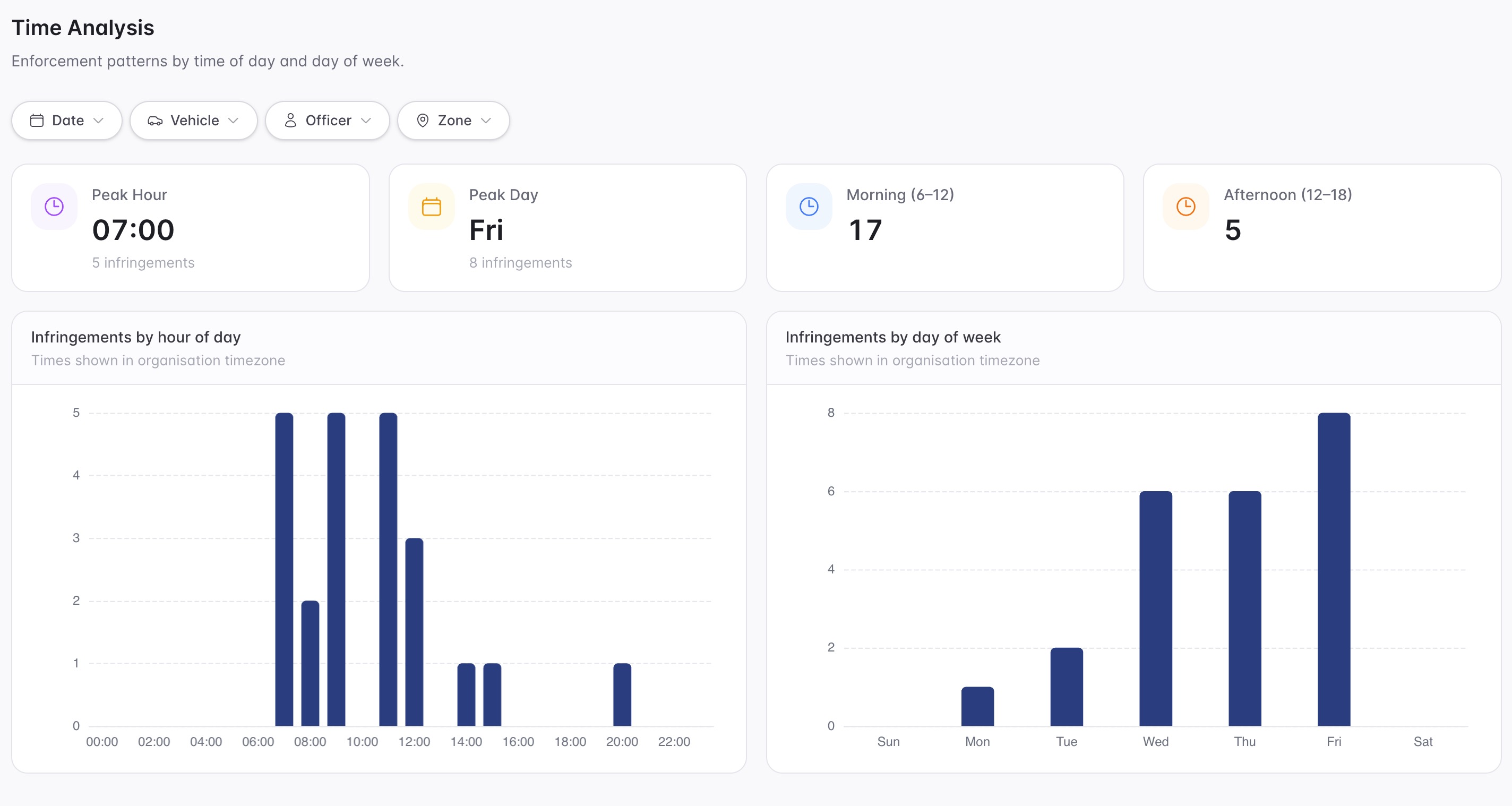
Issue, close or mark unclear evidence, then report time windows and streets where the rule is under pressure.
Rego, first seen time, second seen time, elapsed duration, patrol source, GPS point and photo evidence.
Time limit, active period, grace period, zone profile, signage notes and local rule mapping.
Permit, authorised vehicle, loading activity, disability permit, officer override or signage issue.
The reviewable record
A time-limit decision needs the first sighting, latest sighting, zone profile, grace period, vehicle evidence and review outcome connected.
A focused first test
Bring a real 1P, 2P or short-stay street and we will walk from patrol read to overstay evidence, case review and reporting.
Configure max stay, active schedules, grace, min sightings and repeat handling.
Create decisions only when vehicle history crosses the configured threshold.
Move reviewable matters into case queues with images, timing and audit trail.
30 days risk free. Start with one workflow and a clear success criterion.
Related operating considerations
Use the wider RTK, dwell and zone-rule workflow for overstay detection.
Review whether payment or permit context changes the parking outcome.
Apply similar timing and dwell rules to kerbside loading windows.
Use short scheduled windows where timed pressure is concentrated.
The field app / iPhone and Android
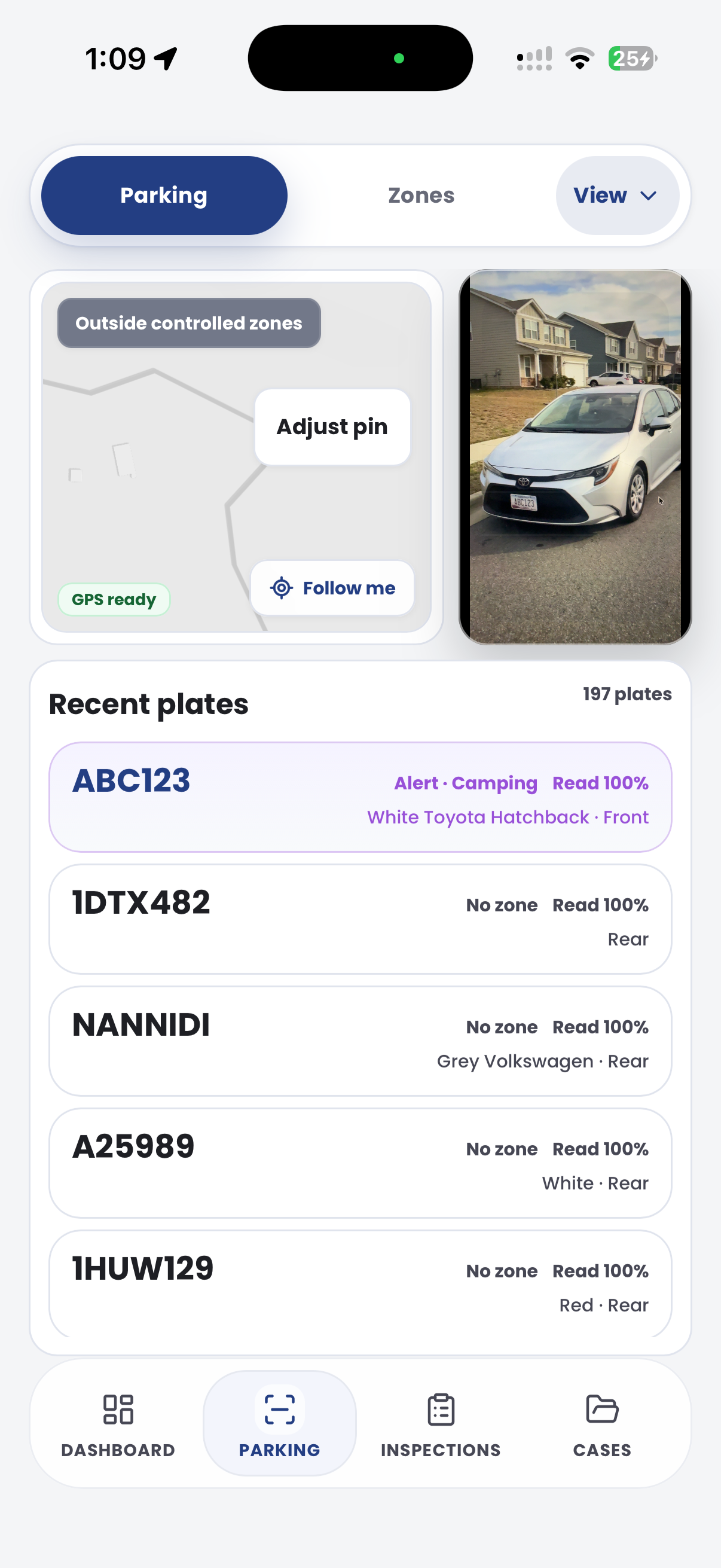
Capture plate activity and location context during timed-area patrols. Keep field evidence available to the team reviewing dwell and repeat sightings.

Customer field stories
Seven short case studies covering parking, patrol, evidence and compliance workflows in real operating environments.
A council team discusses field capture, review and day-to-day parking operations.
Full product walkthrough
Watch the full CORE walkthrough for a closer look at connected field work, evidence, cases, permits and reporting.
Use a free 1:1 strategy session to outline the current process, name a practical success criterion and decide whether to start a 30-day risk-free trial.
Free from Aero Ranger
No login required. Aero NoticeFlow turns spreadsheet rows and your approved notice PDF into individual notices you can review and download in your browser.

