Vehicle and traffic operations
Aero Ranger helps vehicle-hire teams structure condition inspections, photos, notes, review decisions and follow-up actions around the vehicle record.
30 days risk free. Start with one workflow and a clear success criterion.
The operating problem
Return inspections need consistent prompts, time and location context, and a route for review without relying on disconnected photo folders.

The source workflow
In CORE, a return-condition issue works best as an evidence-led operational record that keeps the inspection, photos, reviewer, actions and outcome together.
Vehicle, return context, inspection outcome and observed condition.
Photos, notes, timestamps and supporting records.
Reviewer, follow-up action, due date and final outcome.
A consistent condition record reduces the need to reconstruct a return event from disconnected photos and messages.
Photos and notes often live outside the vehicle workflow where later reviewers cannot see the full context.
Yard, branch, repair and customer-care teams need a shared record rather than repeated explanations.
The reviewable record
Teams can start with a targeted pilot, tune thresholds and then extend the same model across related compliance areas.
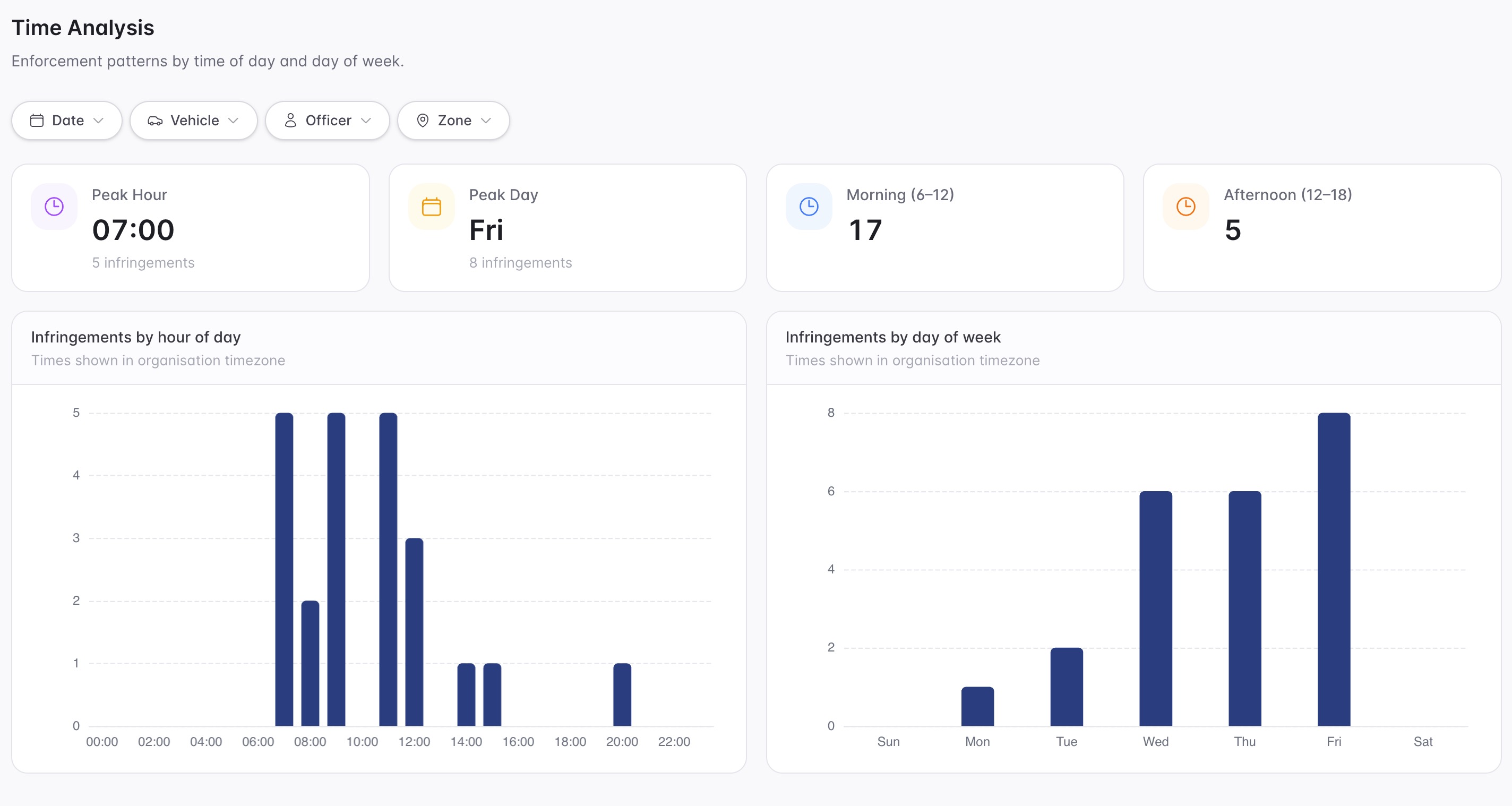
A focused first test
A reviewable record keeps the vehicle, inspection, evidence, outcome and action history connected.
Create repeatable vehicle-condition prompts for the required operating process.
Attach condition observations to the inspection record.
Send a condition exception into a owned workflow when further review is needed.
30 days risk free. Start with one workflow and a clear success criterion.
Related operating considerations
Keep return issues, owners and deadlines clear.
Understand the downstream impact of inspection outcomes.
Photos and notes often live outside the vehicle workflow where later reviewers cannot see the full context.
Yard, branch, repair and customer-care teams need a shared record rather than repeated explanations.
The field app / iPhone and Android
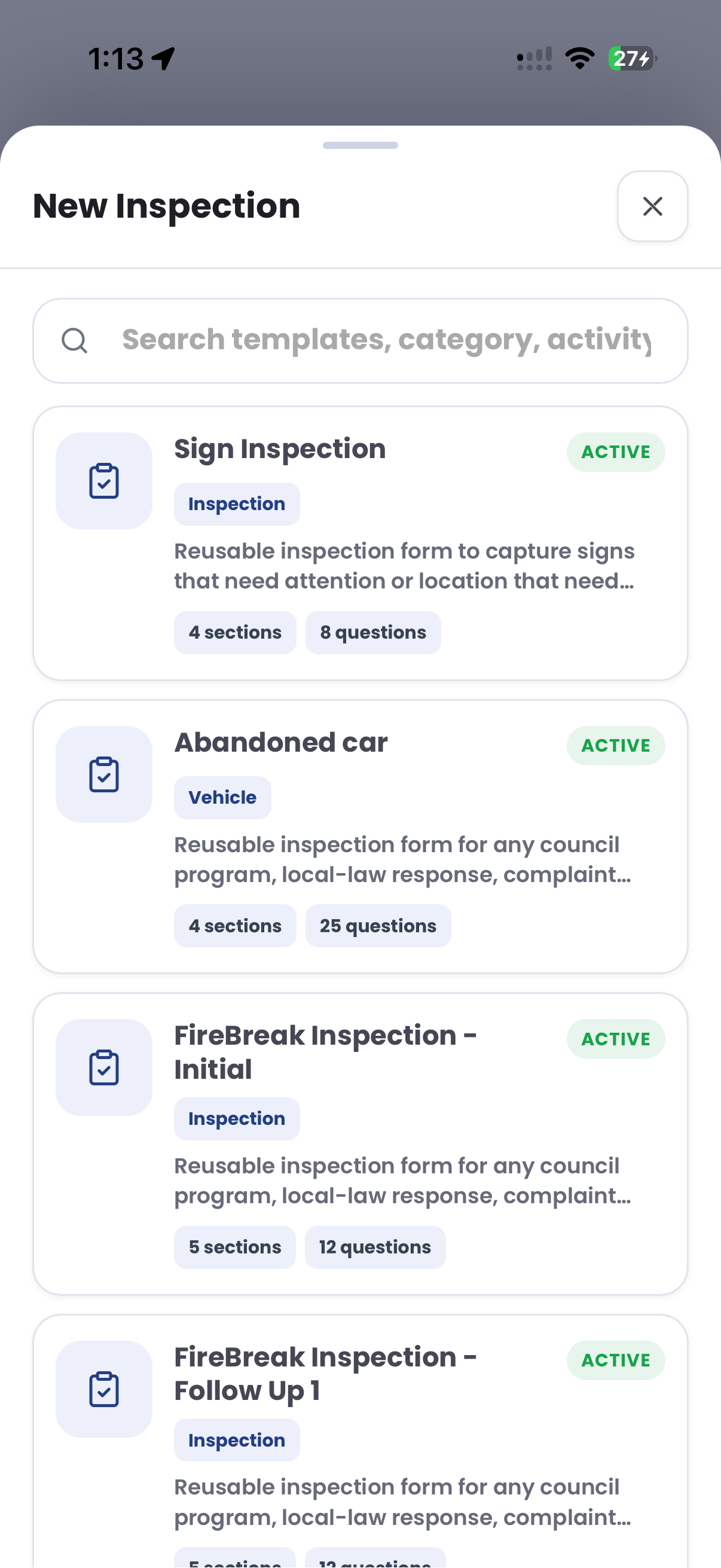
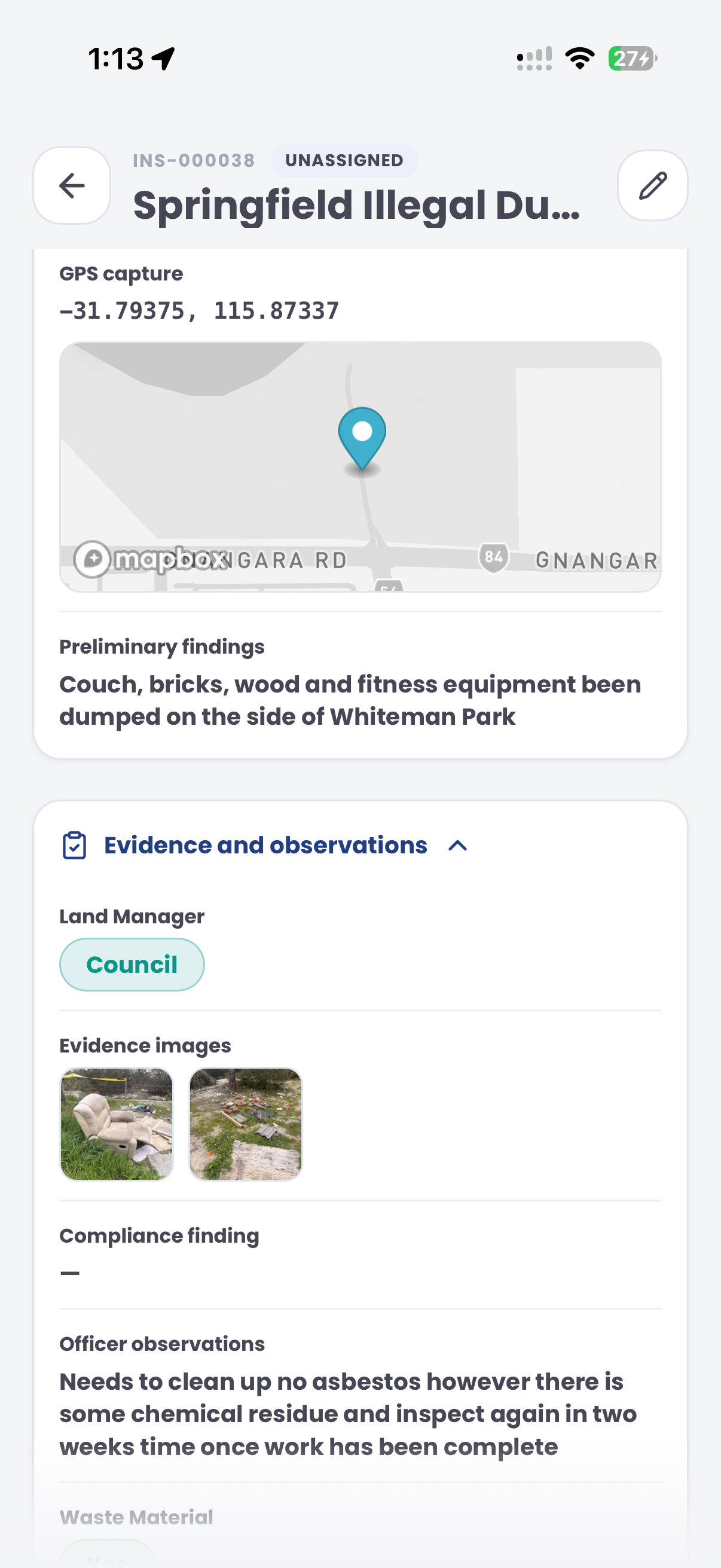
Use an inspection template to capture condition photos and observations. Keep the field record connected to the team's damage review and follow-up.
Customer field stories
Seven short case studies covering parking, patrol, evidence and compliance workflows in real operating environments.
A council team discusses field capture, review and day-to-day parking operations.
Full product walkthrough
Watch the full CORE walkthrough for a closer look at connected field work, evidence, cases, permits and reporting.
Use a free 1:1 strategy session to outline the current process, name a practical success criterion and decide whether to start a 30-day risk-free trial.
Free from Aero Ranger
No login required. Aero NoticeFlow turns spreadsheet rows and your approved notice PDF into individual notices you can review and download in your browser.

