Parking operations
Aero Ranger helps teams detect vehicles using permit zones without the right authorisation by matching plate reads to permit categories, active hours, zone scope, exemptions, evidence and cases.
30 days risk free. Start with one workflow and a clear success criterion.
The operating problem
Resident, staff, visitor, contractor and special-access permits can have different active hours, zone coverage and enforcement modes. Misuse detection needs that context before action.

The source workflow
Permit-zone misuse is an authorisation check. Council needs to know whether the vehicle, permit category, property or account is valid for that exact zone and time.
Confirm resident, visitor, staff, contractor or restricted-area rules, active times, property boundaries and permit conditions.
Link the plate read to the permit account, expiry, zone, exemption and any temporary authorisation or manual override.
Close authorised vehicles, contact permit holders where needed, issue warnings or notices, and report pressure where permits and kerb demand conflict.
Rego, permit category, account or property link, active dates, authorised zones and permit conditions.
Resident zone, staff zone, contractor area, loading area, restricted bay, active hours and rule reference.
Plate read, location, photo, permit lookup result, officer note and exception outcome.
The reviewable record
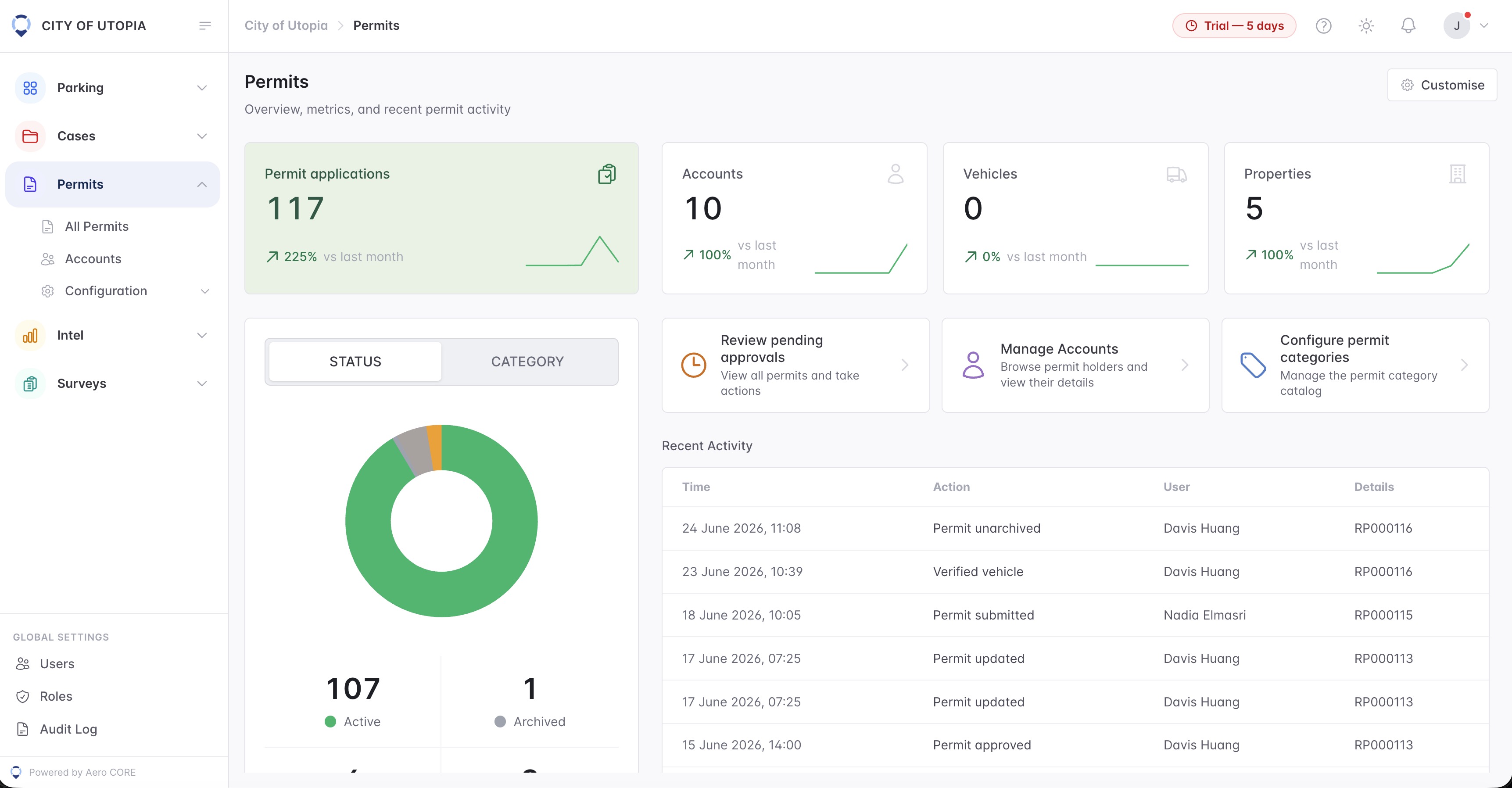
A permit-zone decision needs the plate, zone, active category, permit window, enforcement mode and any exemption visible in one workflow.
A focused first test
Bring a resident, staff or visitor permit scenario and we will walk through category logic, zone scope, evidence and case review.
Configure categories, colours, descriptions, active hours and enforcement modes.
Evaluate plates only against the zones and tags each permit category covers.
Use plate reads to identify vehicles without a matching permit or exemption.
30 days risk free. Start with one workflow and a clear success criterion.
Related operating considerations
Check whether a valid paid session or permit clears a parking decision.
Combine permit context with timed parking and grace-period rules.
Use permit and exemption review for sensitive bay-based decisions.
Use temporary permit categories and zones when normal access rules change.
The field app / iPhone and Android
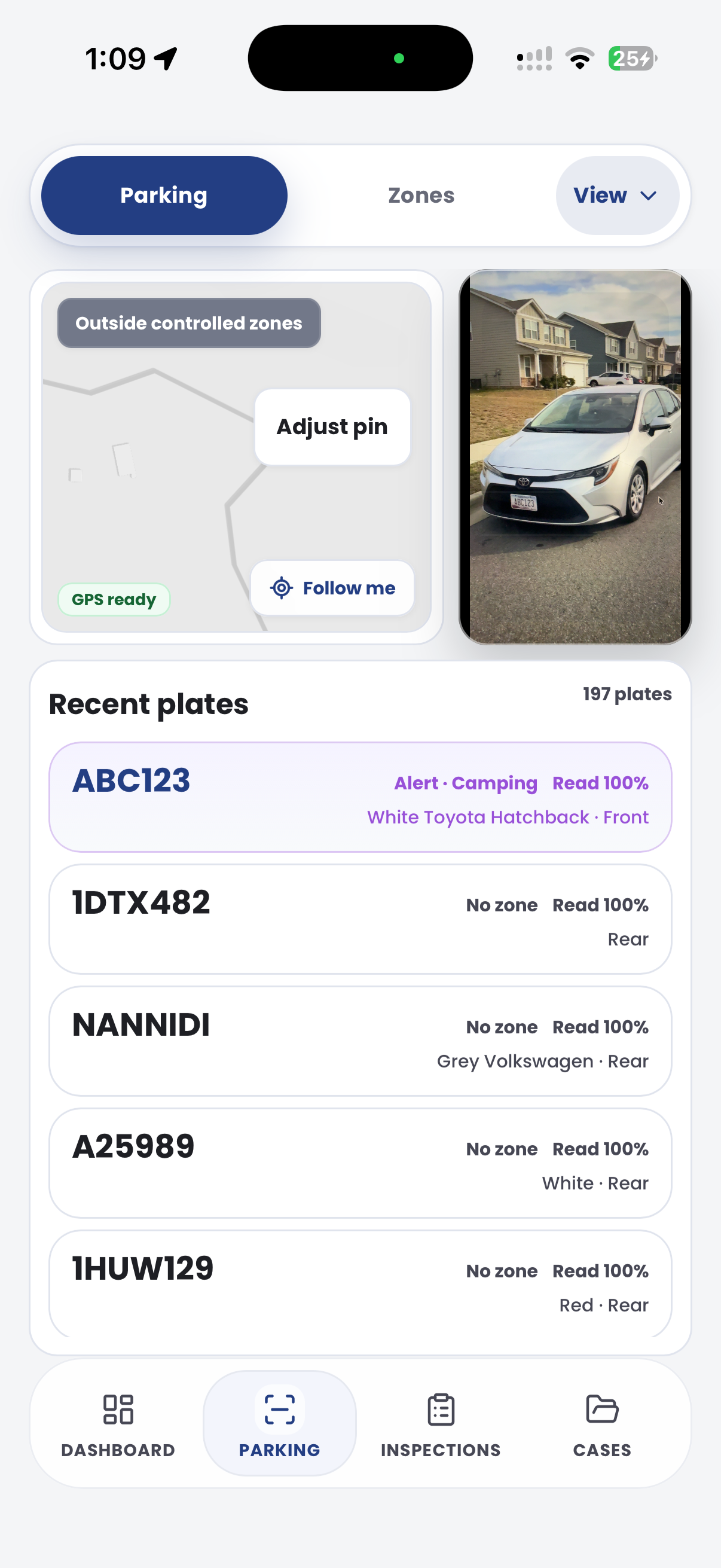
Record the vehicle, parking location and relevant site evidence. Keep those observations connected to the wider permit and exception review.

Customer field stories
Seven short case studies covering parking, patrol, evidence and compliance workflows in real operating environments.
A council team discusses field capture, review and day-to-day parking operations.
Full product walkthrough
Watch the full CORE walkthrough for a closer look at connected field work, evidence, cases, permits and reporting.
Use a free 1:1 strategy session to outline the current process, name a practical success criterion and decide whether to start a 30-day risk-free trial.
Free from Aero Ranger
No login required. Aero NoticeFlow turns spreadsheet rows and your approved notice PDF into individual notices you can review and download in your browser.

