Illegal dumping casework
Aero Ranger helps council teams capture structured dumping evidence, identify responsible parties, open review-ready cases, issue notices and track clean-up cost recovery from one operating workflow.
30 days risk free. Start with one workflow and a clear success criterion.
The operating problem
Illegal dumping creates clean-up costs, environmental damage and community frustration. The hard part is turning an incident into structured evidence, offender identification and a case that can stand up later.

The source workflow
Illegal dumping is part clean-up job and part investigation. Council teams need to make the site safe, preserve useful evidence, decide whether responsibility can be established, arrange collection and report cost and repeat-location pressure.
Record the location, waste type, public health or environmental risk, whether urgent clean-up is needed and whether the material should be left briefly for investigation.
Attach photos, witness details, vehicle information, nearby property context, prior incidents and any letters or public information requests sent to nearby residents.
Assign clean-up work, record disposal and contractor costs, issue notices where appropriate, and feed hotspot, access-control and signage decisions back into prevention planning.
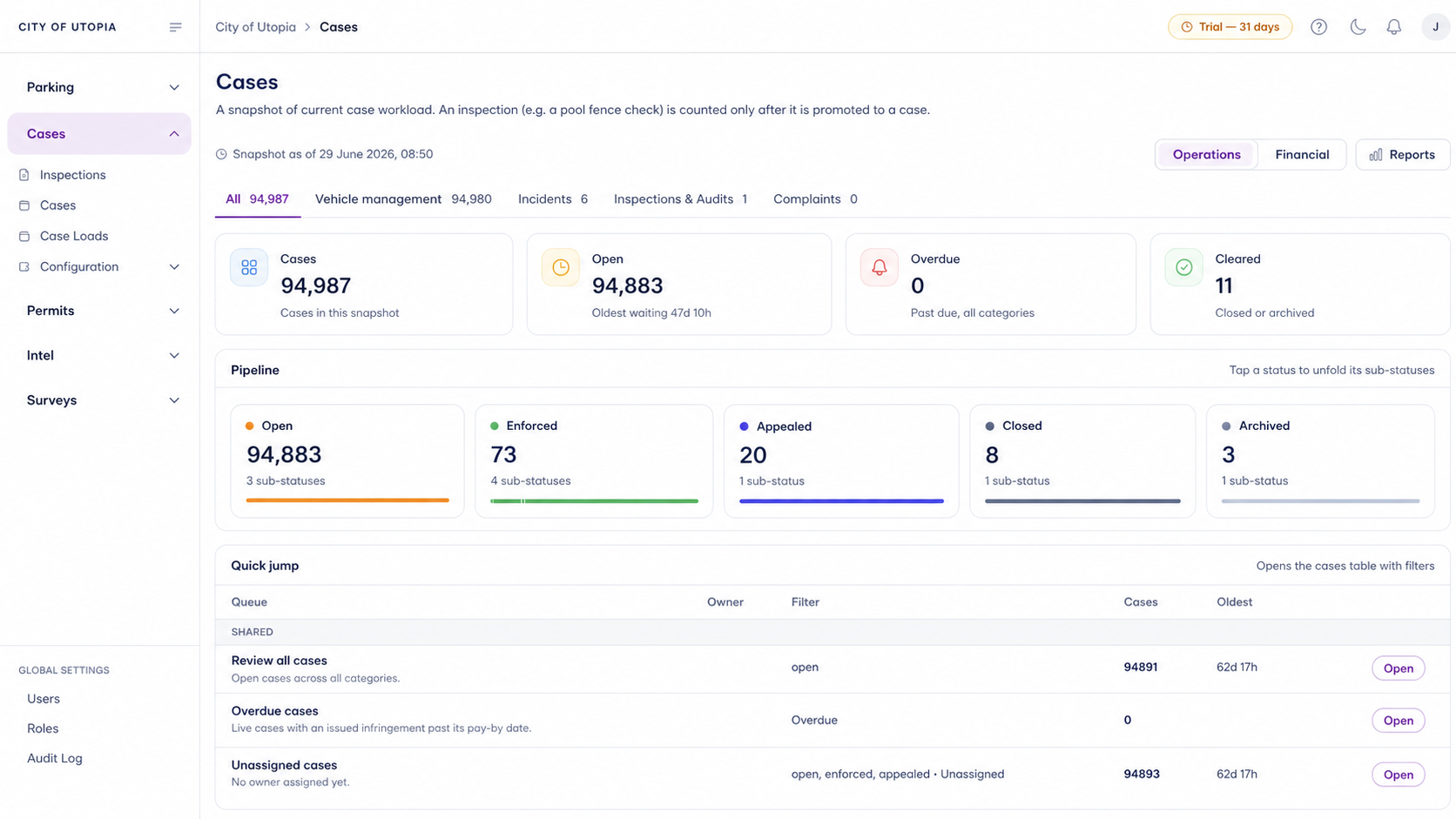
Dumping type, estimated volume, hazard notes, materials observed, officer priority and whether the site needs urgent clean-up.
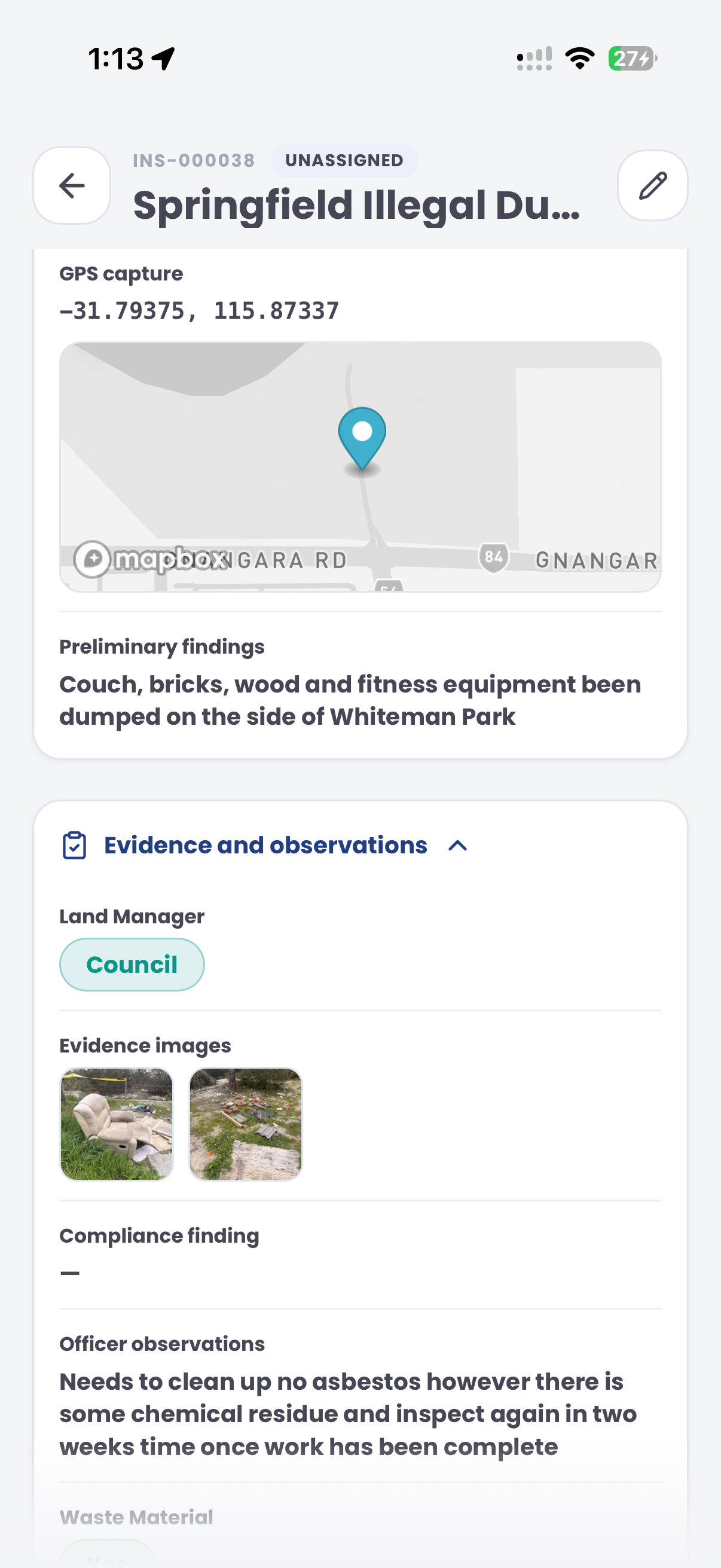
GPS pin, street address, asset, reserve, ward, landowner context and nearby camera or patrol coverage.
Photos, witness notes, vehicle sightings, registration details if available, inspection notes and chain-of-evidence comments.
The reviewable record
The useful question is not which feature exists. It is whether the team can see the place, rule, evidence, exception, next action and review history before making a decision.
A focused first test
Bring a real dumping hotspot or recent incident and we will walk through evidence capture, offender identification, notices, case flow and reporting.
Map known dumping sites, high-risk roads, reserves, transfer station approaches and surveillance zones.
Record photos, video, waste classification, volume, GPS, timestamps and identifying materials on site.
Link people, properties, businesses or vehicles to the incident using field evidence and vehicle activity.
30 days risk free. Start with one workflow and a clear success criterion.
Related operating considerations
Use the same vehicle activity, dwell evidence and case-flow pattern for vehicles left in place.
Detect repeat stays, measure dwell and move matters into reviewable cases.
Apply structured field evidence to signs, nuisance, public land and permit breaches.
Monitor repeat vehicle activity around restricted sites, reserves or public land.
The field app / iPhone and Android
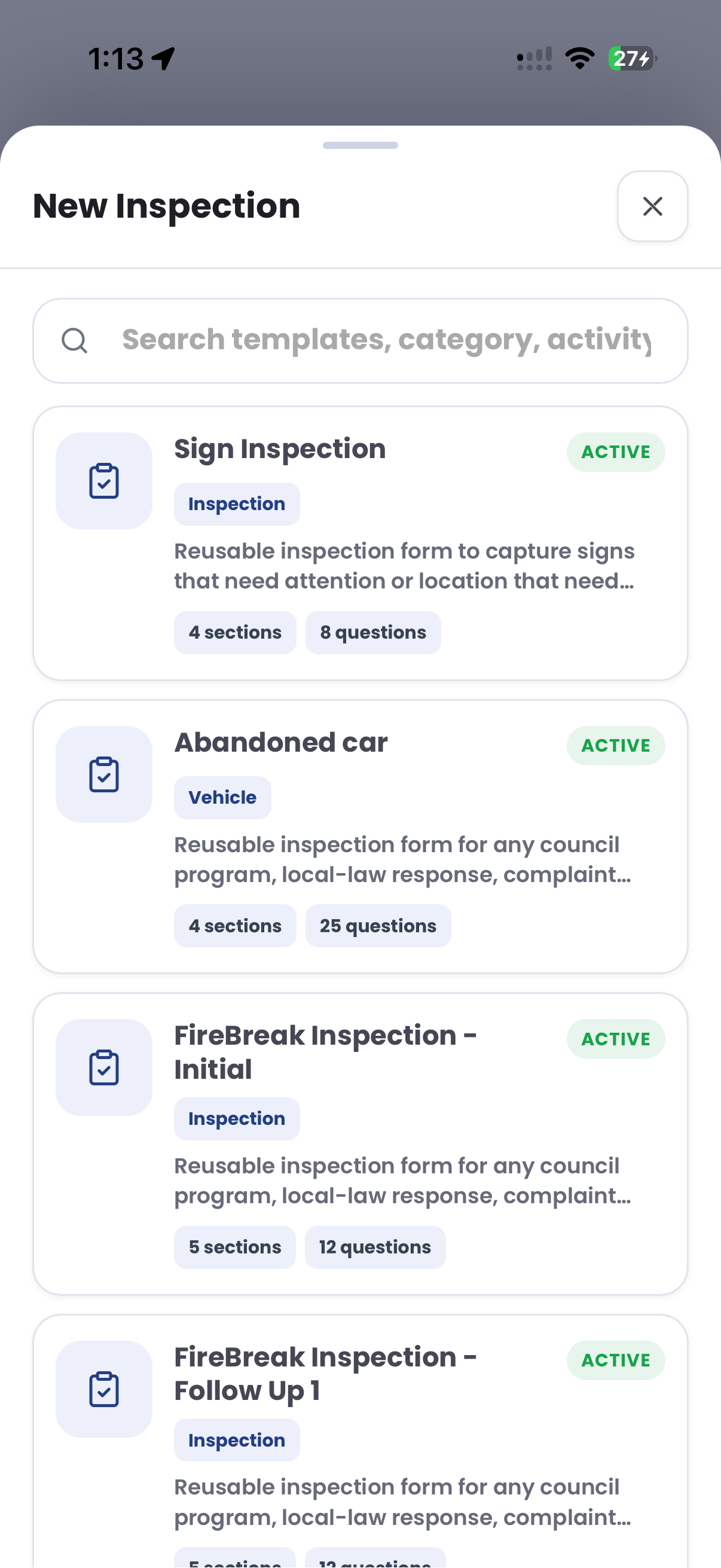
Capture the location, discarded materials and site evidence while you are there. Give the office a structured inspection record for review and clean-up follow-up.
Customer field stories
Seven short case studies covering parking, patrol, evidence and compliance workflows in real operating environments.
A council team discusses field capture, review and day-to-day parking operations.
Full product walkthrough
Watch the full CORE walkthrough for a closer look at connected field work, evidence, cases, permits and reporting.
Use a free 1:1 strategy session to outline the current process, name a practical success criterion and decide whether to start a 30-day risk-free trial.
Free from Aero Ranger
No login required. Aero NoticeFlow turns spreadsheet rows and your approved notice PDF into individual notices you can review and download in your browser.

