Camping and extended-stay review
Aero Ranger helps ranger and compliance teams detect repeat overnight stays, measure dwell time, capture evidence, open cases and manage follow-up across beaches, dunes, reserves, fire-breaks and roadside areas.
30 days risk free. Start with one workflow and a clear success criterion.
The operating problem
Illegal camping enforcement often crosses ranger patrols, parking rules, local laws, environment protection, public safety and customer service. The workflow needs to hold that context together.
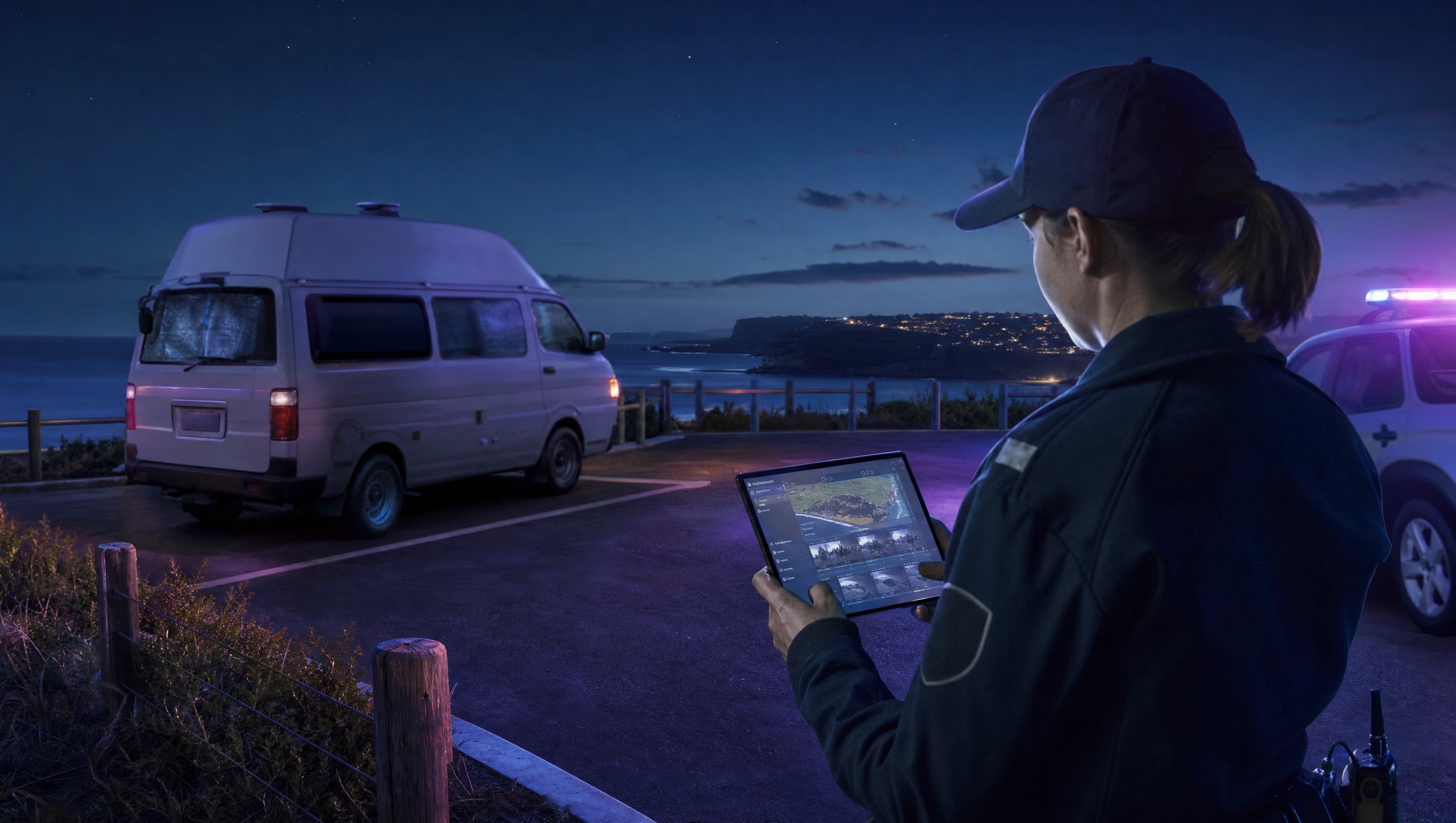
The source workflow
Illegal camping work usually starts with a place-based rule, not a product feature. A council needs to know which reserves, beaches, foreshore car parks or roadside areas are restricted, what time window applies and whether a vehicle appears to have stayed overnight or returned repeatedly.
Confirm restricted and permitted locations, seasonal rules, signage, self-contained or permit exceptions, and the handover process between after-hours patrols and daytime review staff.
Capture the vehicle, time, place, photos and officer notes in the field. If the matter depends on dwell time, keep each sighting attached to the same vehicle and location history.
Decide whether the outcome is education, a move-on request, a warning, an infringement, monitoring or referral, then report repeat sites and seasonal pressure.
Rego, vehicle type, make, colour, first sighting, repeat sightings, overnight duration and any visible camping indicators.
GPS pin, reserve or foreshore zone, seasonal rule, signage notes, permit category and any restricted-area boundary.
ANPR reads, photos, officer notes, timestamps, inspection outcomes and copies of any warning or notice issued.
The reviewable record
Public land patrols need both field context and system context: where the vehicle was, when it appeared, what rule applies and what happened next.
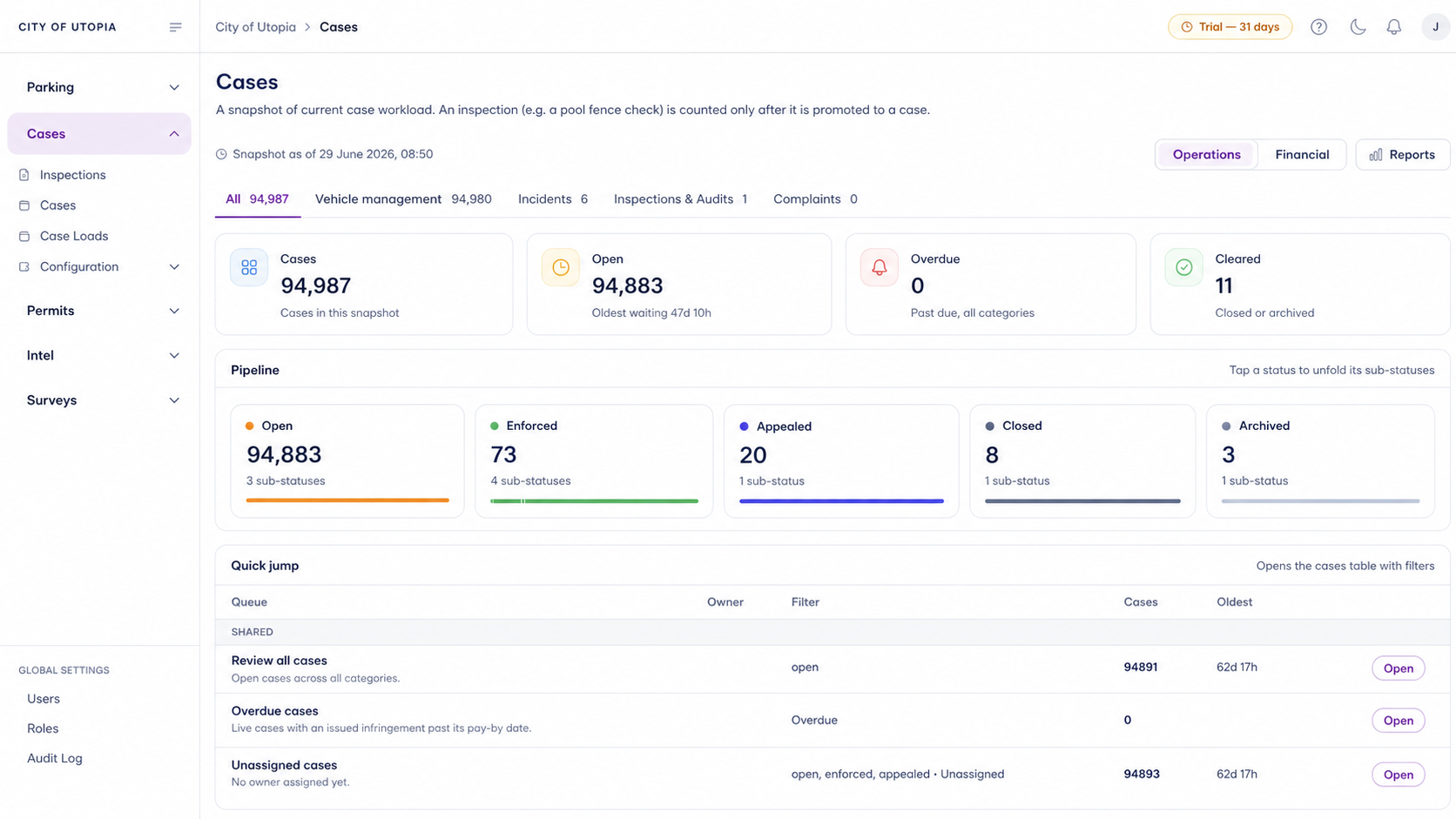
A focused first test
Bring a real patrol scenario and we will walk from first plate sighting to dwell alert, case review, notice generation and reporting.
Configure camping categories, restricted zones, vehicle types, look-back windows and dwell thresholds so long stays can create review alerts under the organisation's rules.
Every patrol pass can add a timestamped, GPS-located vehicle record, helping teams see repeat activity across remote car parks, foreshore areas and reserves.
Open matters into a repeatable process for inspection, monitoring, move-on action, infringement review, closure, appeal or external referral.
30 days risk free. Start with one workflow and a clear success criterion.
Related operating considerations
Use longer dwell thresholds to find vehicles that remain in one place for days rather than hours.
Flag vehicles in closed reserves, restricted fire-breaks or seasonal no-access areas.
Pair vehicle sightings with incident records, inspections and evidence review near known dumping locations.
Cross-reference vehicle access against permits, exemptions or authorised contractor records.
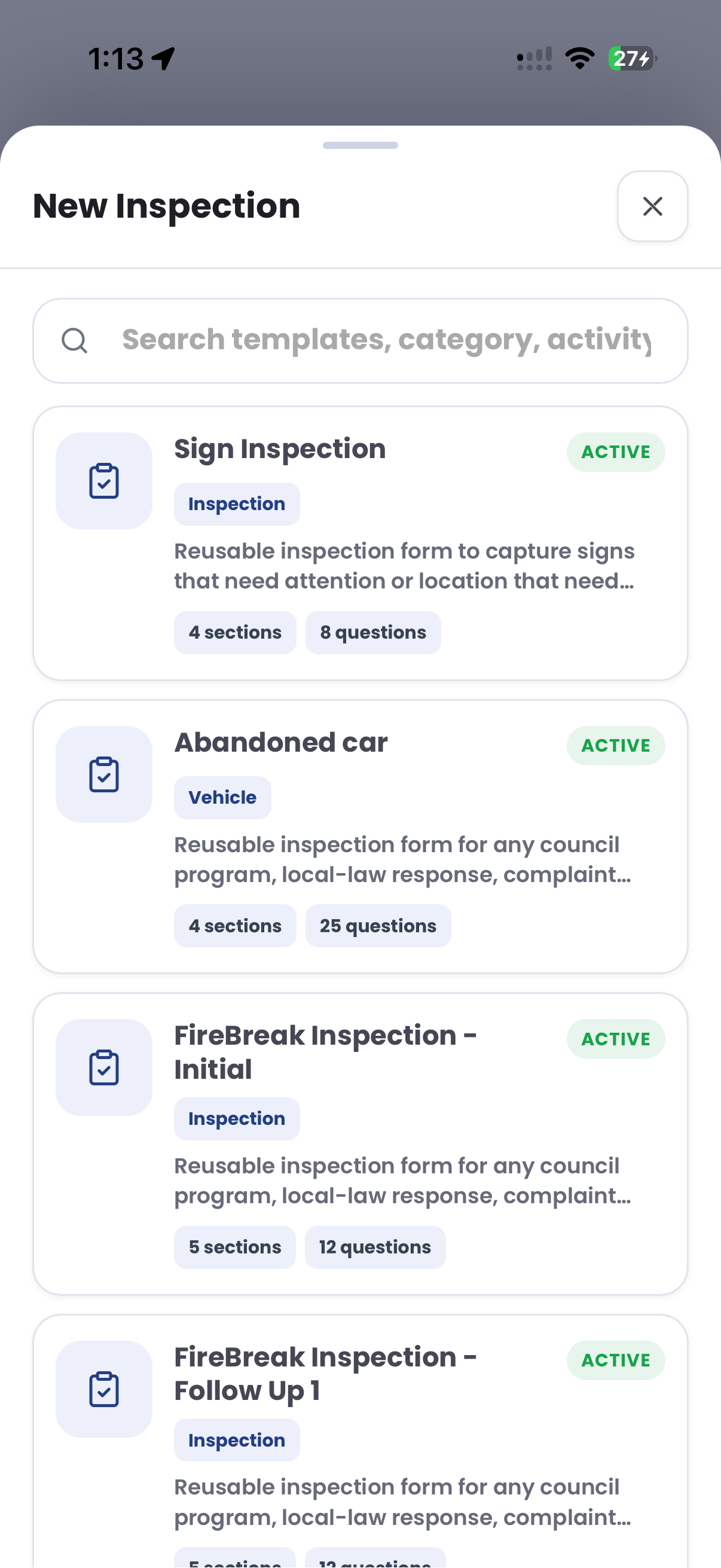
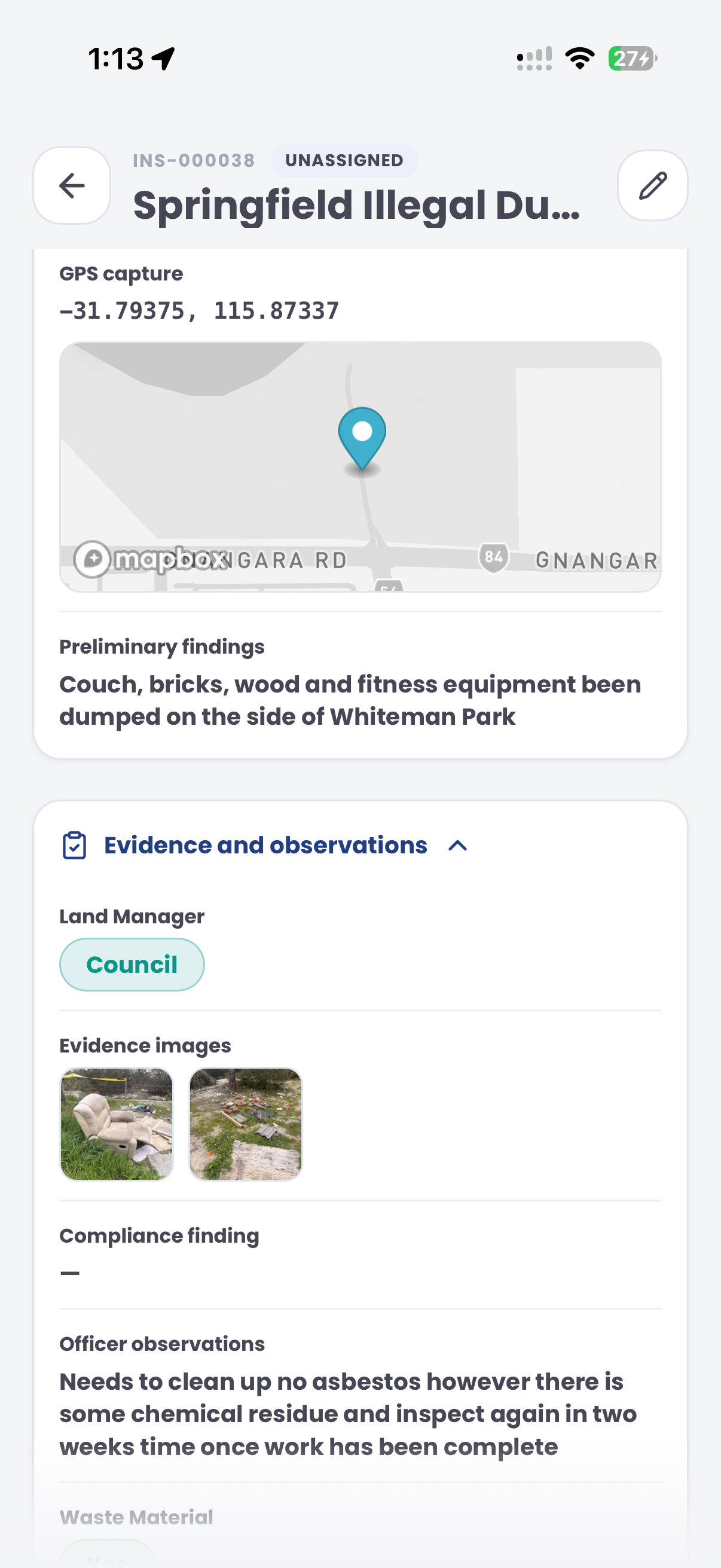
The field app / iPhone and Android
Record site conditions, photos and observations during camping checks. Keep the field inspection connected to the wider case and follow-up in CORE.
Customer field stories
Seven short case studies covering parking, patrol, evidence and compliance workflows in real operating environments.
A council team discusses field capture, review and day-to-day parking operations.
Full product walkthrough
Watch the full CORE walkthrough for a closer look at connected field work, evidence, cases, permits and reporting.
Use a free 1:1 strategy session to outline the current process, name a practical success criterion and decide whether to start a 30-day risk-free trial.
Free from Aero Ranger
No login required. Aero NoticeFlow turns spreadsheet rows and your approved notice PDF into individual notices you can review and download in your browser.

