Compliance casework
Aero Ranger helps service station operators and authorised review teams manage reported fuel drive-offs by linking vehicle evidence, forecourt context, payment status, contact attempts, recovery steps and referral outcomes in one case workflow.
30 days risk free. Start with one workflow and a clear success criterion.
The operating problem
Fuel drive-offs can move quickly from a forecourt observation to customer contact, recovery steps or referral. The workflow needs a clear record before anyone treats the matter as intentional non-payment.
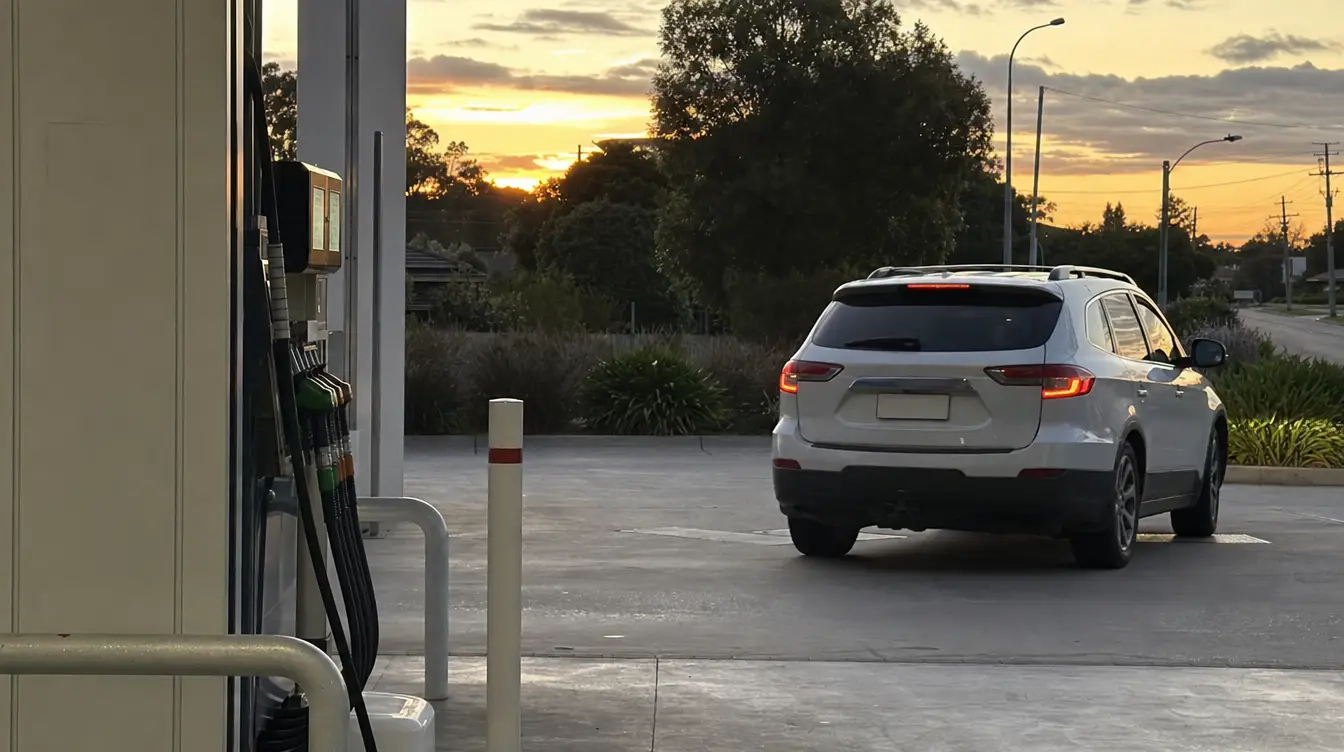
The source workflow
Start with the forecourt report, keep evidence and contact attempts together, then close, recover or refer the matter with a clear history.
Capture the station, pump, time, amount, staff note and vehicle evidence as one reported incident.
Record whether payment is missing, disputed, delayed, reversed or linked to a known customer or account.
Check plate reads, repeat incidents, previous contact attempts and any relevant authorised-list context.
Assign contact tasks, document outcomes, attach receipts or correspondence and record any payment resolution.
Prepare a referral pack where required, or close with a reason such as paid, disputed, insufficient evidence or no further action.
A forecourt image, payment note, pump record and staff description can end up in different systems unless the matter is opened as one case.
The reviewable record
Review teams need the vehicle, pump, time, amount, payment context, contact history and outcome decision visible together.
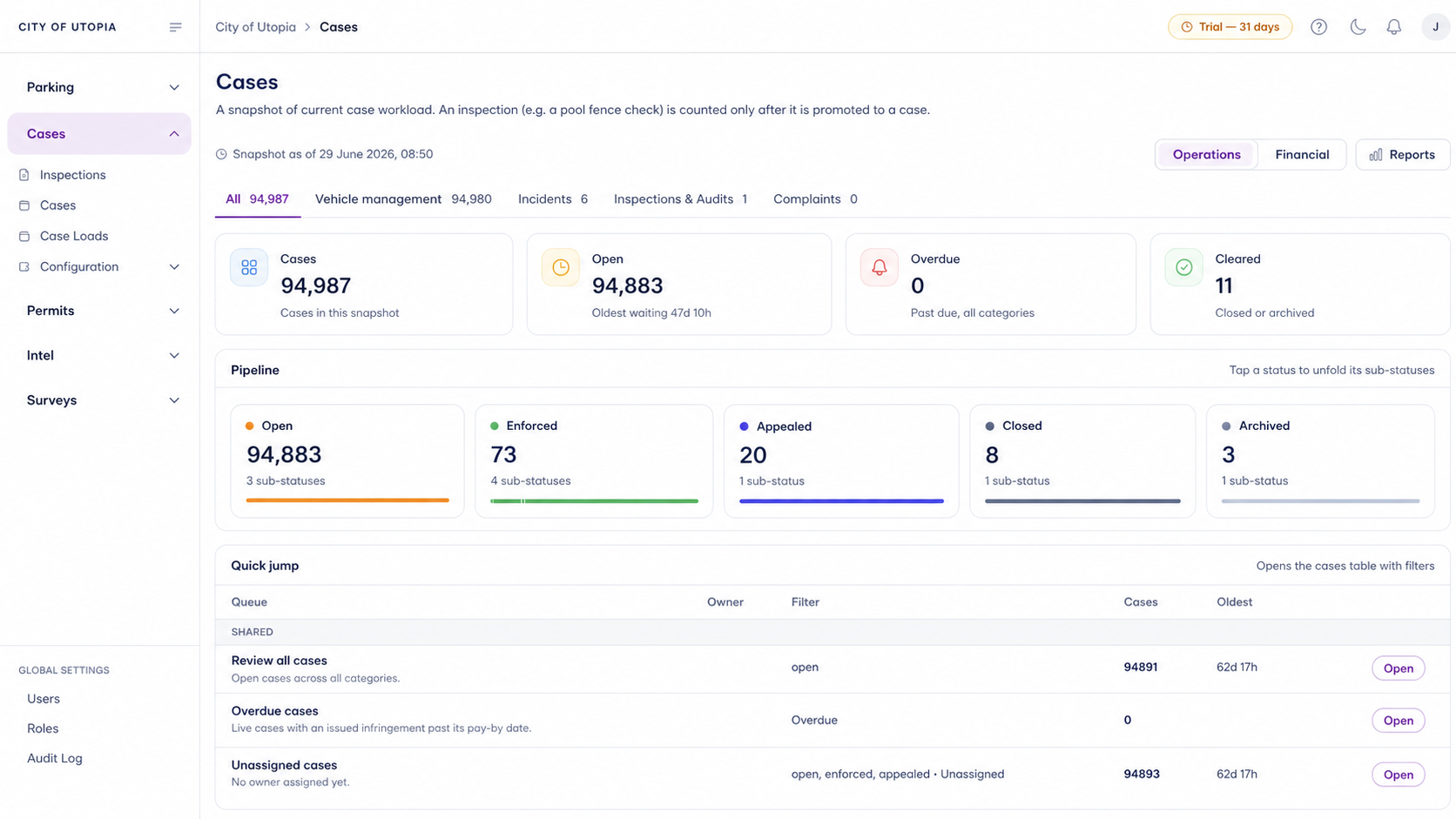
A focused first test
Bring a real forecourt scenario and we will map the vehicle evidence, payment review, contact attempts, referral pathway and reporting.
Open a reported fuel drive-off as a case with station, pump, amount, vehicle, payment and evidence fields.
Attach vehicle images, plate reads where available and sighting history to help reviewers understand repeat activity.
Record payment status, disputed payment notes, customer contact attempts and recovery steps before escalation.
30 days risk free. Start with one workflow and a clear success criterion.
Related operating considerations
Use governed lists and alert delivery when repeat vehicle activity needs authorised review.
Reuse reminder, evidence pack, external action and closure patterns for aged matters.
Compare vehicle activity against approved records, locations and referral pathways.
Use vehicle history and site context to understand repeat operational activity.
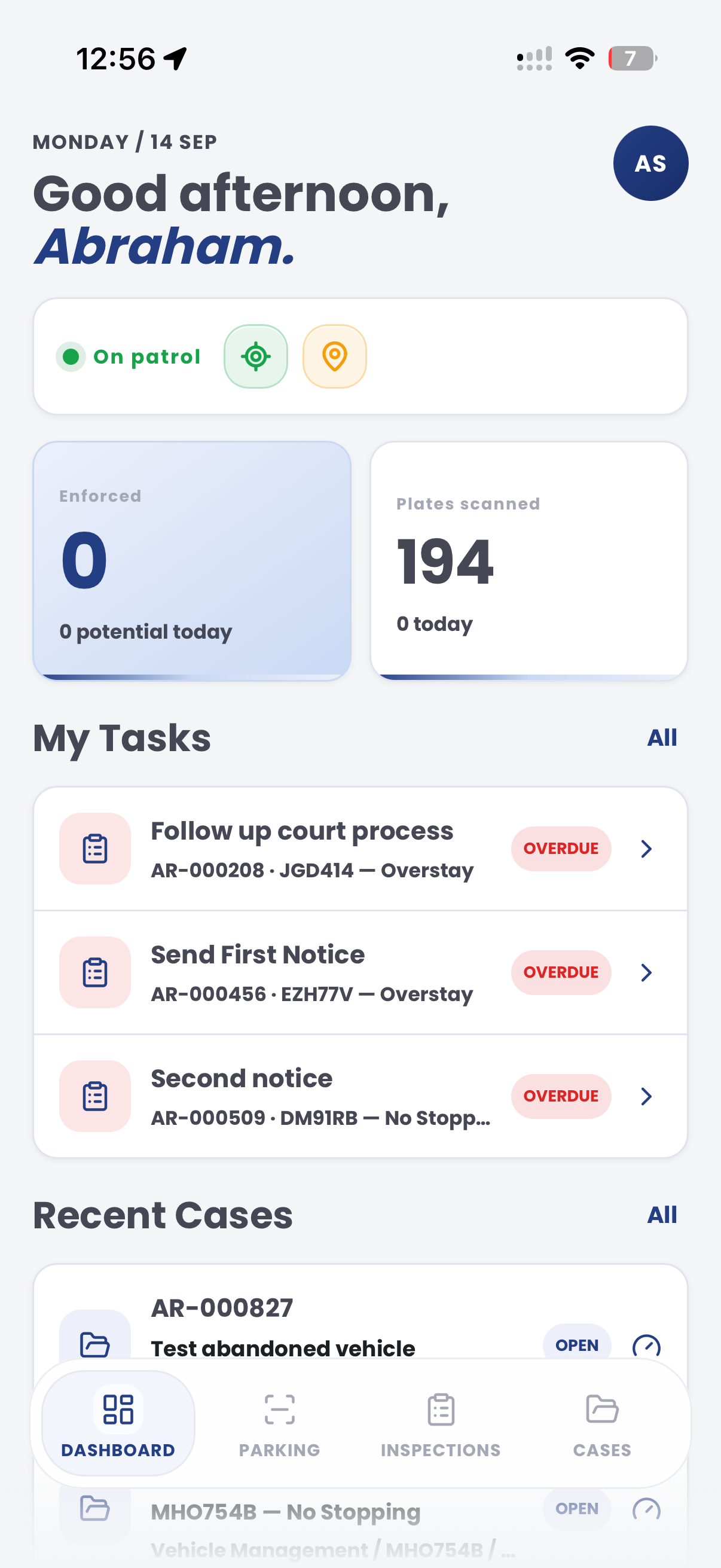
The field app / iPhone and Android
Keep case evidence and follow-up tasks available during a site visit. Add field observations to the record supporting the team's review of reported non-payment.

Customer field stories
Seven short case studies covering parking, patrol, evidence and compliance workflows in real operating environments.
A council team discusses field capture, review and day-to-day parking operations.
Full product walkthrough
Watch the full CORE walkthrough for a closer look at connected field work, evidence, cases, permits and reporting.
Use a free 1:1 strategy session to outline the current process, name a practical success criterion and decide whether to start a 30-day risk-free trial.
Free from Aero Ranger
No login required. Aero NoticeFlow turns spreadsheet rows and your approved notice PDF into individual notices you can review and download in your browser.

