Cross-depot vehicle search
Aero Ranger helps vehicle-hire teams search recent vehicle observations, yard context, inspection records and exceptions across connected depots.
30 days risk free. Start with one workflow and a clear success criterion.
The operating problem
A search result should help a team see where a vehicle was observed, what was recorded and whether an exception or task remains open.

The source workflow
In CORE, cross-depot search works best as a vehicle history review that combines recent observations, location context, linked inspections and active actions.
Vehicle identifier, recent observation, depot and zone.
Relevant inspections, evidence and open actions.
Confirmed context, owner and next step.
The team can make the next decision from a connected history instead of calling around for separate depot notes.
A plate alone does not show whether the relevant record is a yard observation, condition check or open exception.
Teams lose time confirming a vehicle’s last known context across calls and spreadsheets.
The reviewable record
Teams can start with a targeted pilot, tune thresholds and then extend the same model across related compliance areas.
A focused first test
Bring a common vehicle-location or handoff question and we will map the relevant record, search filters and follow-up route.
Find recent vehicle observations using a common vehicle identifier.
Narrow results by depot, branch, zone, capture source or time period.
Review inspection notes, photos and related case history where relevant.
30 days risk free. Start with one workflow and a clear success criterion.
Related operating considerations
Use location history to resolve stocktake differences.
Review condition evidence from the same vehicle context.
A plate alone does not show whether the relevant record is a yard observation, condition check or open exception.
Teams lose time confirming a vehicle’s last known context across calls and spreadsheets.
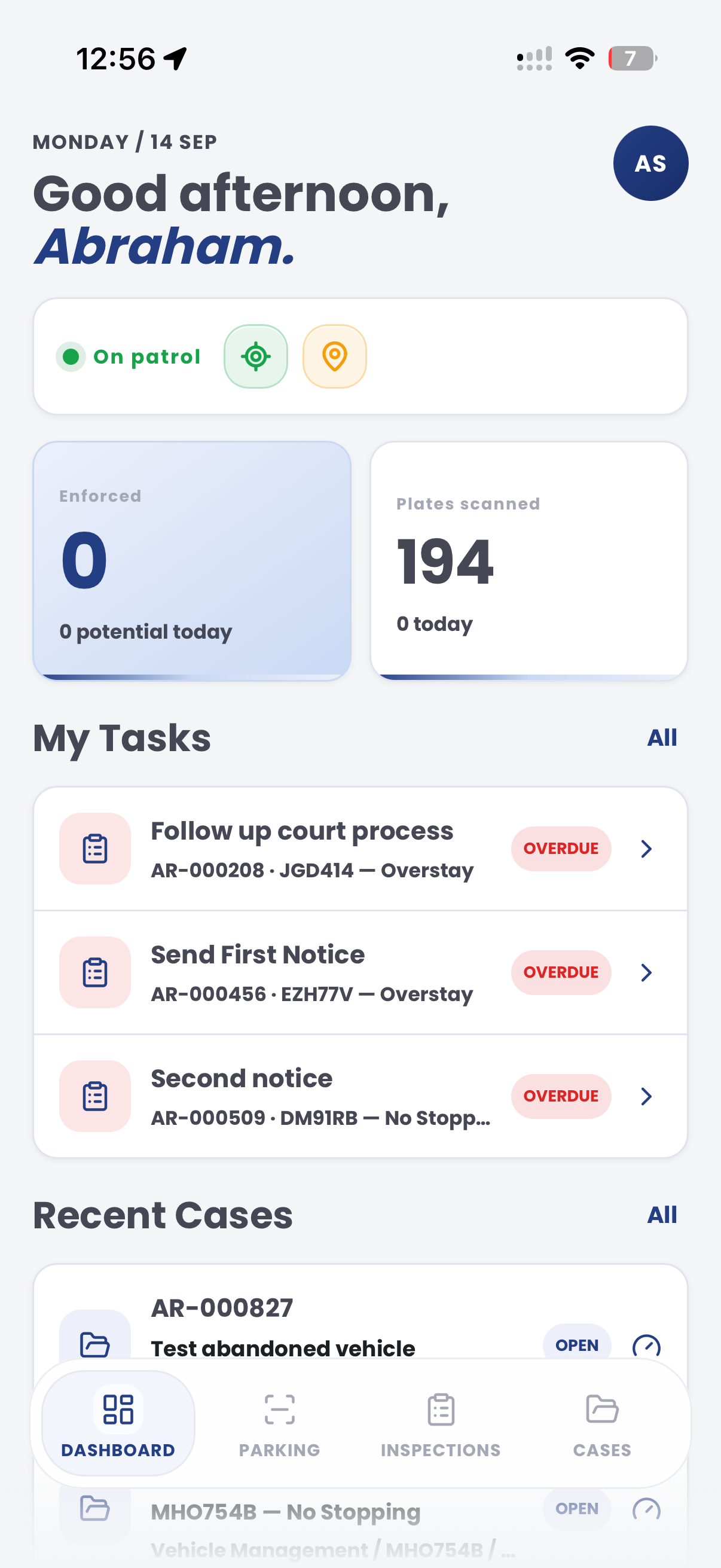
The field app / iPhone and Android
Add current vehicle observations and evidence from the depot. Keep site findings connected to the wider vehicle-history and search workflow in CORE.

Customer field stories
Seven short case studies covering parking, patrol, evidence and compliance workflows in real operating environments.
A council team discusses field capture, review and day-to-day parking operations.
Full product walkthrough
Watch the full CORE walkthrough for a closer look at connected field work, evidence, cases, permits and reporting.
Use a free 1:1 strategy session to outline the current process, name a practical success criterion and decide whether to start a 30-day risk-free trial.
Free from Aero Ranger
No login required. Aero NoticeFlow turns spreadsheet rows and your approved notice PDF into individual notices you can review and download in your browser.

