Plan the approved capture
Define the off-street site, operating boundary, flight permissions and vehicle information required for the workflow.
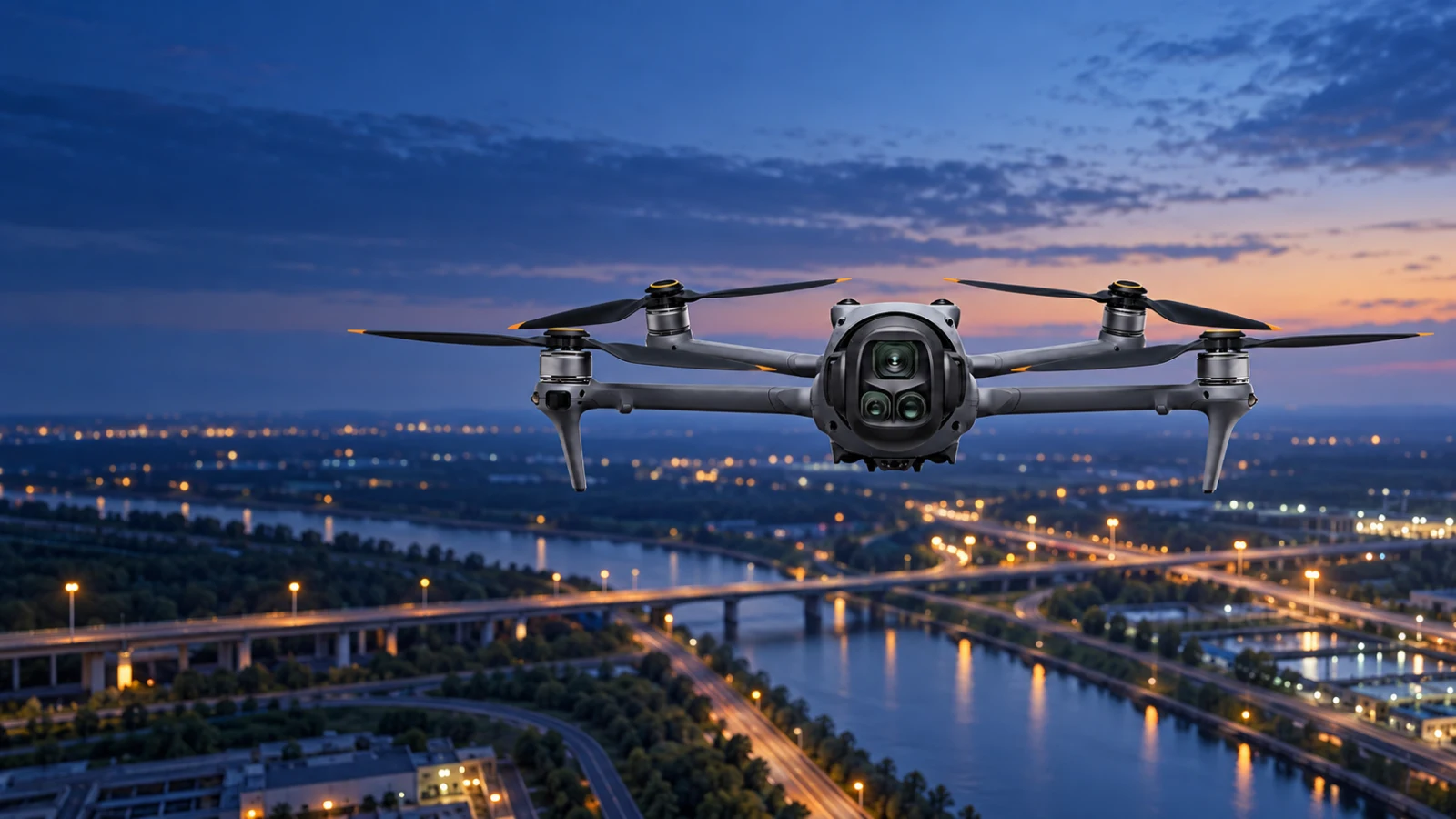
DroneLink / Drone-agnostic integration for off-street operations
Use the drone already available to capture off-street parking areas, vehicle yards, hire fleets and port compounds, then bring authorised imagery and operating context into Aero Ranger CORE.
From aerial capture to CORE
DroneLink is drone-agnostic. The aircraft does not need modification or a manufacturer-specific onboard installation. Aero Ranger hardware is added to the receiver on the ground, creating the scoped path that brings authorised captures into CORE for location context, reconciliation and human review.
Define the off-street site, operating boundary, flight permissions and vehicle information required for the workflow.
Capture the parking area, yard, fleet or port compound with the organisation's chosen drone and approved operating procedure.
Import authorised imagery and available location, time or mission context through the agreed DroneLink workflow.
Authorised teams review the record in CORE before counts, stocktake changes, cases or reports continue.
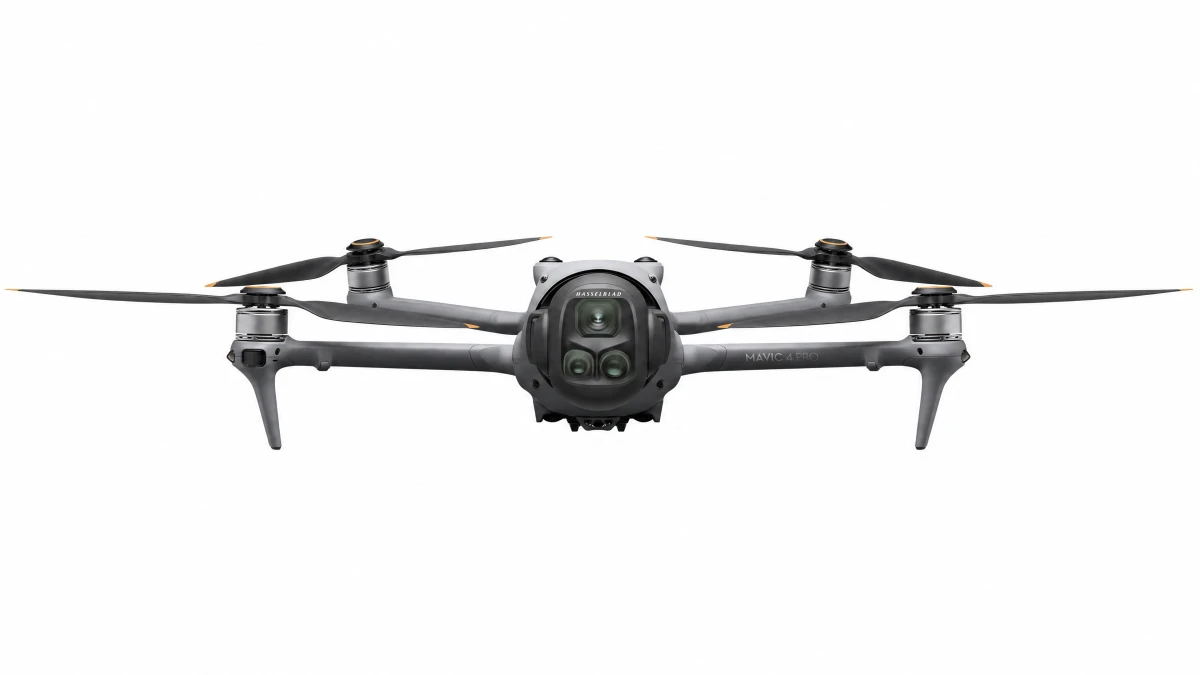
Ground receiver integration
The drone captures the approved imagery without an Aero Ranger device, firmware change or physical modification on the aircraft. Aero Ranger hardware is installed with the receiver on the ground to support the scoped transfer of authorised captures and available context into CORE.
CORE Meshing
CORE Meshing uses configured operating zones and rules to connect relevant observations from SentryLink fixed cameras, CarLink vehicle systems, PatrolLink mobile capture, RackLink local CCTV ingest, SolarLink remote sites and DroneLink aerial capture.
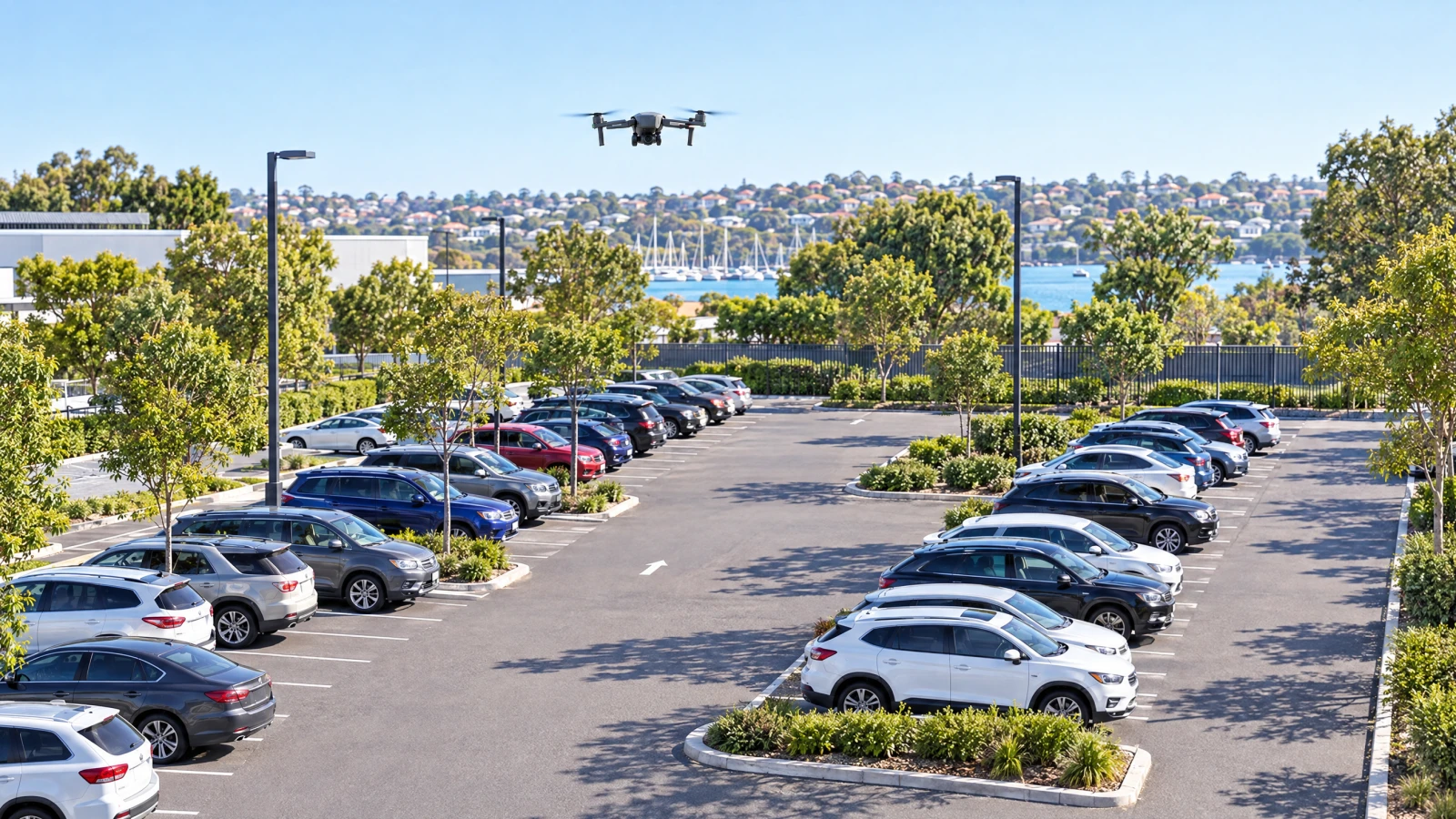
Integration paths
All drones are compatible because DroneLink does not require aircraft modification or a manufacturer-specific onboard installation. Each deployment includes Aero Ranger hardware added to the receiver on the ground, with the receiver interface, capture format, metadata, transfer method, site map, user permissions and CORE workflow scoped for the application.
Bring authorised aerial captures of car parks and private parking areas into CORE for structured occupancy, vehicle and review workflows.
Explore off-street parking DroneLink integrationUse scheduled aerial captures to support vehicle inventory reconciliation across storage, dealership and logistics yards.
Scope a yard workflow DroneLink integrationConnect fleet-yard imagery with authorised vehicle records to support hire-vehicle inventory and exception review.
Explore vehicle hire DroneLink integrationStructure aerial observations across port vehicle areas, depots and controlled compounds without modifying the drone.
Discuss a port deploymentProcurement and governance
DroneLink can accept authorised captures from any drone without modifying the aircraft, but the deployment does add Aero Ranger hardware to the receiver on the ground. Each use still depends on the receiver interface, operator, flight approval, airspace, site access, privacy controls, capture format, available metadata, transfer method, retention settings and the organisation's approved business rules.
DroneLink does not authorise a flight, establish aviation or privacy compliance, or make every capture source expose identical data. Confirm the operating and data workflow before deployment.DroneLink
Bring the current camera estate, operating zones and review process. Aero Ranger can map the practical integration path with your team.
