Aero Ranger field app
PatrolLink
Your field work.
Your phone. Connected to CORE.
Get PatrolLink for parking patrols, inspections, evidence and case follow-up on iPhone, iPad and Android.
iPhone and iPad
Your deviceDownload from the App Store


Android
Your deviceDownload from Google Play


Have your organisation's sign-in details ready. Downloading the app does not create an Aero Ranger account.
From the site to the record
Keep the field
work connected.
Bring observations, inspection forms and supporting evidence into the workflow your team uses in CORE.
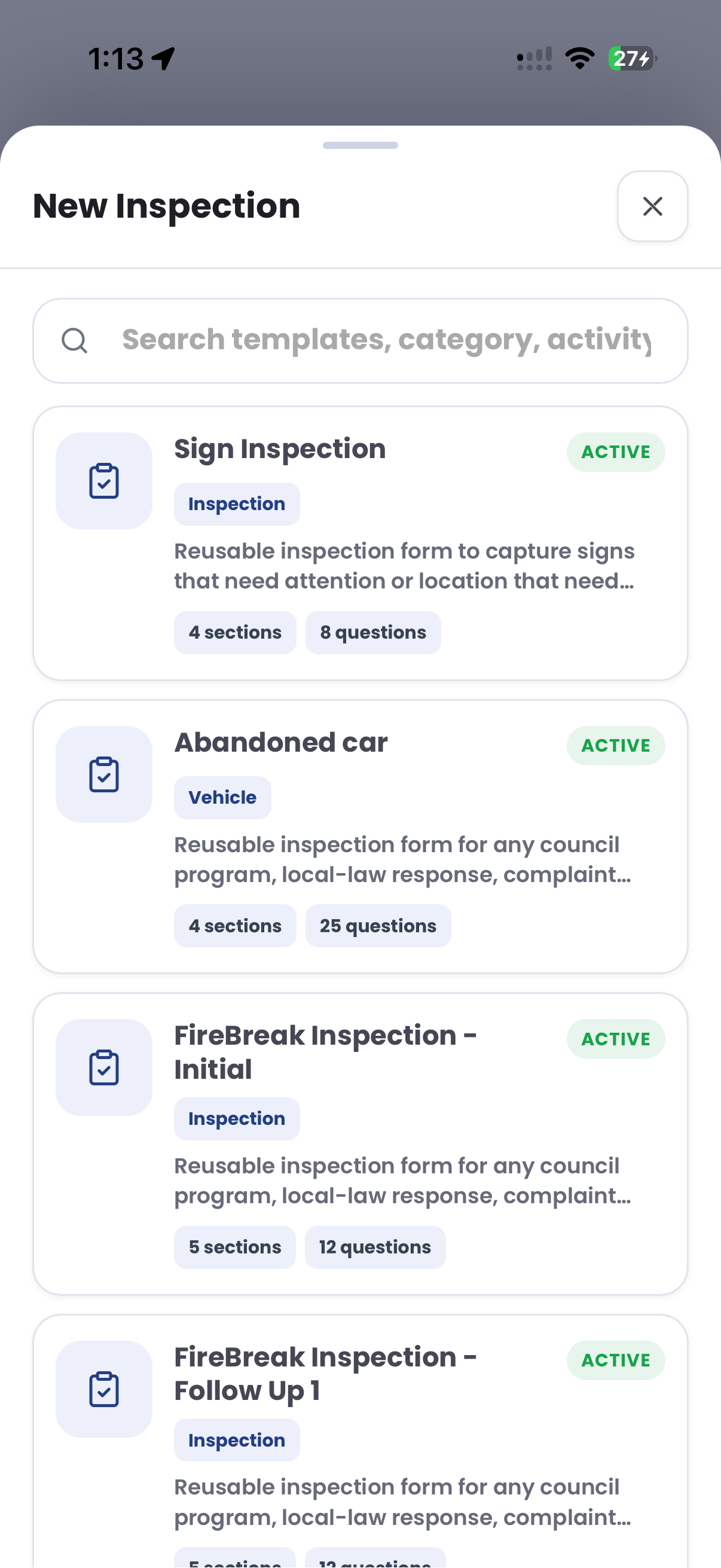
- InspectionsOpen reusable templates and record what you find on site.
- EvidenceKeep photos, location and observations with the field record.
- Follow-upKeep cases and the next action in view for your team.
Available workflows depend on your device, permissions and organisation's configuration.
CORE Academy
Learn it.
Then take it into the field.
Explore the Patrol Link course and the CORE workflows around it. Build your knowledge and work towards Aero Ranger certification.
Before you get started.
Which version should I download?
Use the App Store for iPhone and iPad, or Google Play for Android. Your store shows the current device compatibility and regional availability.
Do I need an Aero Ranger account?
Your organisation provides your PatrolLink access. Installing the app does not create a CORE account or change your permissions. Ask your team administrator for the right sign-in details.
Where can I learn the workflow?
CORE Academy includes Patrol Link training alongside the connected CORE courses. Request Academy access and follow the pathway assigned to your role.
What if the app is unavailable for my device?
Check the compatibility information in your store and ask your team administrator about supported devices. Do not install unofficial copies or share account credentials.
Is the app download the same as a platform subscription?
No. App installation and access to your organisation's Aero Ranger environment are separate. Confirm your account access, enabled workflows and any applicable subscription with your organisation.
